Generate purchase progress reports (Purchasable items and Price lists)
Start from: The Easilys menu.
Generate the report from the Price lists screen
- Navigate to Products > Price lists.
- Select Reports.
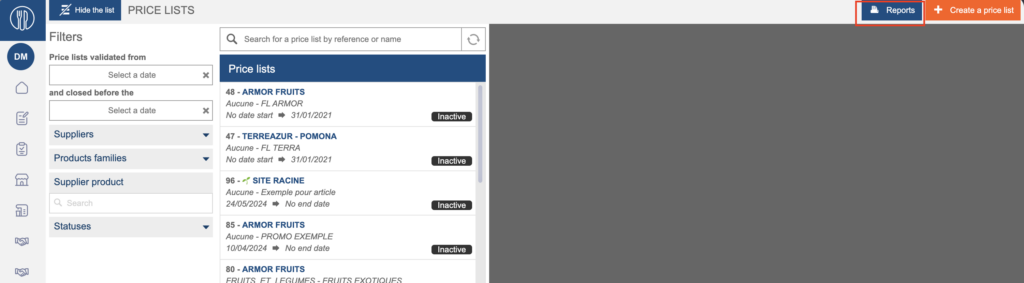
- Choose Purchase progress report.
- Select the format you want in order to generate the report.
- Download the report.
Generate the report from the Purchasable items screen
- Navigate to Products > Purchasable items.
- Select Reports.

- Choose Purchase progress report.
- Select the format you want in order to generate the report.
- Download the report.