


Start from: The Workforce module.
- Navigate to Configuration > Employee Record.
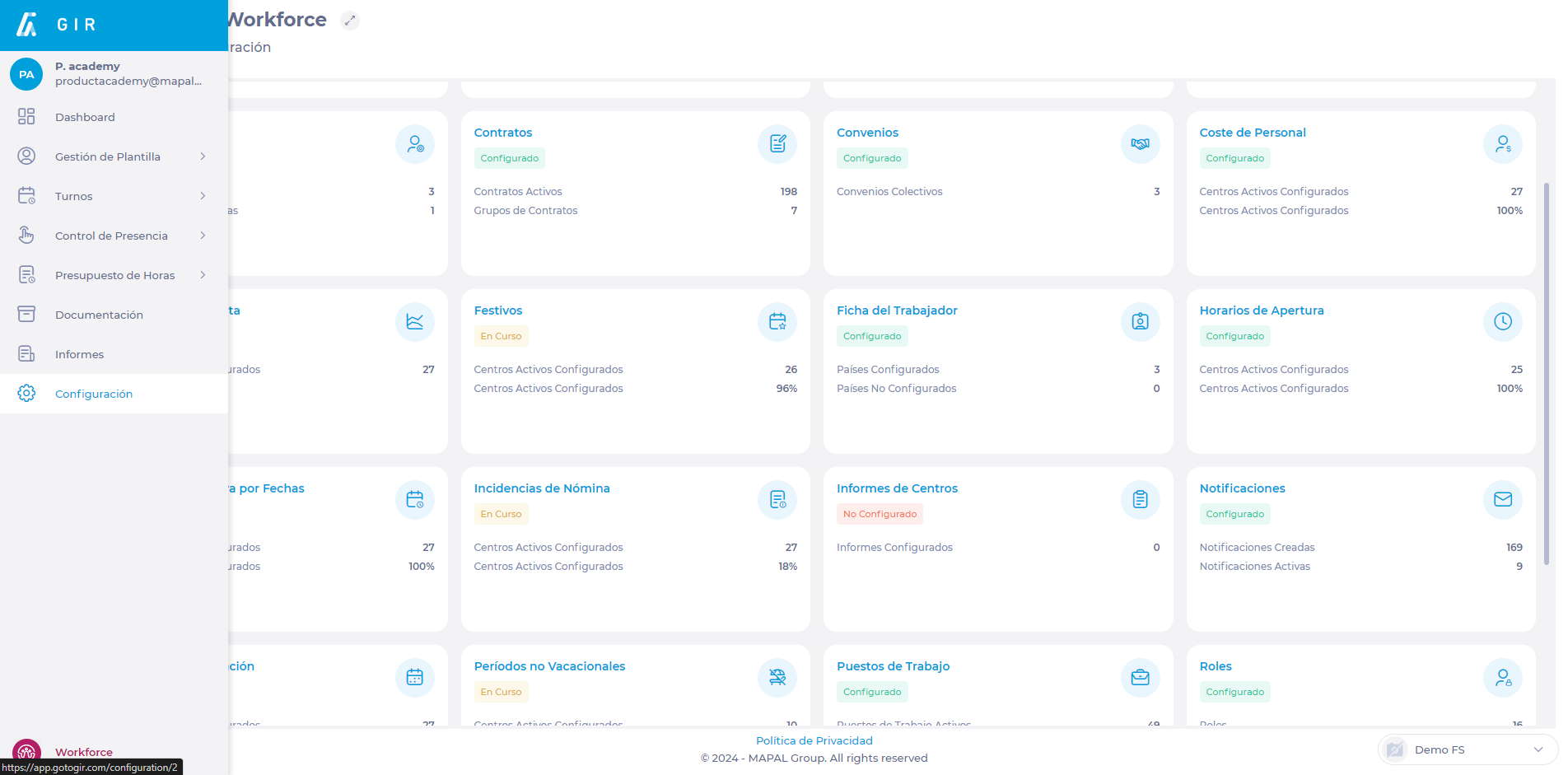
- In the list of fields, locate the field you want to define as mandatory.
- In the field row, look for the Mandatory checkbox and check it.
Notes: Make sure the field is also marked as Visible and Editable so that it can be easily located and modified on the tab as needed.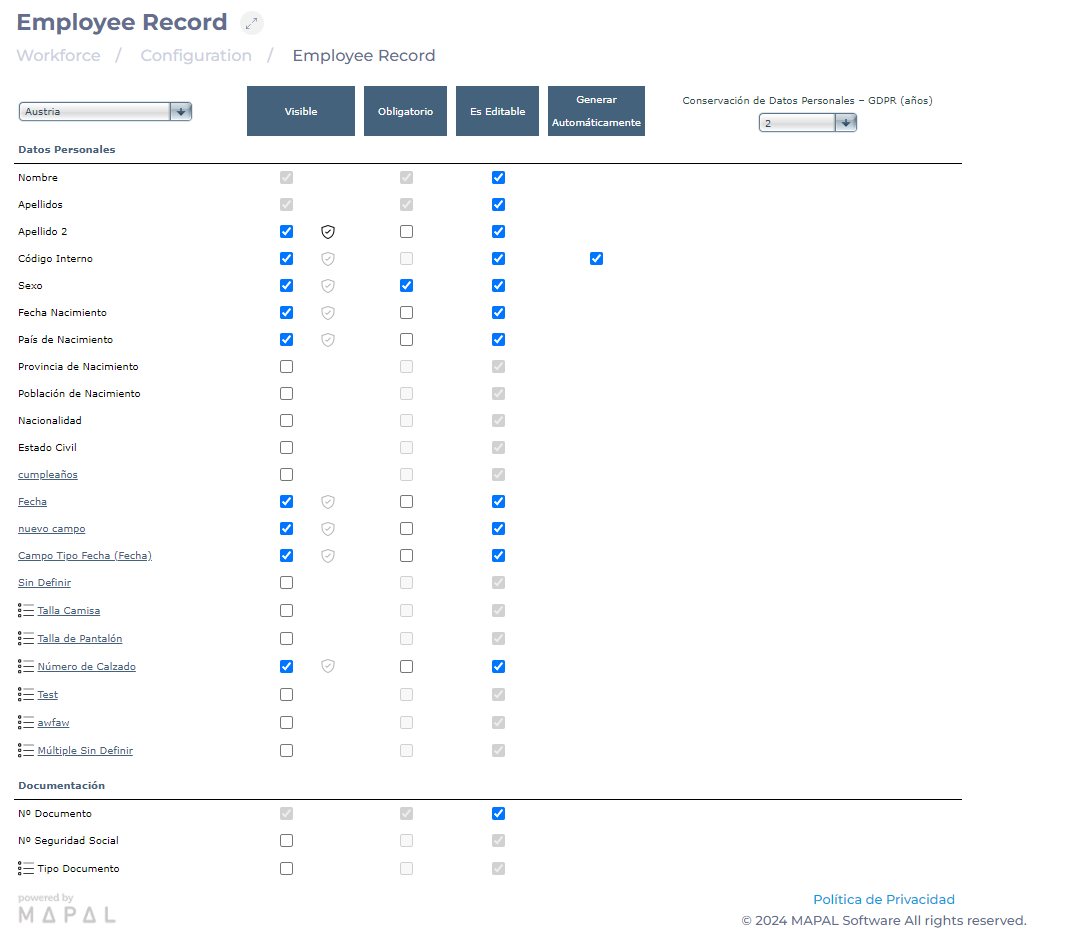 If you want to create a new field for the worker's record, see Add a new field to the employee record.
