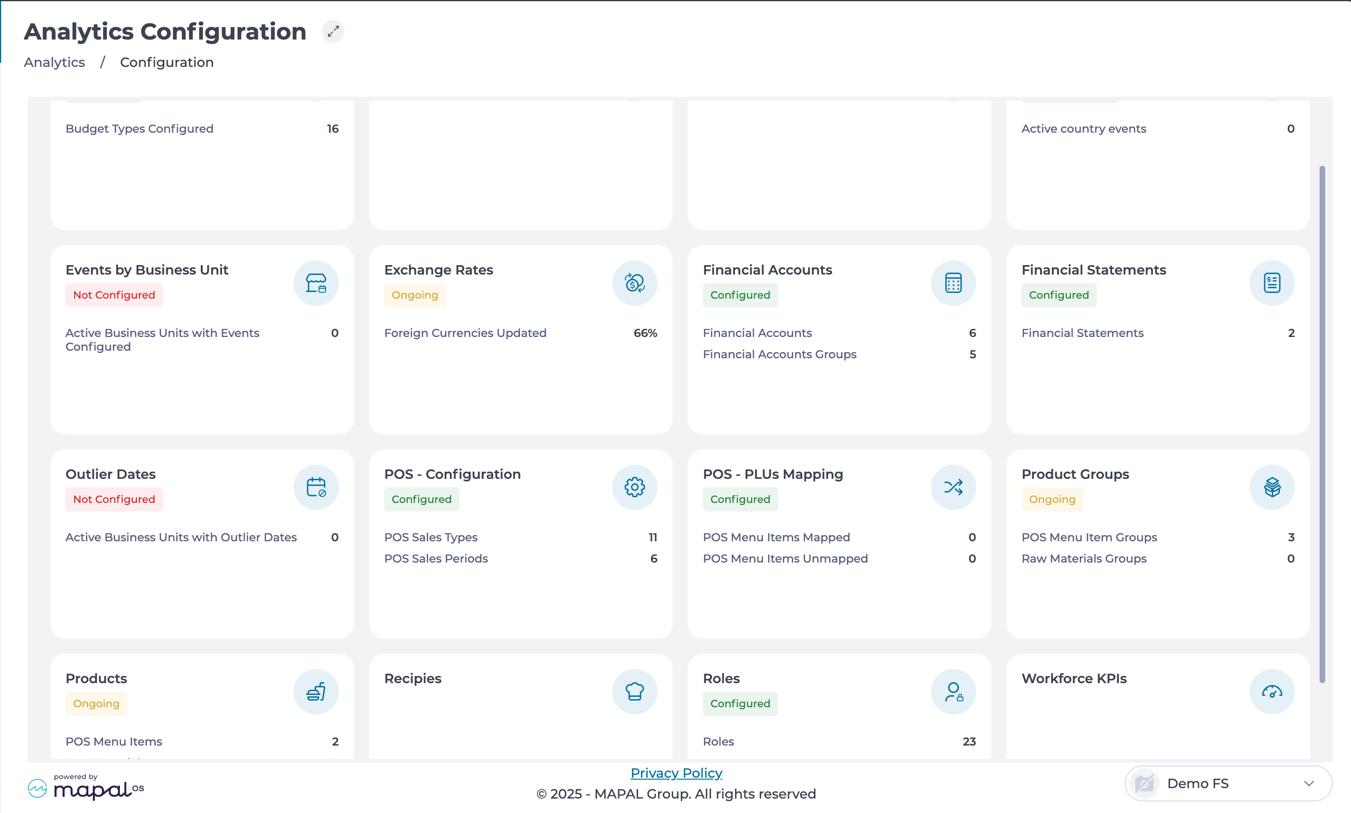
Start from: The Analytics dashboard.
-
Navigate to Configuration > Financial Statements.
Creating a financial statement
-
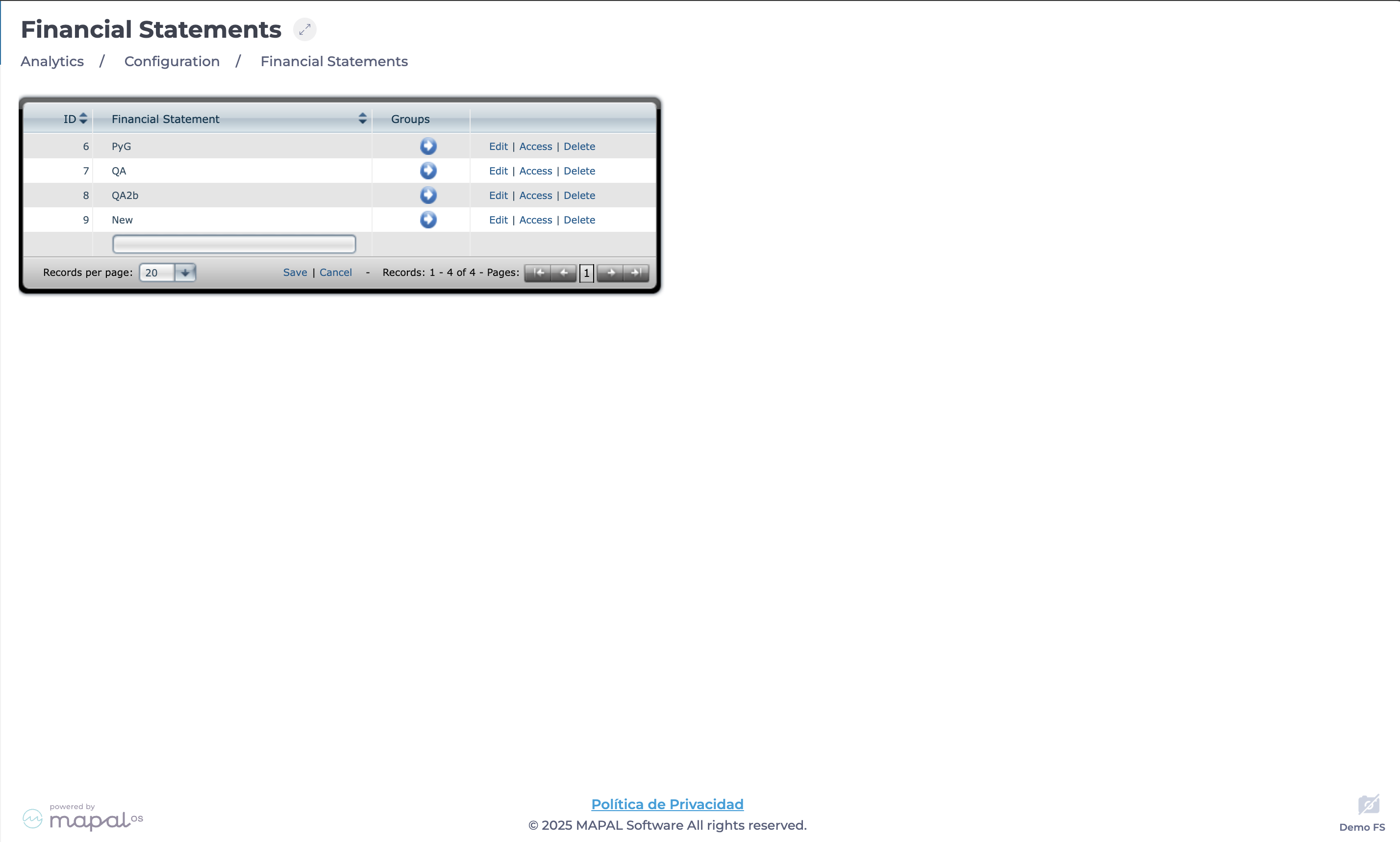
Select Add New to create a financial statement.
-
Enter a Name for the statement.
-
Select Save.
Defining access permissions
-
Select Access in the statement’s row.
-
Grant Permissions to specific user roles on the list.
-
Select Close once you have granted all the necessary permissions.
Configuring and editing a financial statement
-
Select Edit in the statement’s row to change the name.
-
Select the blue arrow in the statement’s row to edit the structure.
-
Once inside the statement’s structure, select Add New.
-
Add relevant financial Groups and their Positions.
-
Select Save.
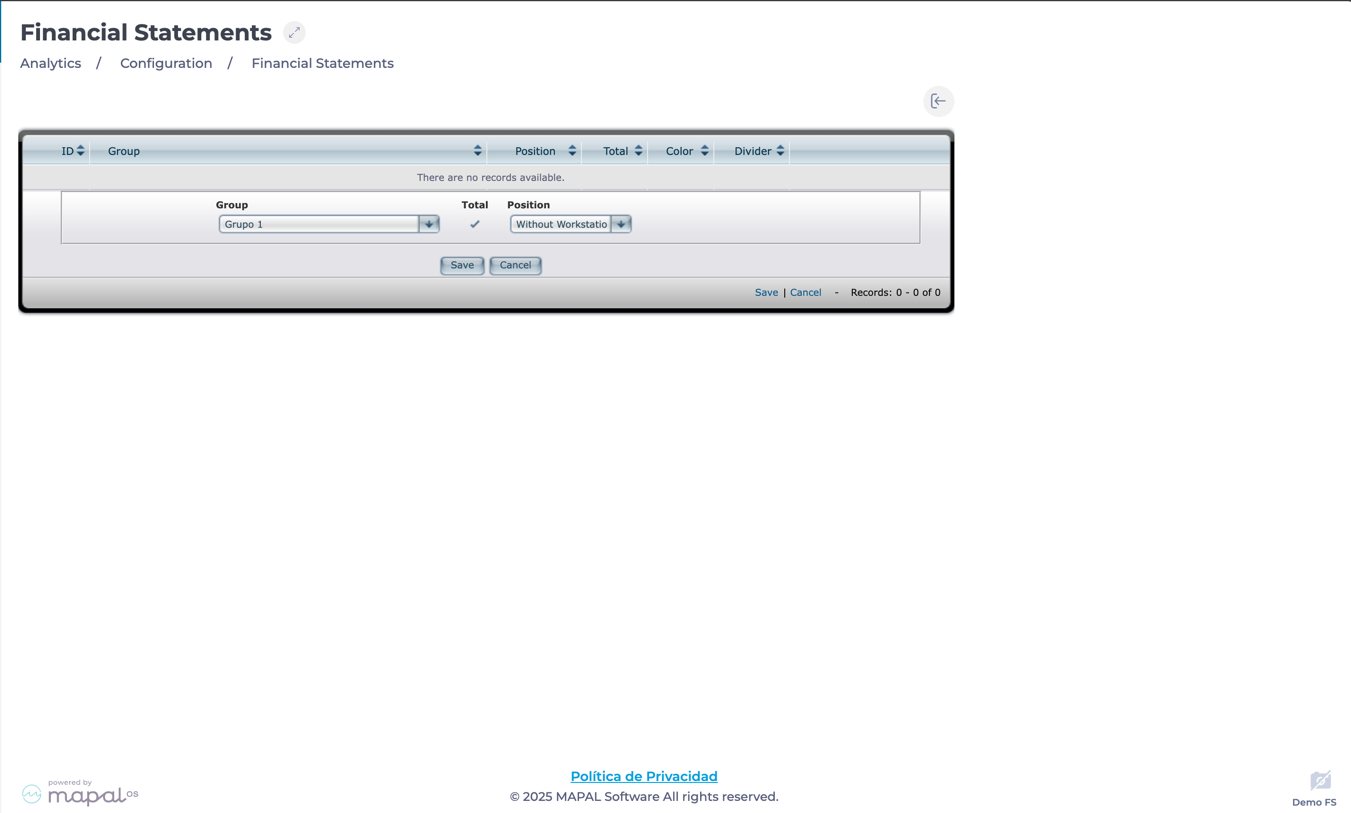
Note: You can Edit or Delete records from this structure as needed.
-
Select Edit on each record to define a color or change the record as needed.

Deleting a financial statement
-
Locate the financial statement to be removed.
-
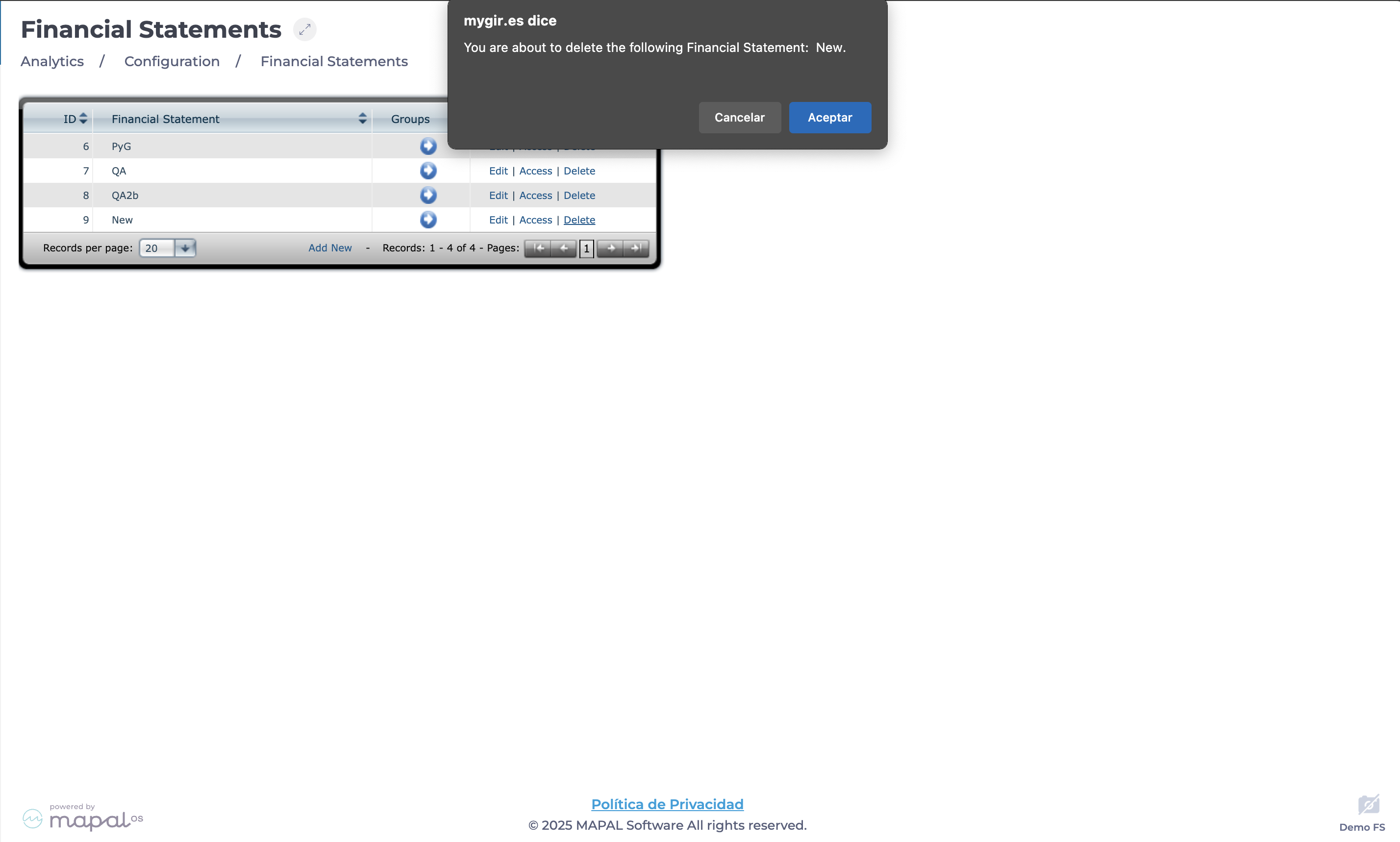
Select Delete and confirm the action.
-
The statement will be permanently removed from the list.