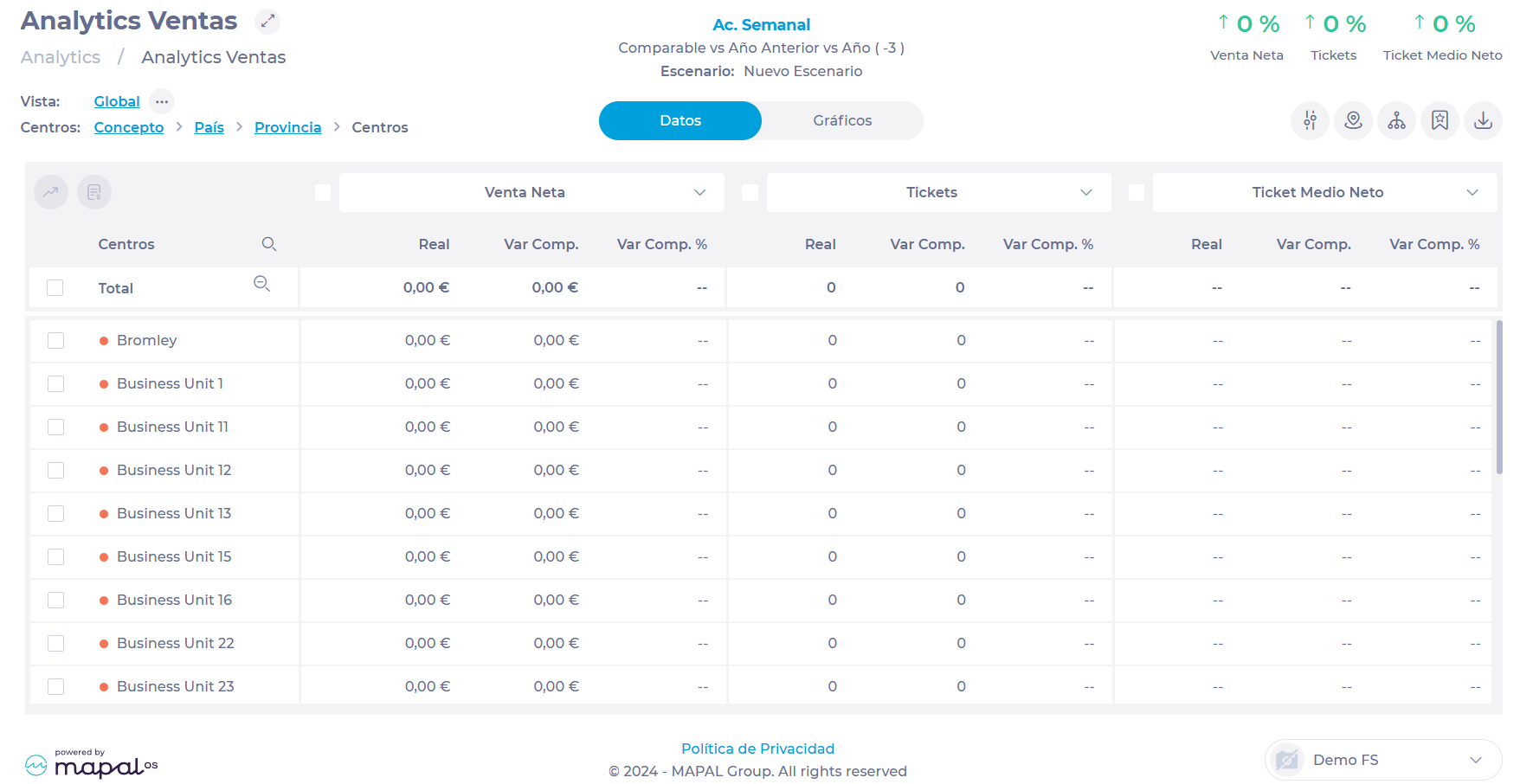
Start from: The Analytics module.
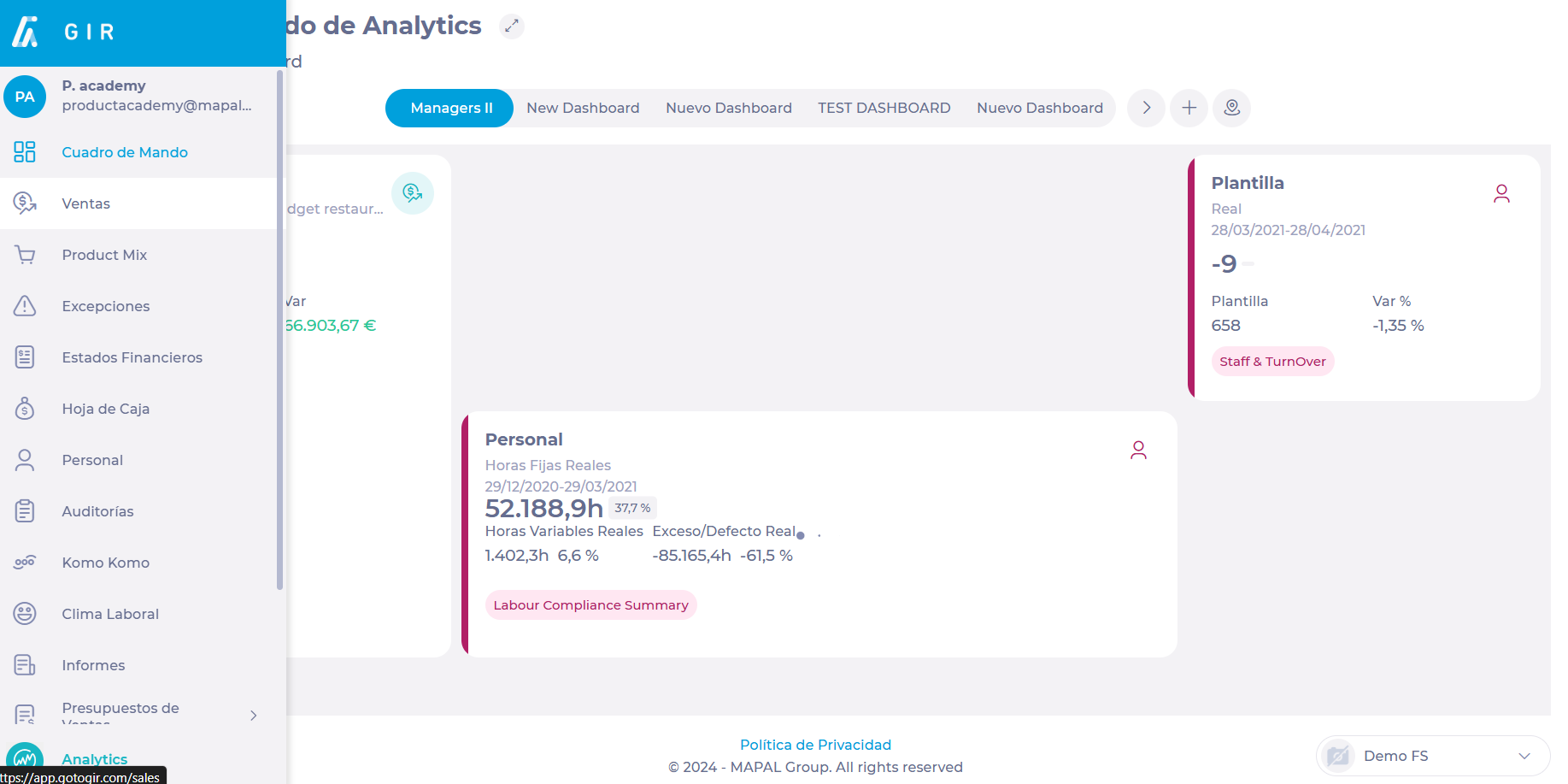
- Select a module of your choice from the main menu. In this case, we will use Sales.
Save Scenario
- Select Parameters and arrange the data accordingly.
To learn more about the Sales module settings, see Filter and navigate Sales data.
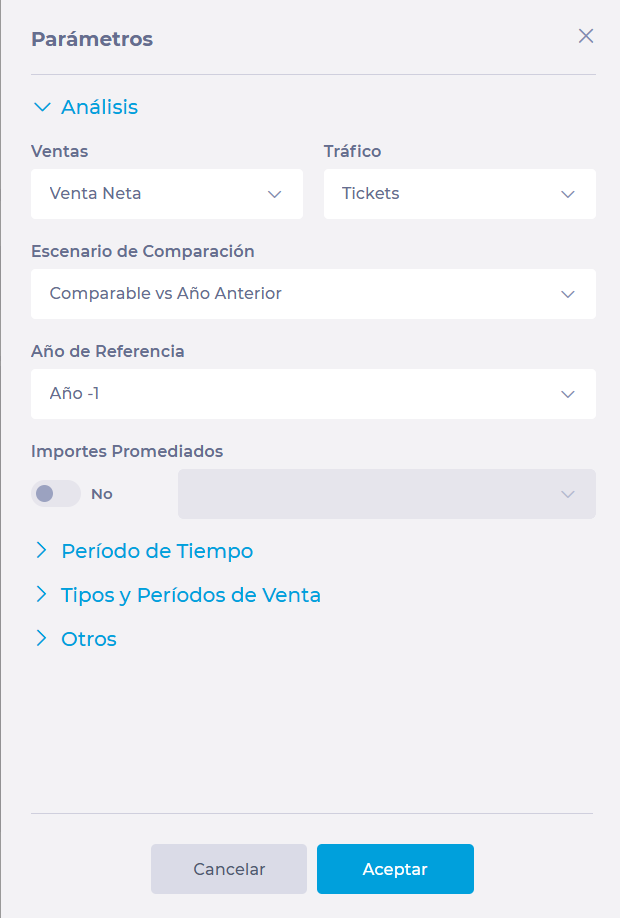
Notes: Each data analysis module in Analytics has different parameters to be configured.
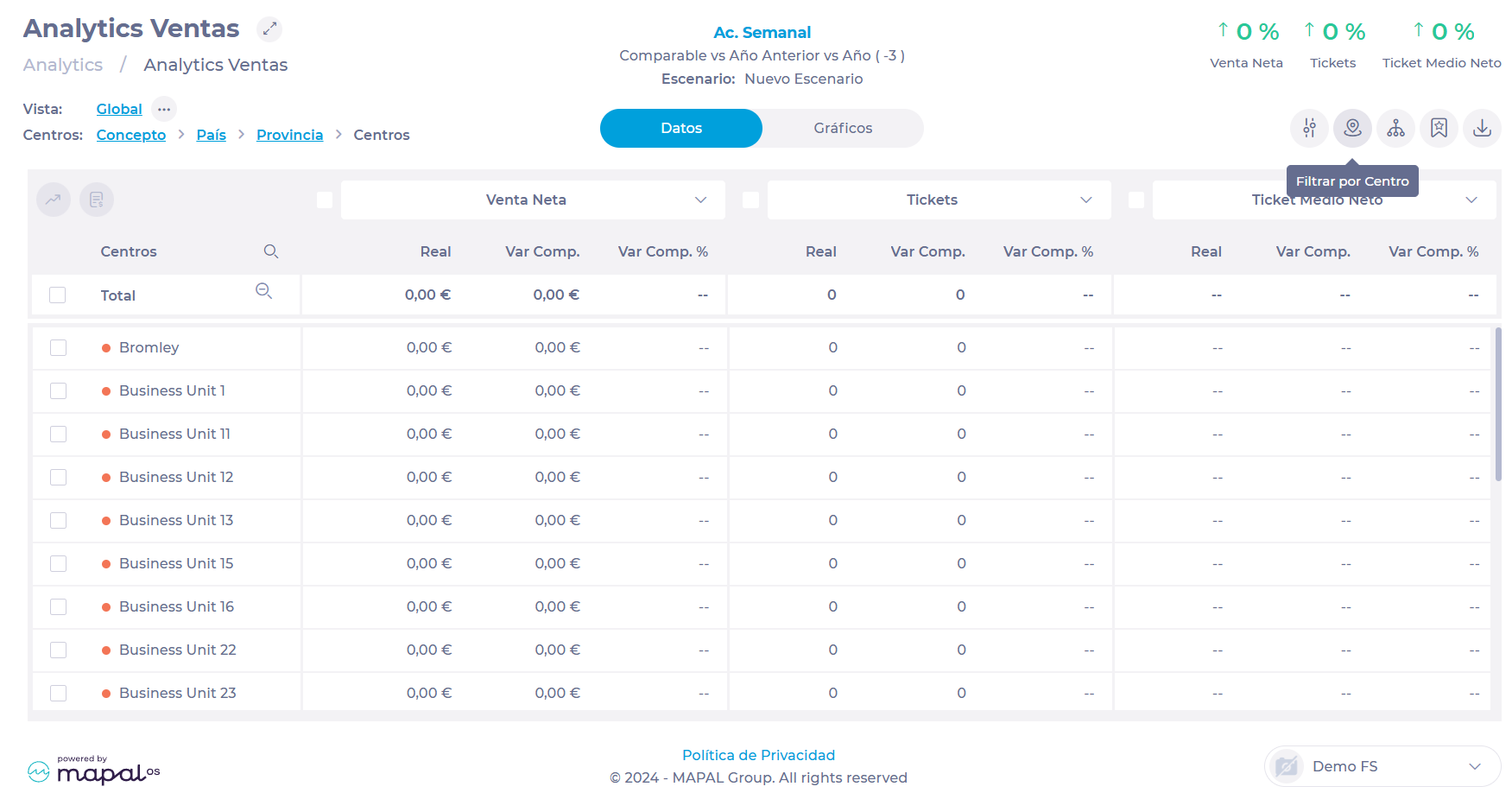
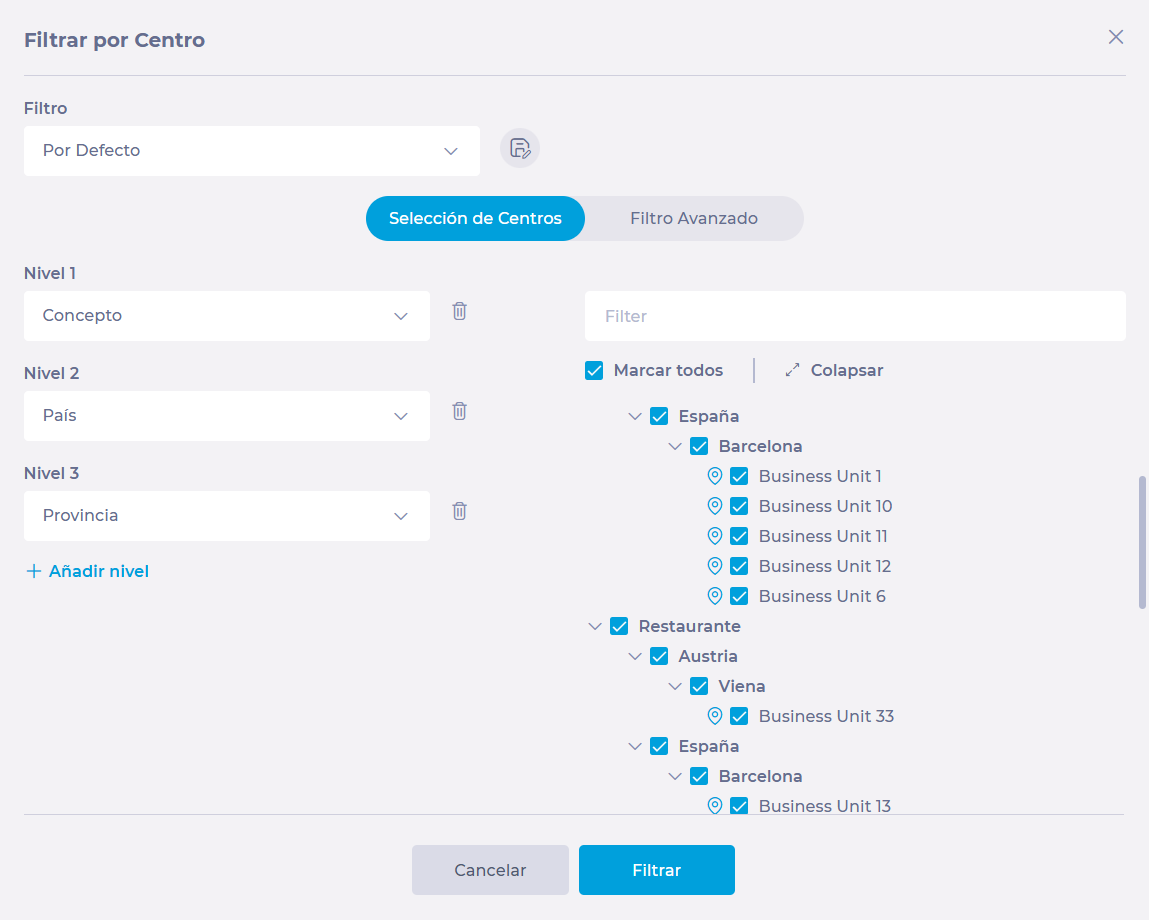
- Select Filter by Business Unit and choose all the business units for which you want to view the data.
- Select Scenarios.
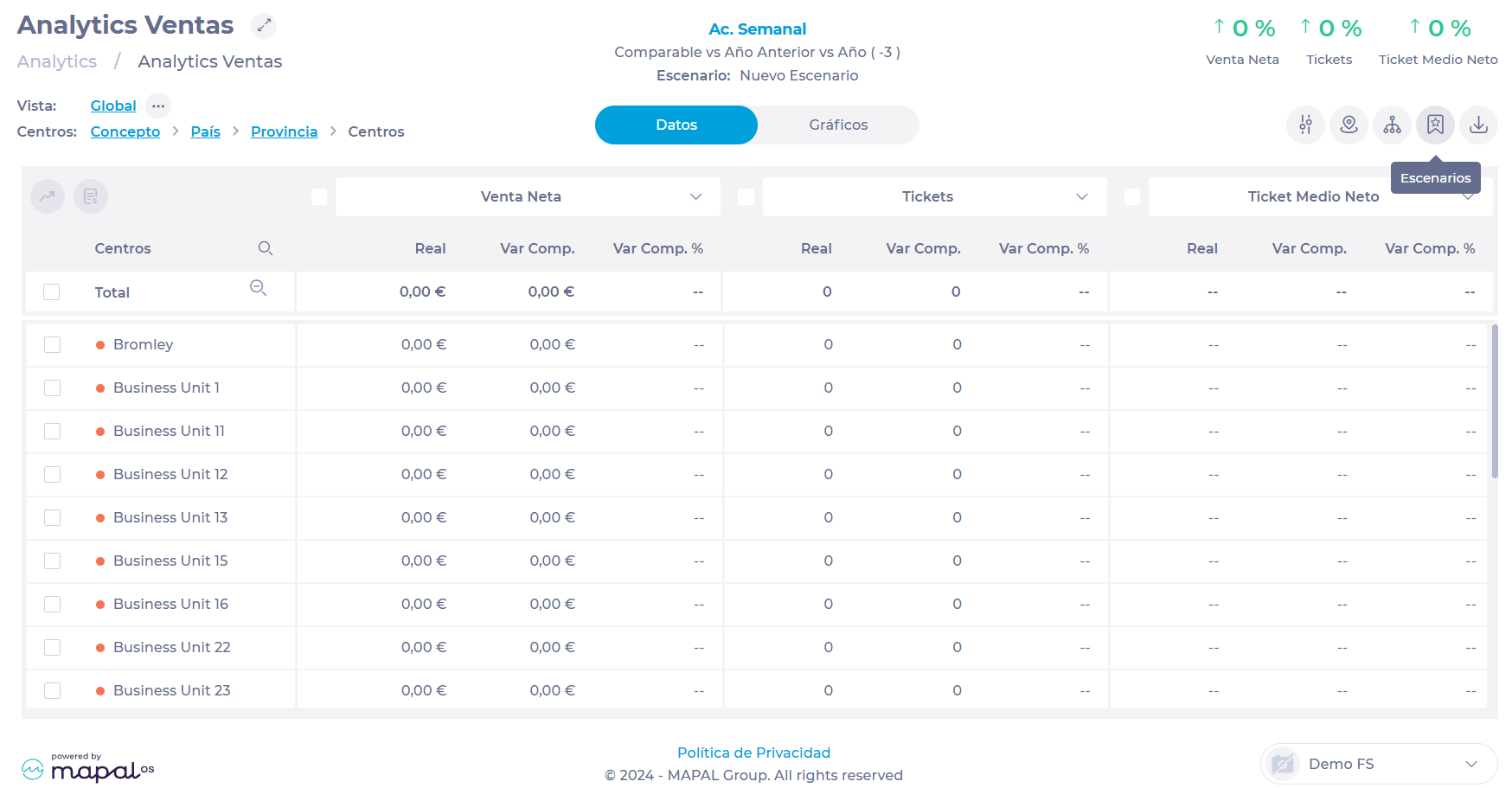
- Type a name for the new scenario in the text box and select Add +.

Your new scenario will now be part of the list of existing scenarios.
Load scenario
- Select a module of your choice from the main menu. In this case, we will use Sales.

- Select Scenarios.
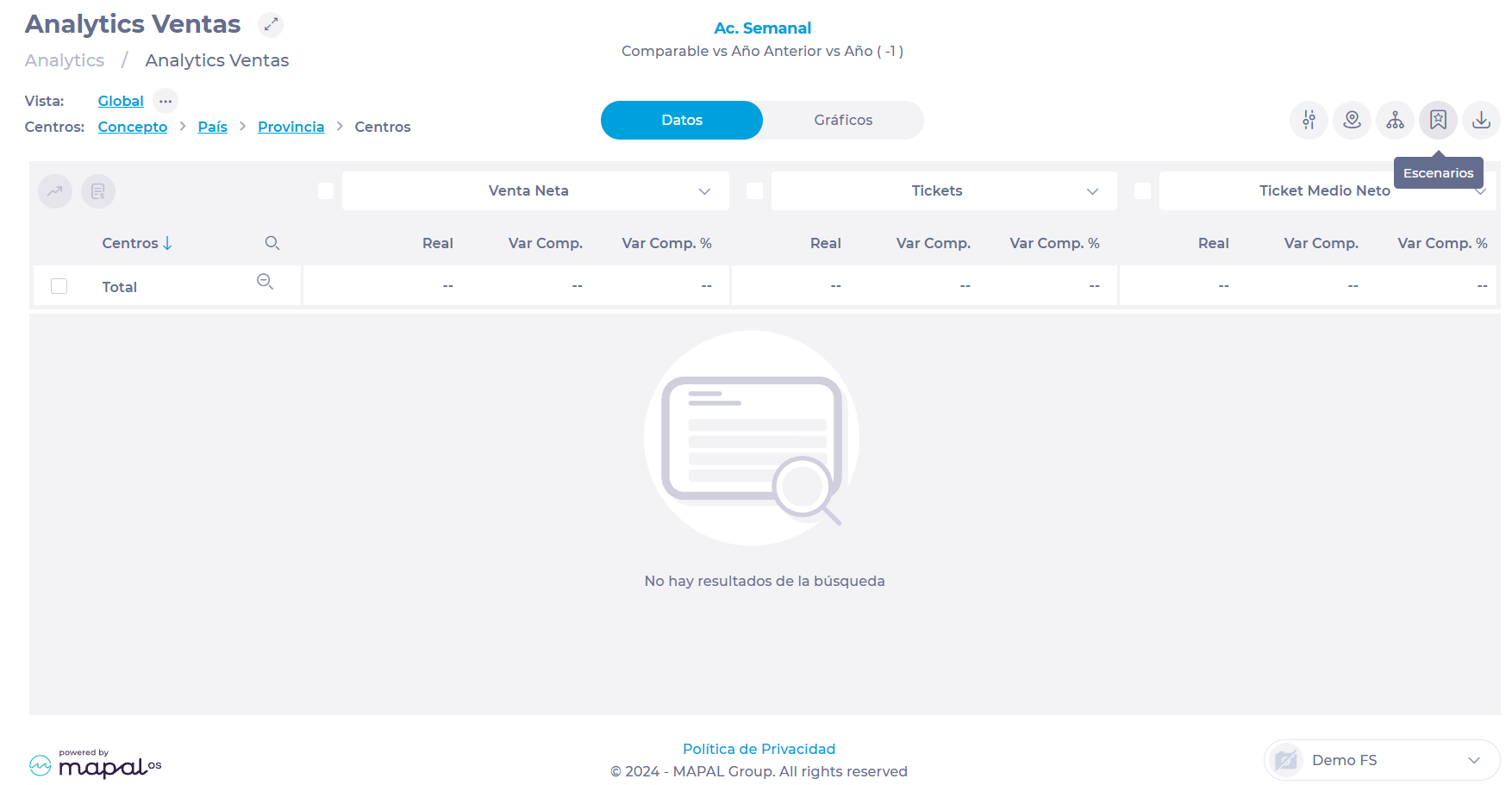
- Select the scenario you want to display from the list.
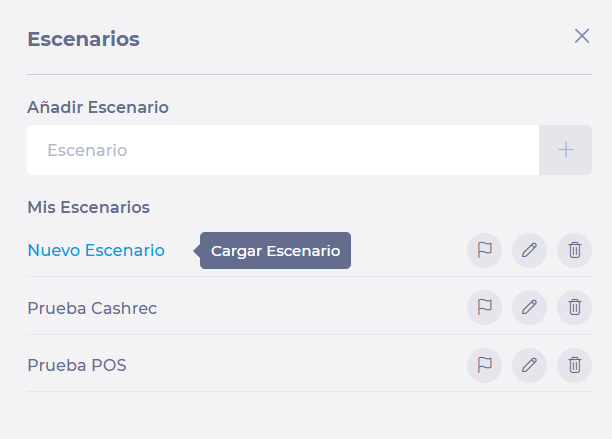
You will now see the scenario you have selected displayed on the screen.