


Start from: The Mapal One dashboard.
- Select Library from the main menu.
- Select Noticeboard to view and download any company documents, for example, an employee handbook.
- Select Module downloads to view and download any additional resources from the learning modules the learners have been assigned to.
- Select Certificates to view and download learning certificates from completed modules. Select a particular certificate to print or download it as a PDF.
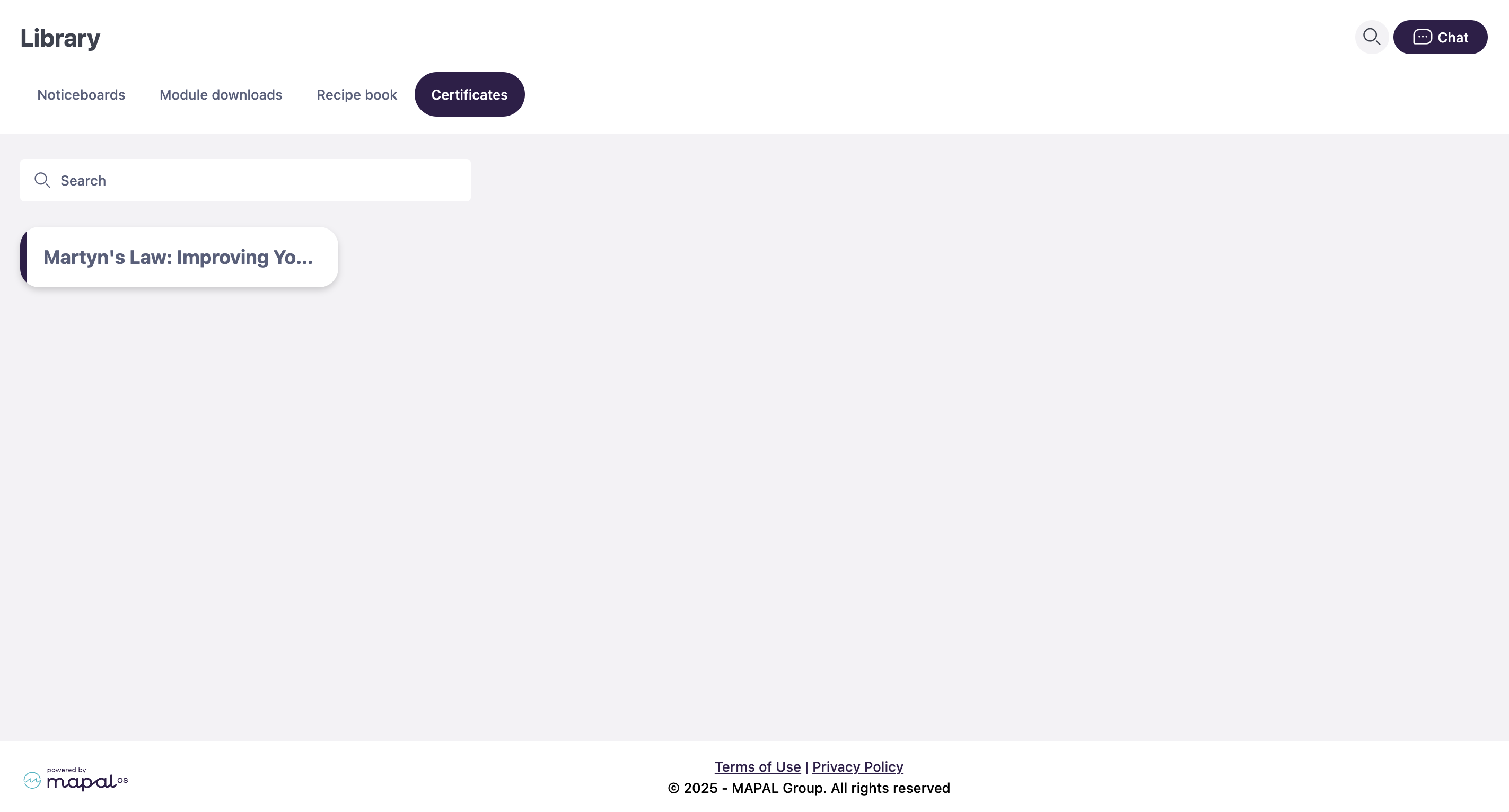
Learning managers can download learners' certificates through Flow. To know more about how managers can view and download certificates, see Access a learner’s certificate.
