Start from: The Mapal OS Configuration module.
- Navigate to User Management > User Logins.
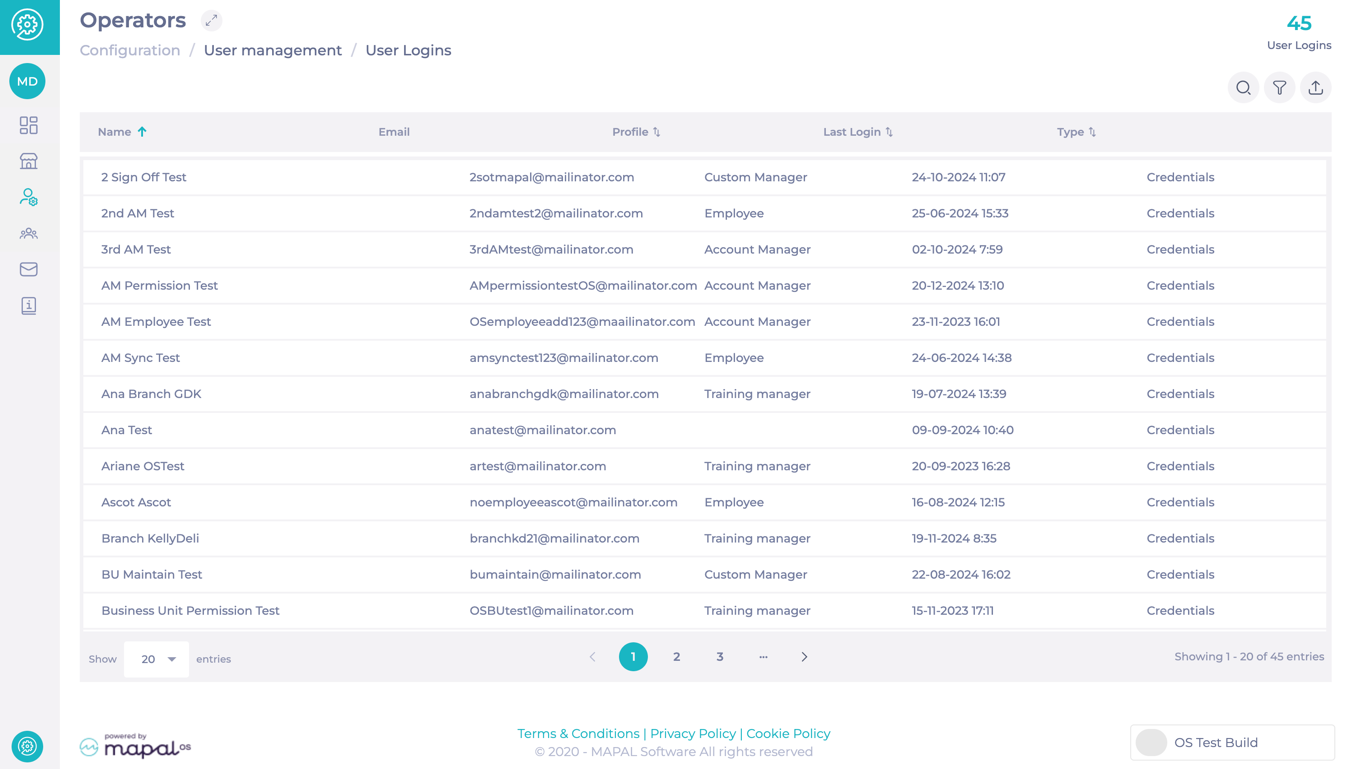
The User Logins screen shows you a grid with five columns: name, email, profile, last logged in, and type.
Note: The User Logins screen displays login activity for the selected operator only. Login records created before July 2026 do not contain operator information and are not shown on this screen. Contact your Customer Success Manager if you need to access historical login data from before this date.
On this screen, you can also find a series of features:
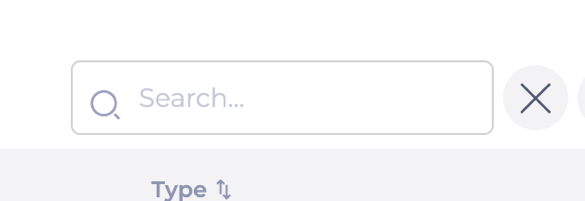
- Search: Use the search button to find users by name or email.
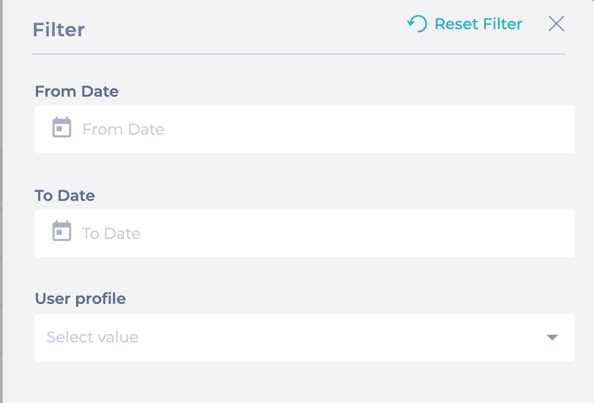
- Filter: You can filter by period (from, to) and by user profile.
- Export to CSV: You can export all the data visible on the grid to a CSV file.
- Counter: Placed in the header, it shows the number of user logins.