


Start from: Your mobile device’s home screen.
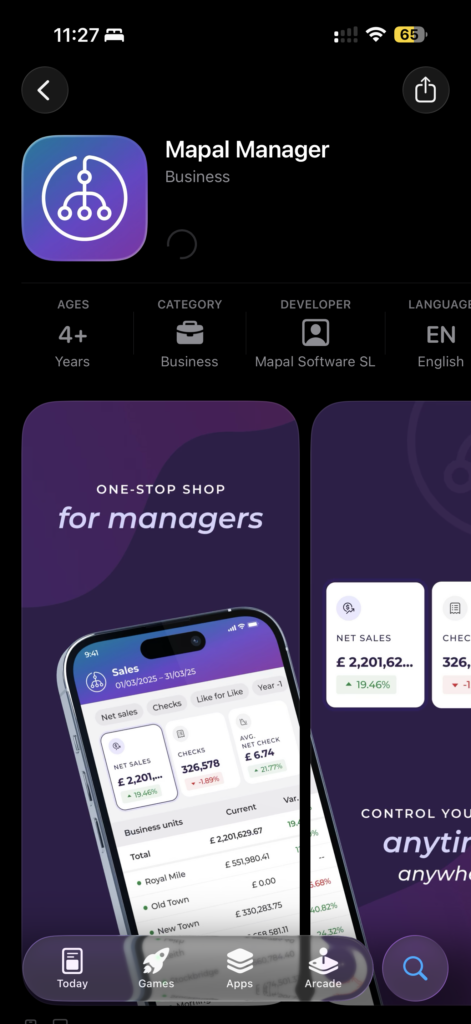
Download the app
- Search for Mapal Manager in the App Store (iOS) or Google Play Store (Android).
- Download and install the app.
Open Mapal Manager
- Tap the Mapal Manager icon on your phone.
- The login screen appears the first time you open the app.

Sign in with your Mapal OS account
- Select Log in with Mapal OS. You will be redirected to the Mapal OS login page in your mobile browser.
- Enter your Mapal OS email address and password.
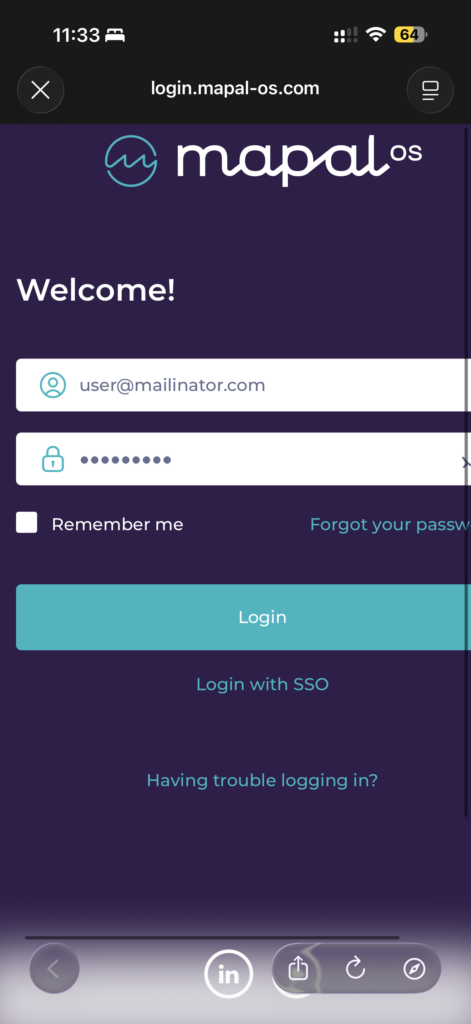
- Tap Login.
Accept legal documents (first-time login)
- Review the Terms & Conditions and Privacy Policy.
- Tap Accept to proceed.
Note: Acceptance of legal terms is required to use the app. If legal terms have changed since your last login, a notification will appear. In that case, review the changes and tap I agree or Accept.
Access the dashboard
After logging in, you will be directed to the Home Dashboard, where you can begin managing team activities.
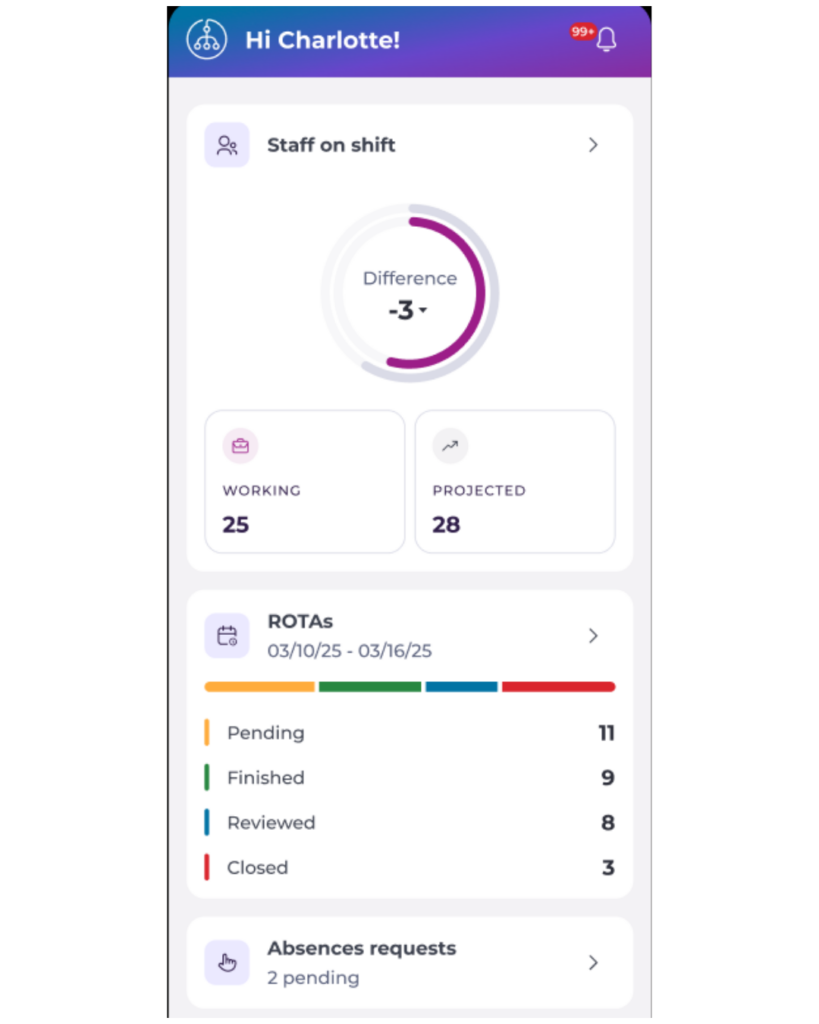 | 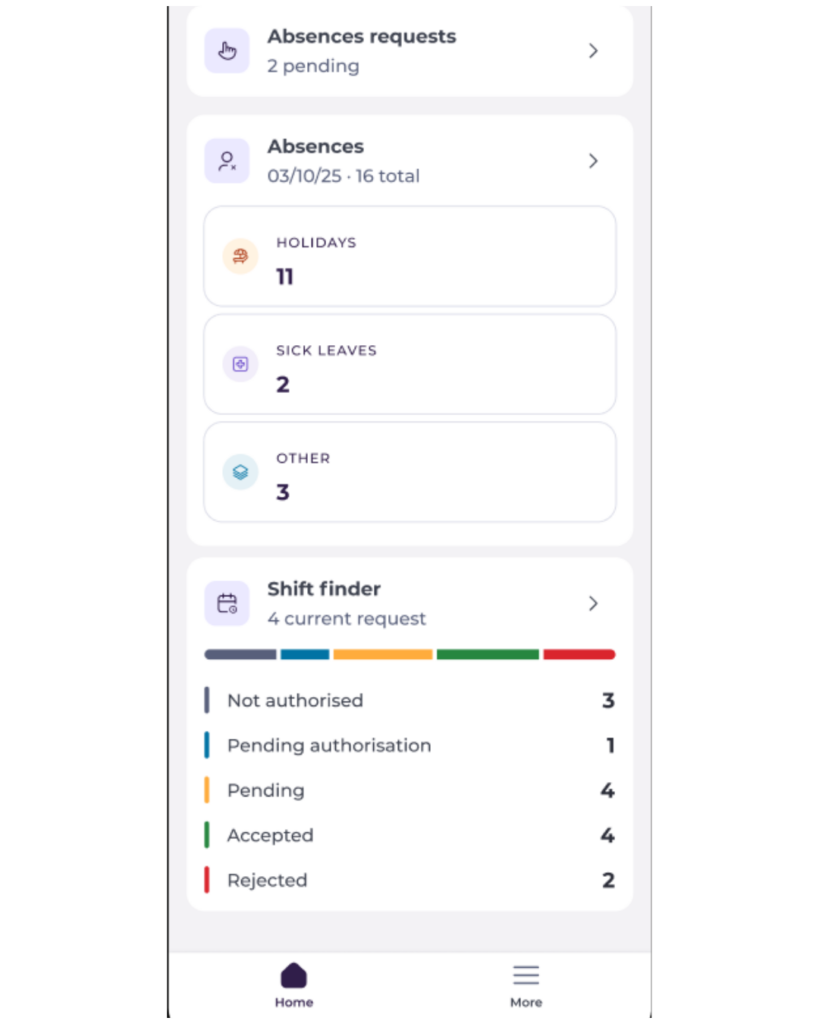 |
To know more about how to navigate the dashboard, see Navigate the Mapal Manager home screen.
