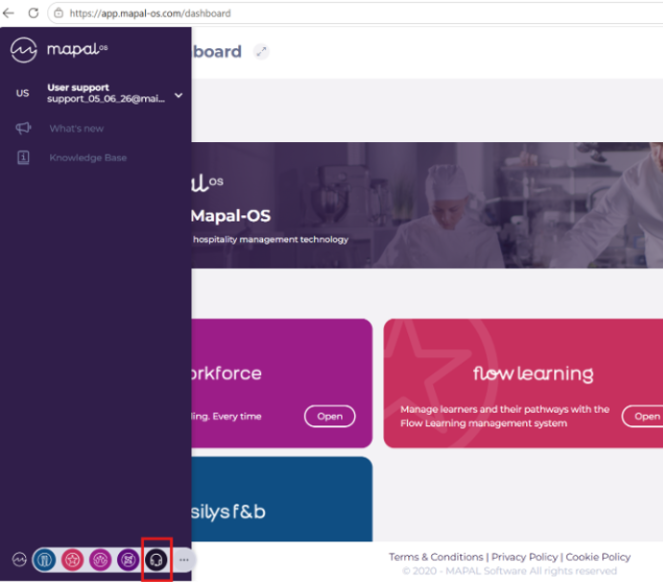
Start from: The Mapal OS main dashboard.
- Select the Support / Help icon in the product switcher.
Notes: To submit support tickets, permissions must be enabled for your user profile. For more information, see Grant permissions to create tickets in Support.
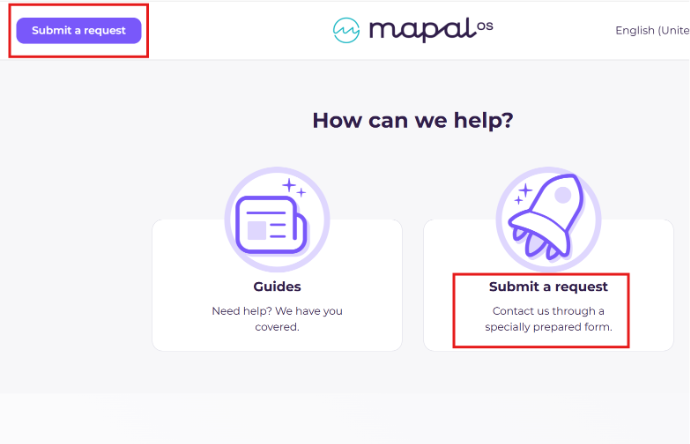
- Select Submit a request.
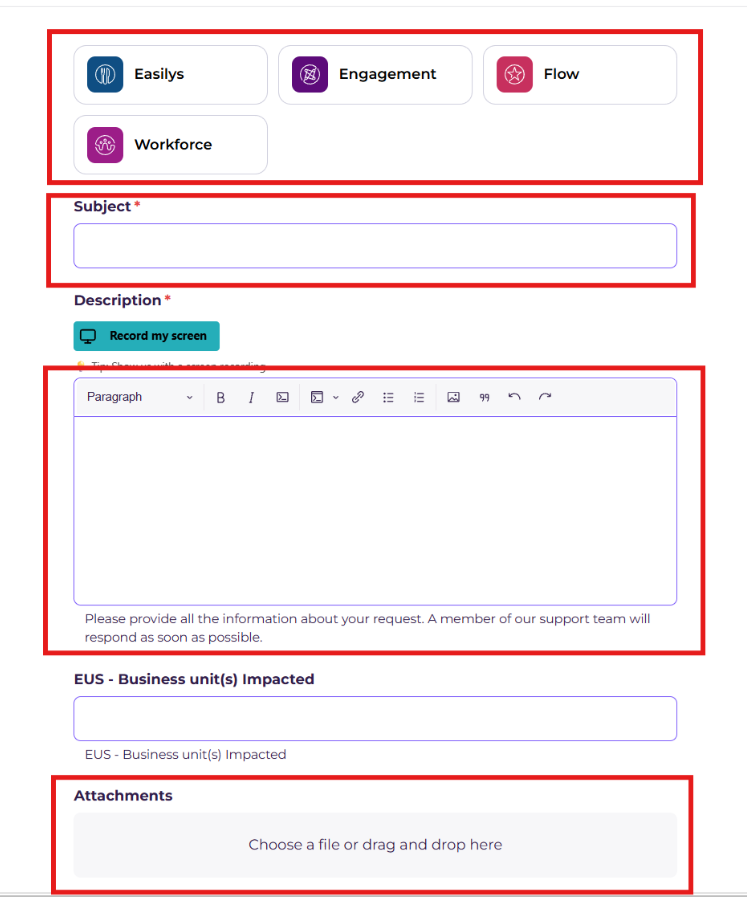
- Complete the following fields:
- Product: select the relevant product.
- Subject: enter a brief description of your issue.
- Description: provide full details of the request.
- Attachment: add any relevant screenshots or files.
- Select Submit a request.
Note: Including attachments and completing all fields in full will help the support team resolve your request more quickly.
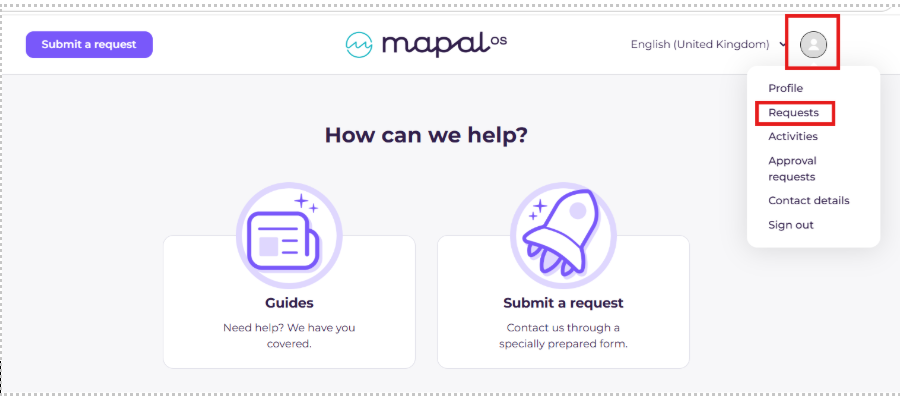
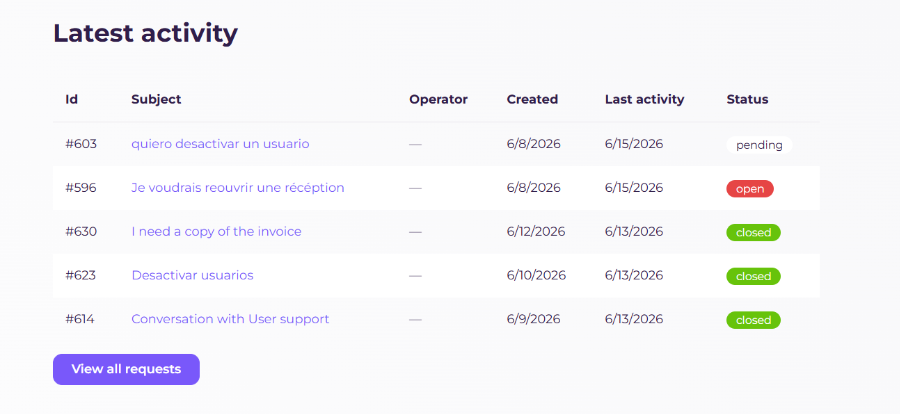
Once submitted, you can track the status of your request from your personal dashboard. All updates are visible in one place, so you do not need to contact support separately for progress updates.