


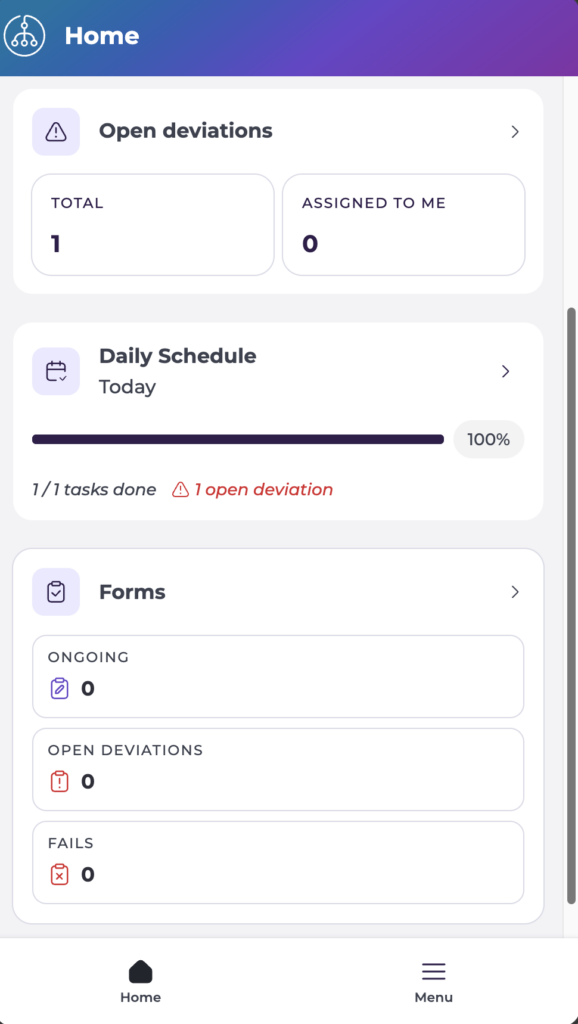
Start from: The Mapal Manager home screen.
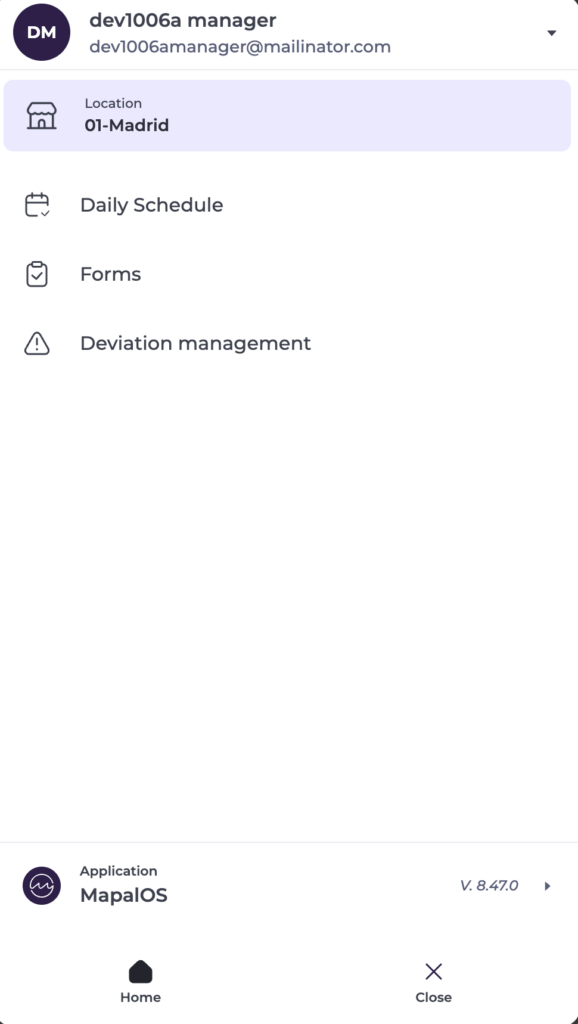
- Select Menu from the navigation. Your profile panel opens, showing your name, your Location, and your available actions.
- At the bottom of the panel, select the Application block (showing the current app and version) to open the product switcher.
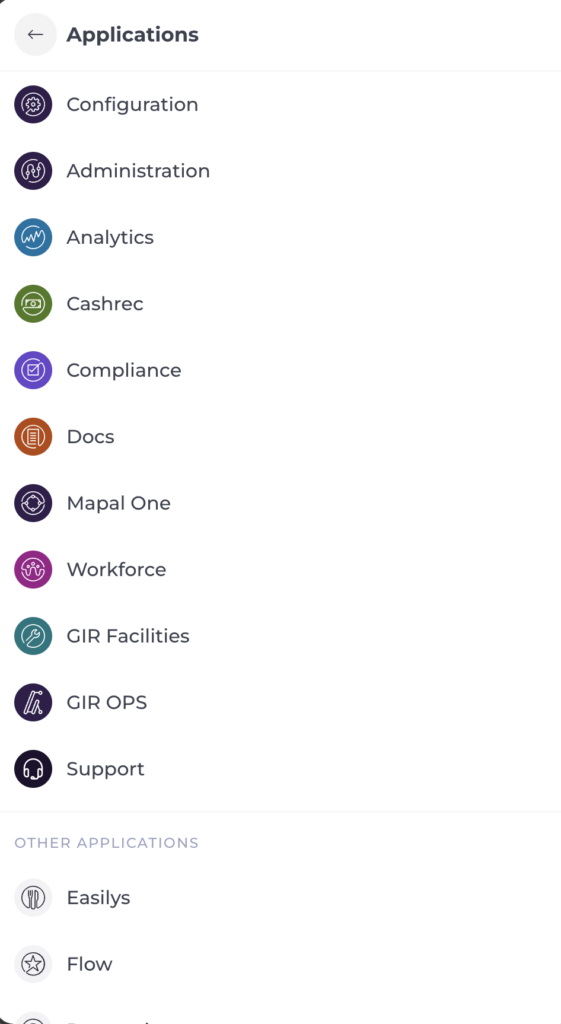
- The Applications screen opens, listing the Mapal products you can access, such as Configuration, Administration, Analytics, Cashrec, Compliance, Docs, Mapal One, Workforce, etc.
- Select the product you want to open.
Note: The Product switcher only shows the products your organisation has access to. If a product you expect is missing, contact your Mapal Customer Success Manager.
- To return without switching, select the back arrow on Applications.
