


Start from: Mapal One.
Receive a Priority Message
A Priority Message reaches you in one of two ways:
- As a pop-up that appears immediately on the page you are viewing.
- As a push notification. Selecting the notification opens the feed, where the message is displayed.
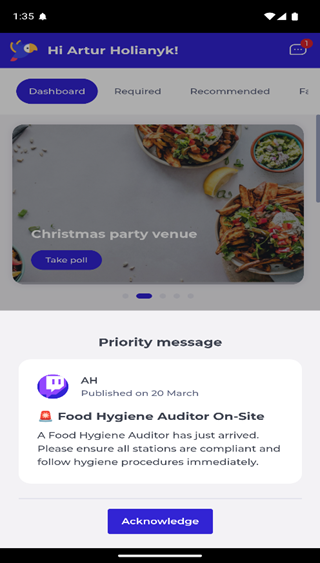
A Priority Message includes visual indicators that highlight its urgency.
Acknowledge the message
- Read the message.
- Select Acknowledge.
Selecting Acknowledge closes the message and lets you continue using the app. Your acknowledgement is recorded in Engagement.
