Start from: The Mapal One dashboard.
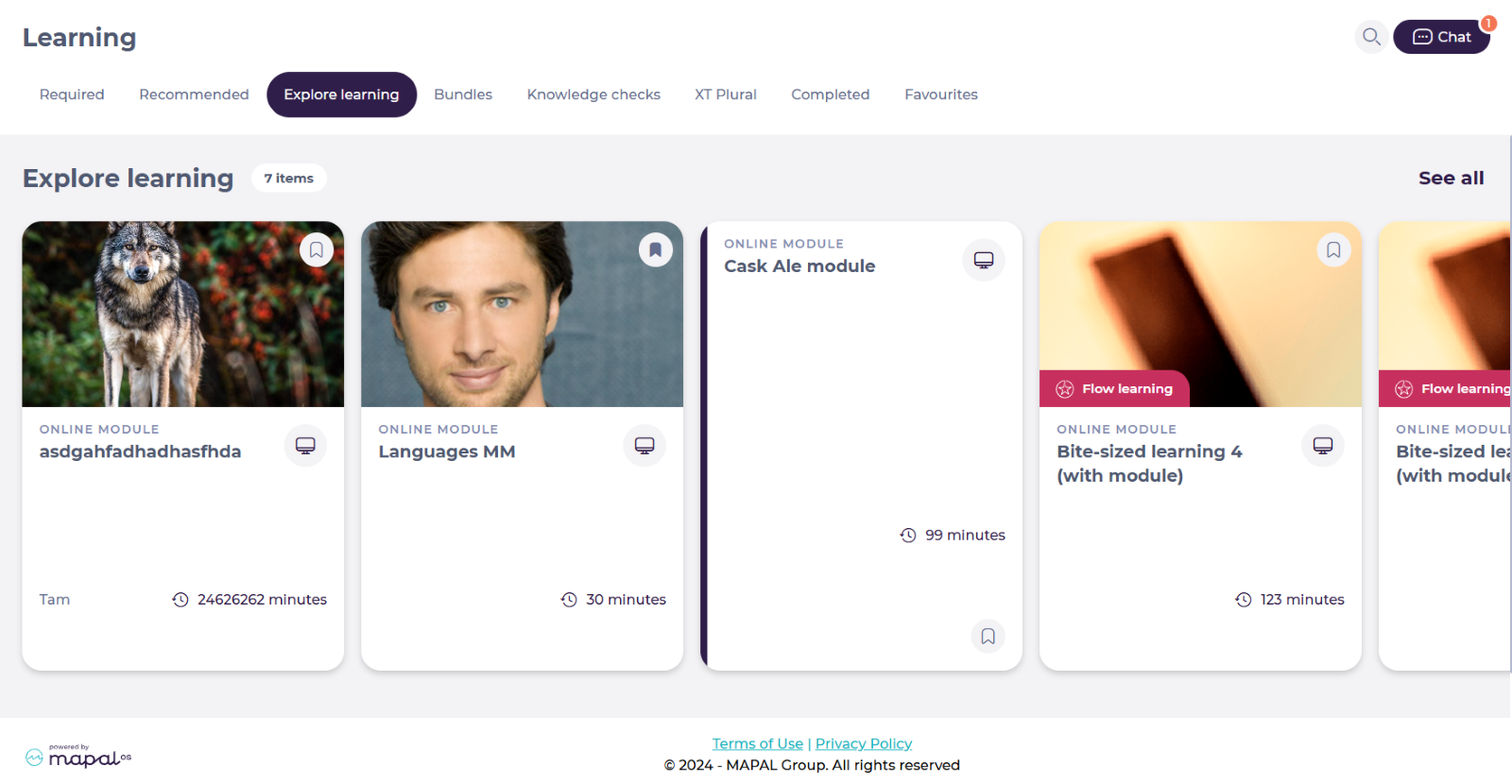
- Select Learning > Explore Learning from the main menu.
The Explore learning screen allows employees to access a variety of additional learning resources such as modules, external links, PDFs, audio files, and images.
- You can find specific external links by using the Filters in See all.
To know more about how to use the filters, see Using Filters in Mapal One.
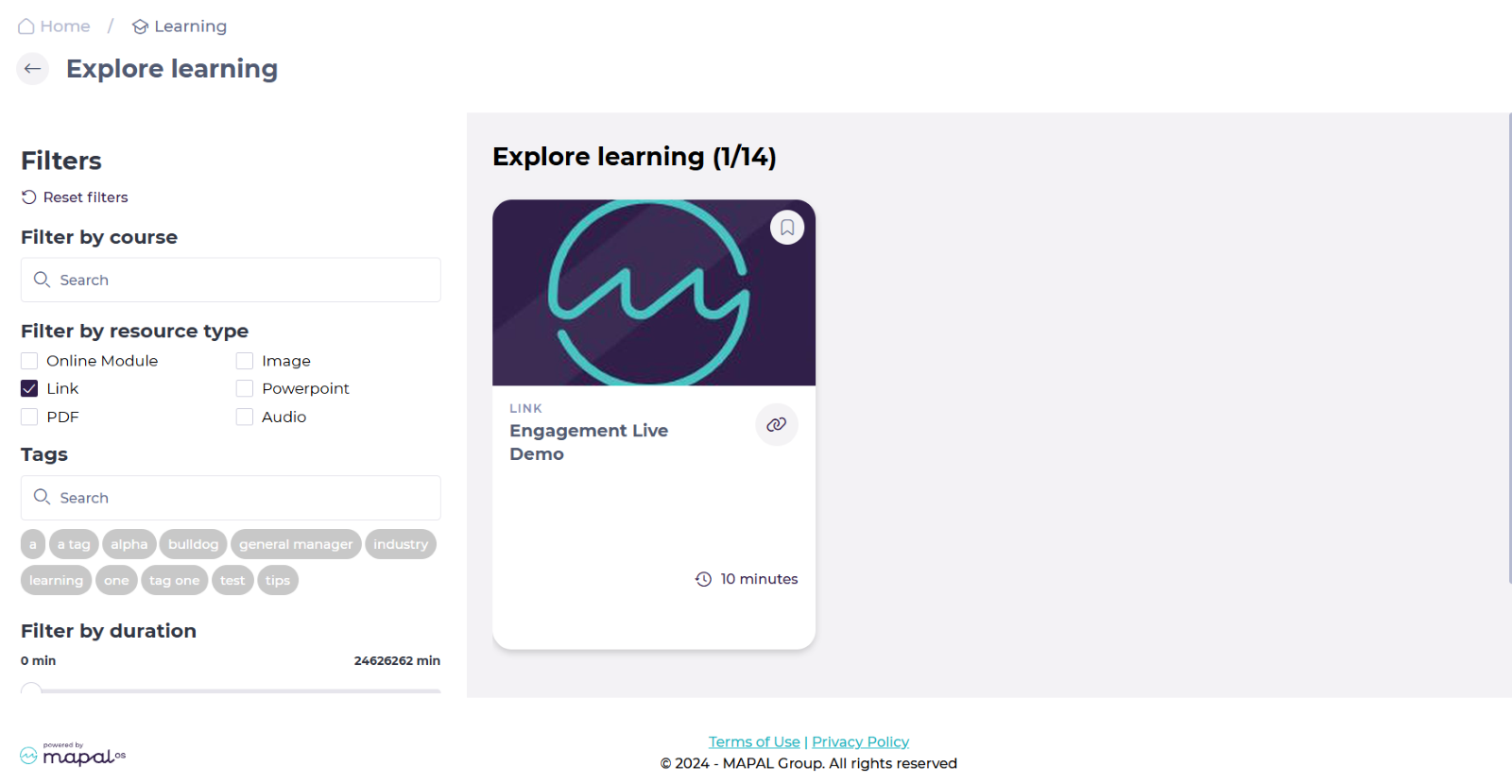
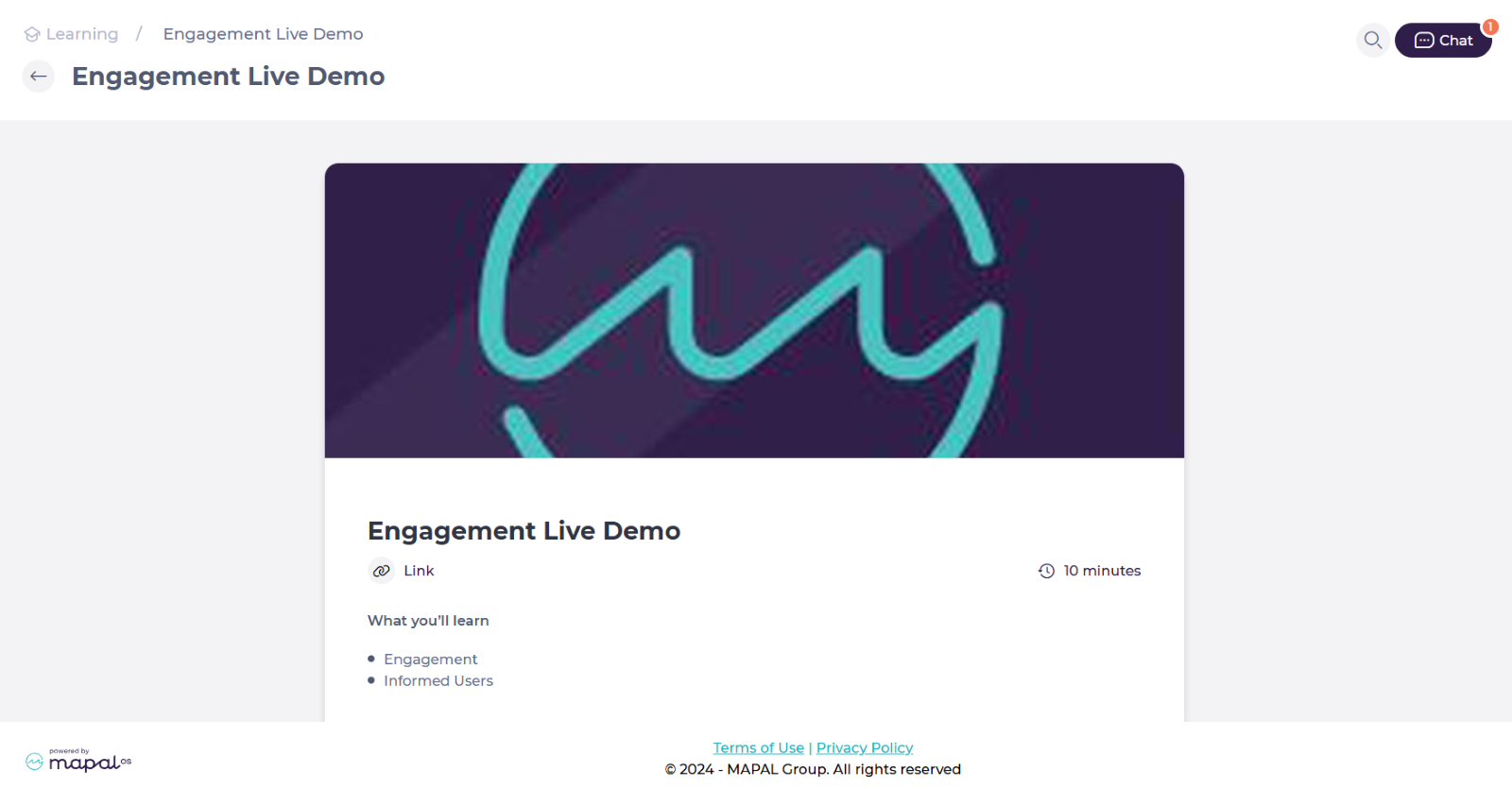
- The resources are ordered by tiles. Select the specific tile of the external link you want to consult.
- The details of the external resource will be displayed on screen. Select the specific Link.
Notes: The target location opens in a new tab, so you do not lose your place in Mapal One. On a mobile phone, your browser may block the new tab from opening. If nothing happens when you select the link, check your browser settings and allow pop-ups for Mapal One.