


Start from: The Mapal One dashboard.
- Select Company > Surveys from the main menu.
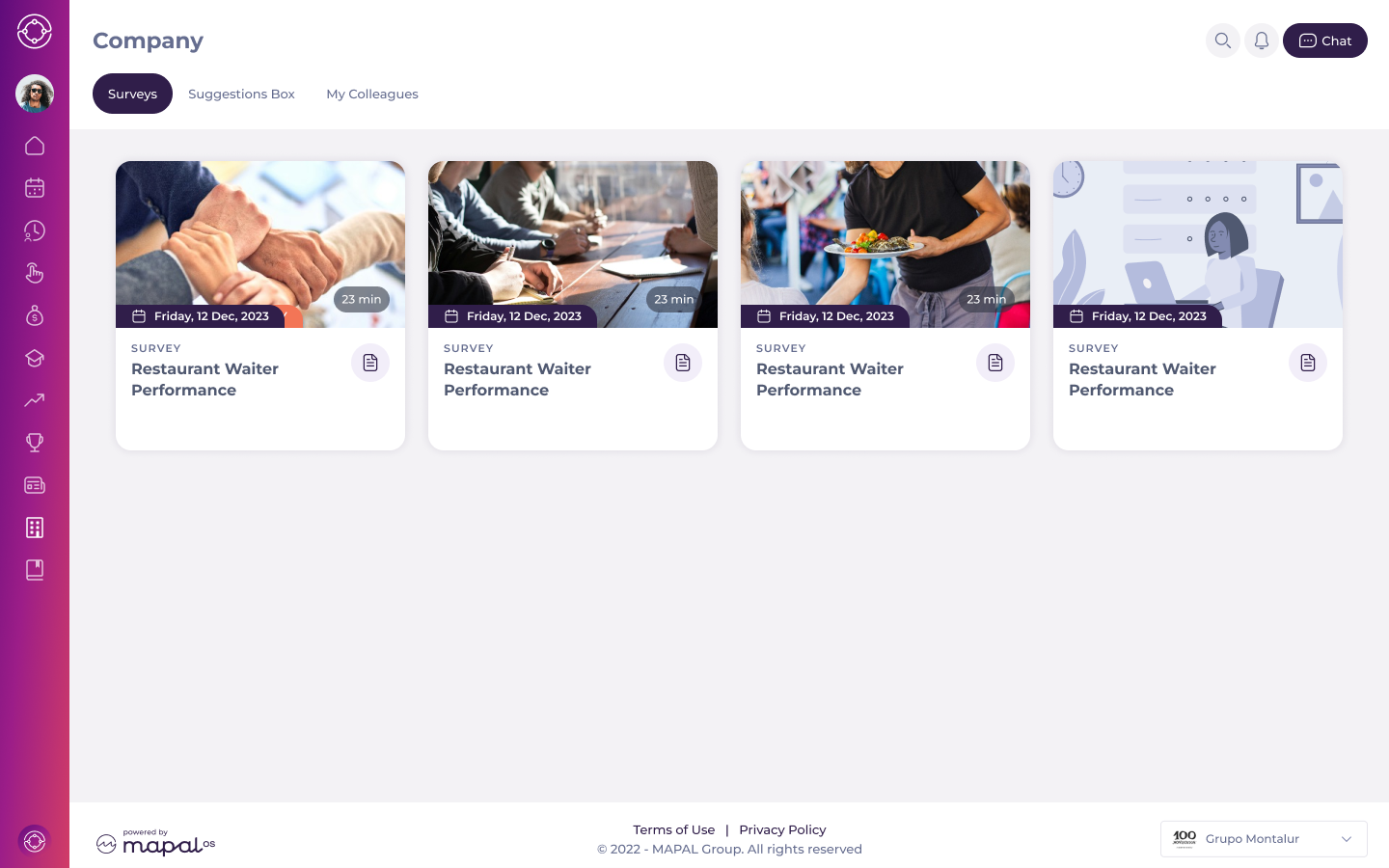
You will see a screen with all the available surveys for you. Each survey tile displays the estimated completion time, helping you understand the time commitment before you start.
- Select a specific tile to access a survey.
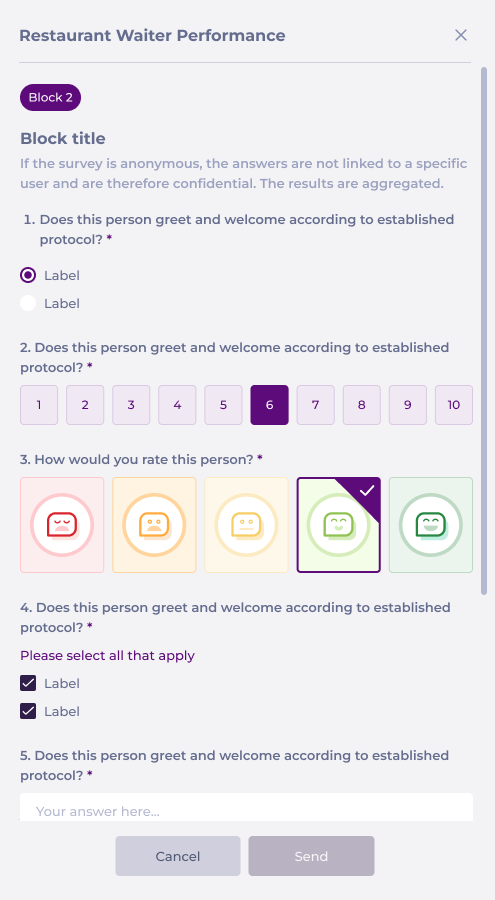
- Complete the survey by responding to a mix of questions.
Notes: Surveys can have different question types such as NPS, face ratings, multiple select, single select, and open text questions. Also, there could be different including eNPS (employee Net Promoter Score), social surveys, and feedback forms.
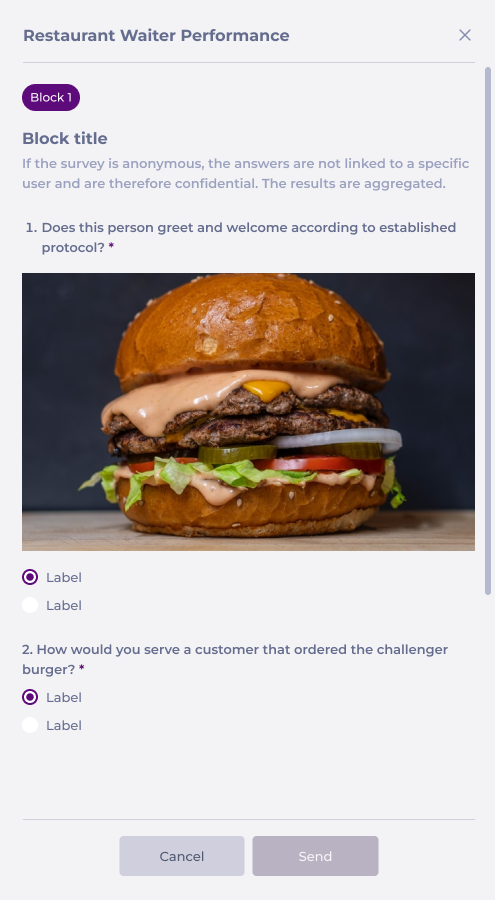
- Once all questions are answered, select Send to submit your feedback so it can be recorded and analyzed.
