


Start from: Anywhere in Mapal One.
A Priority Message appears as a pop-up over the screen you are currently on. You have two options:
- Select Acknowledge to confirm you have seen the message and close it. You return to what you were doing.
- Select Acknowledge and View to confirm you have seen the message and open the full publication.
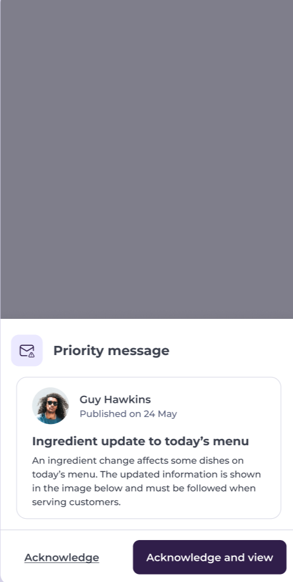
Both options work the same way on mobile and desktop.
Note: Selecting Acknowledge closes the message without opening the publication. If you want to read the full detail later, you can find the publication in your Feed.
