Start from: the Mapal One dashboard.
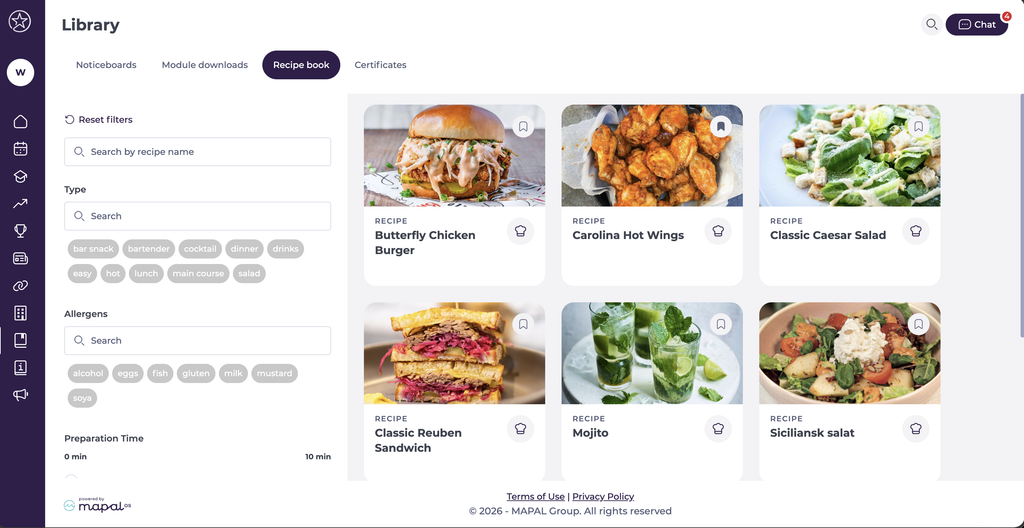
- Select Library > Recipe book from the main menu.
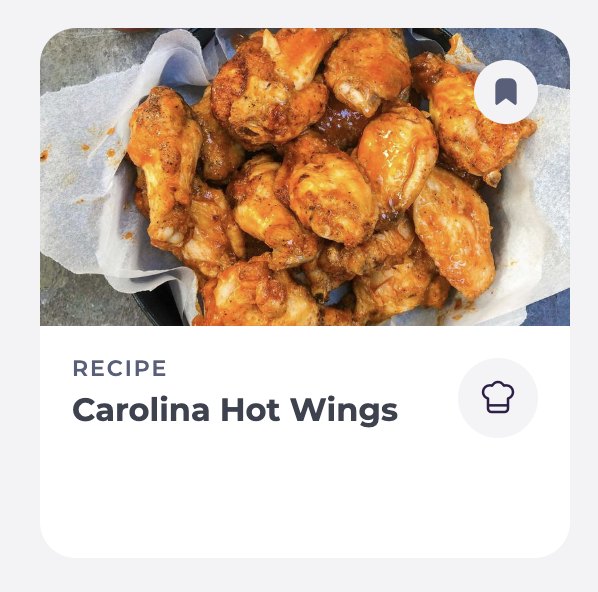
- Select a Recipe card to view it.
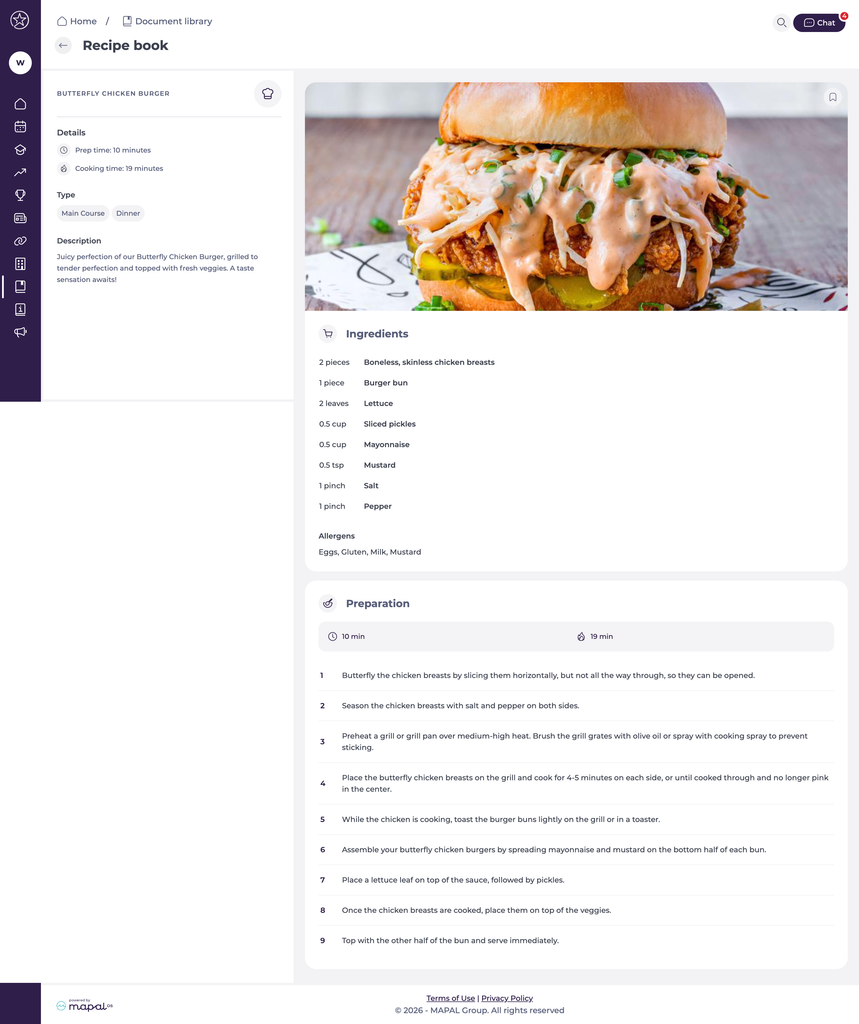
You’ll be able to see information such as prep time, cook time, ingredients, allergens and steps.
Favouriting a recipe
You can favourite any recipe, making it quick and easy to find again in the future.
- Use the bookmark icon on the top right of the main image.
- You should see the alert Item added to favourites.
- Check Learning > Your favourites to find favourited recipes alongside other favourited items.