


Start from: the Mapal One dashboard.
- Navigate to Company > Surveys & Polls.
- Scroll to the Polls section.
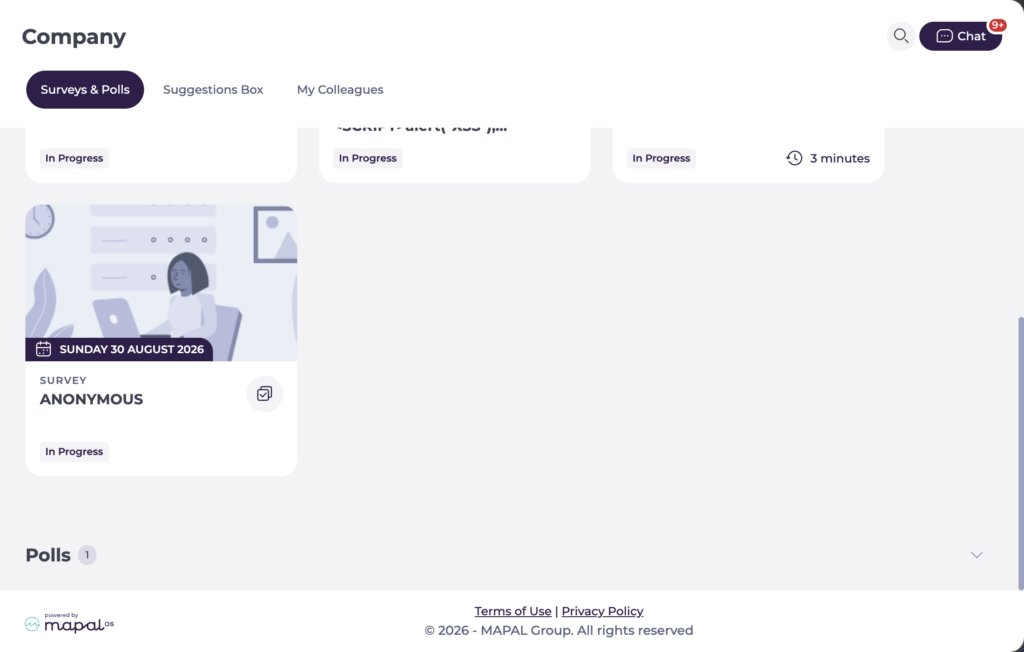
- Select the poll you want to respond to. Polls that still require your response display a Vote now status. Polls you have already completed display Voted.

Responding to a poll
- Read the question and select one answer from the options provided.
- Select Submit to record your vote.
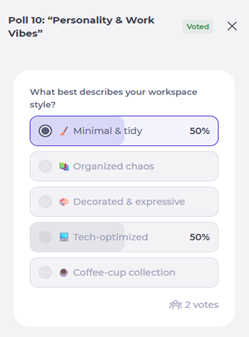
Note: Once submitted, your response cannot be changed. If you select Cancel, the poll will close and no vote will be recorded.
After voting
If the poll has been configured to show results, you will see a results screen with the total votes for each option immediately after submitting. Results remain visible and will update as more employees respond. The poll tile will continue to appear in Surveys & Polls until the poll end date, displaying Voted to confirm your participation.
