Start from: The Mapal One dashboard.
-
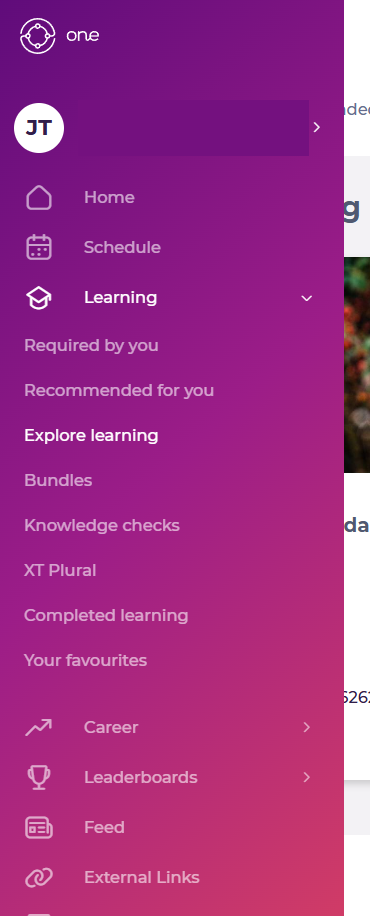
Select Learning > Explore Learning from the main menu.
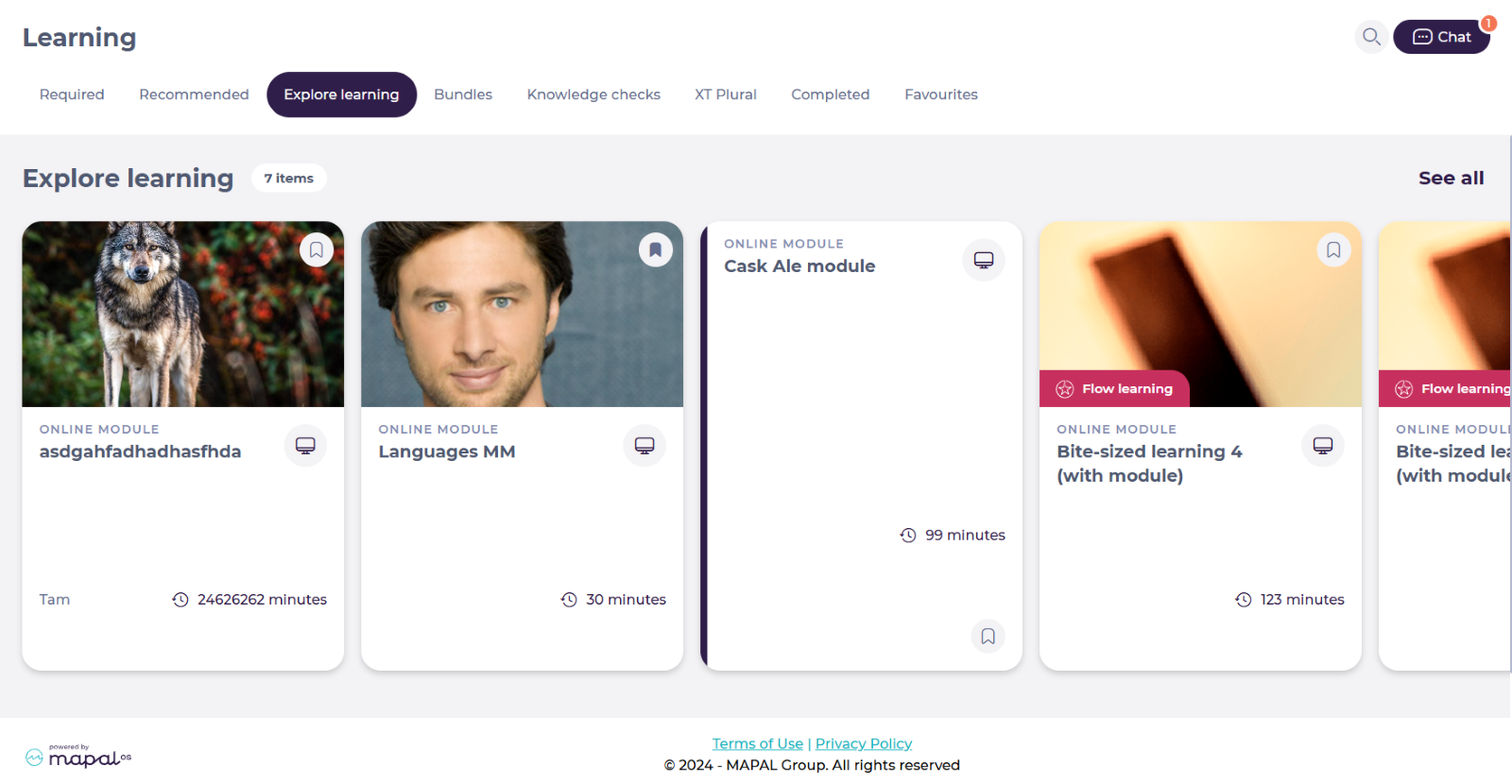
The Explore learning screen allows employees to access a variety of additional learning resources such as modules, external links, PDFs, audio files, and images.
-
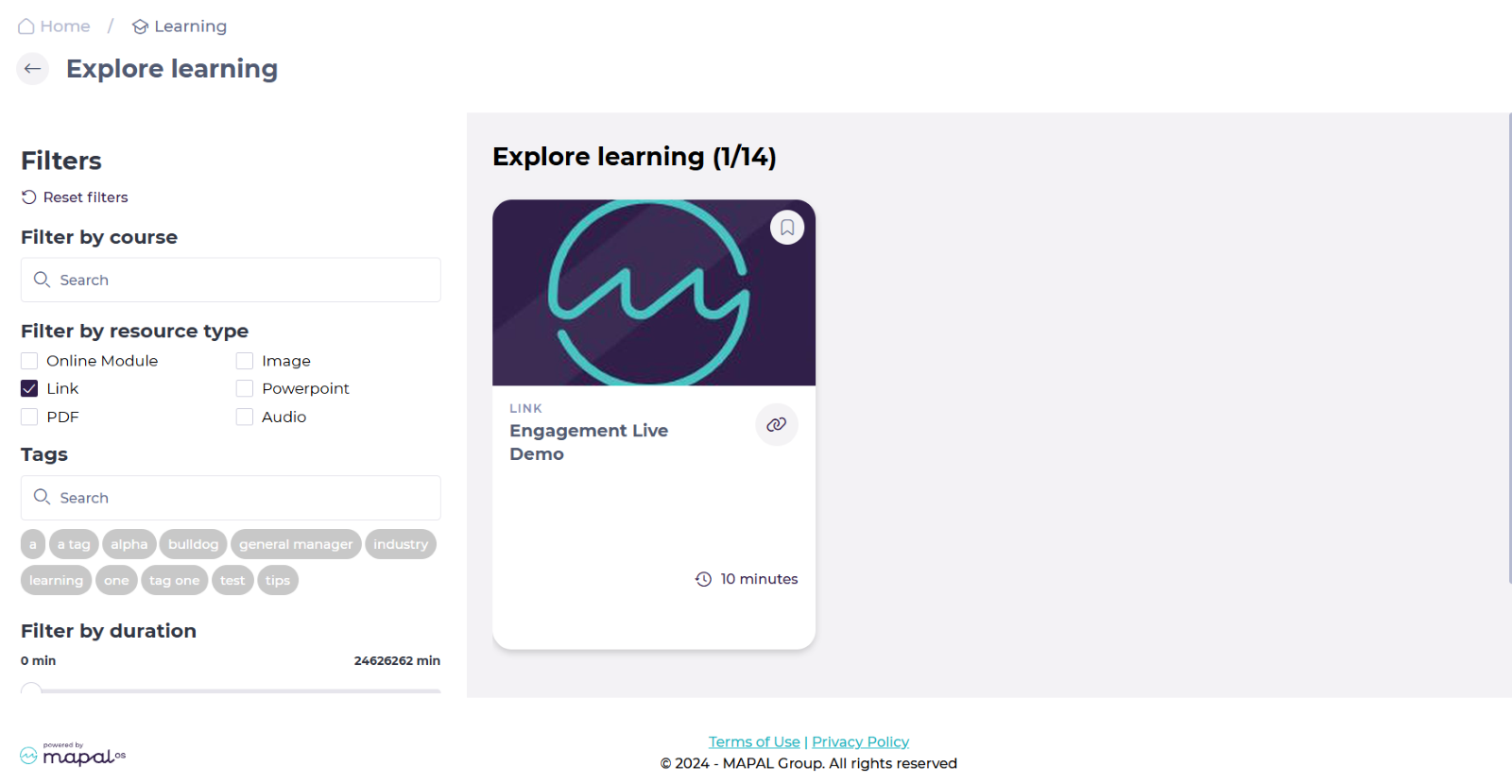
You can find specific external links by using the Filters in See all.
To know more about how to use the filters, see Using Filters in Mapal One.
-
The resources are ordered by tiles. Select the specific tile of the external link you want to consult.
-
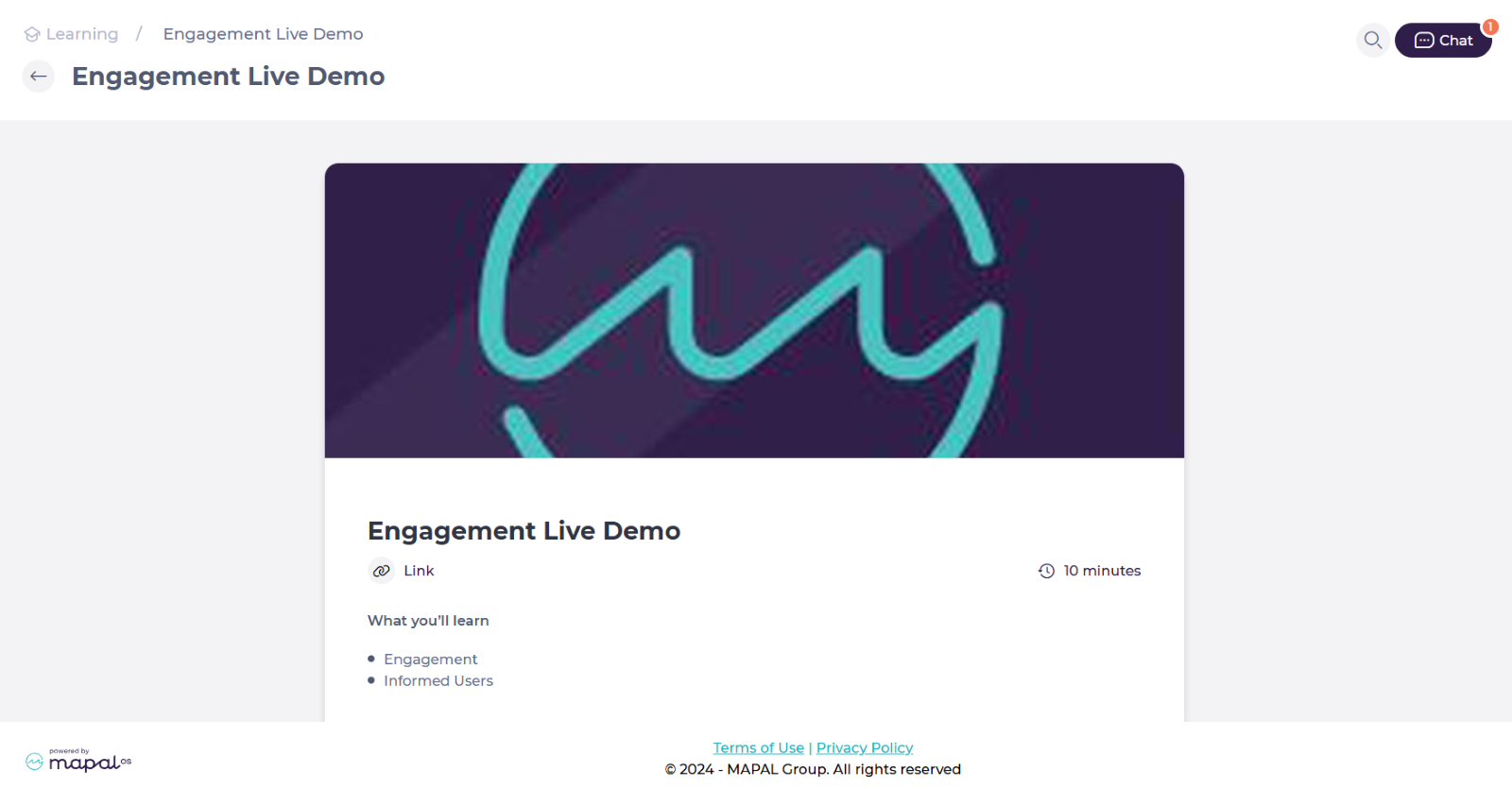
The details of the external resource will be displayed on screen. Select the specific Link.
Notes: The target location opens in a new tab, ensuring you don’t lose your place in Mapal One.