Start from: The Engagement dashboard.
- Navigate to Settings > Org Chart.
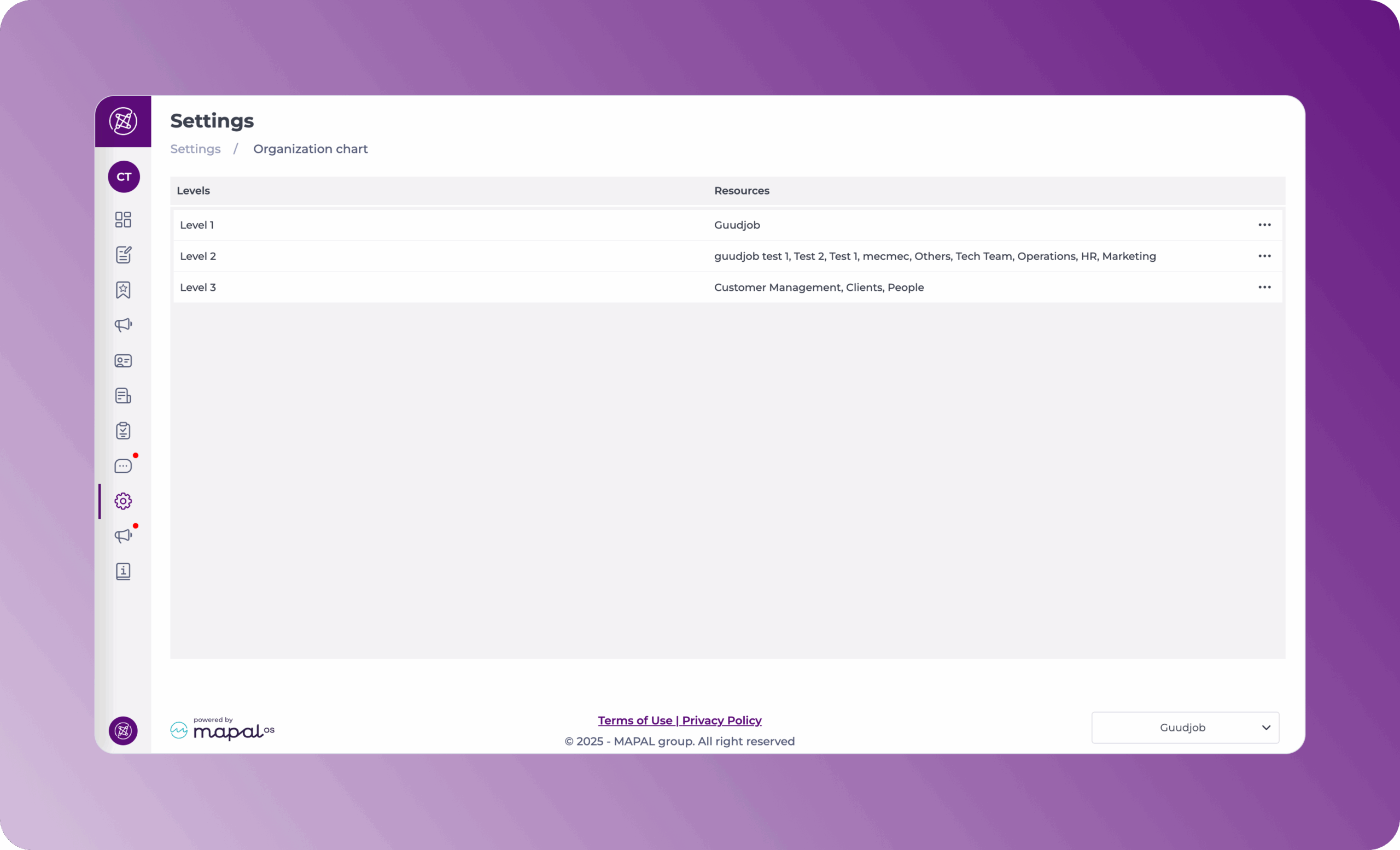
The Organization chart shows the employee levels, a way to group the employees. On the screen, you can visualize the levels and resources for each level.
Manage levels
- Select the Action button (three dots) at the far right of the level’s row.
- Inside each level, you will have multiple levels you can manage through the Action button (three dots).
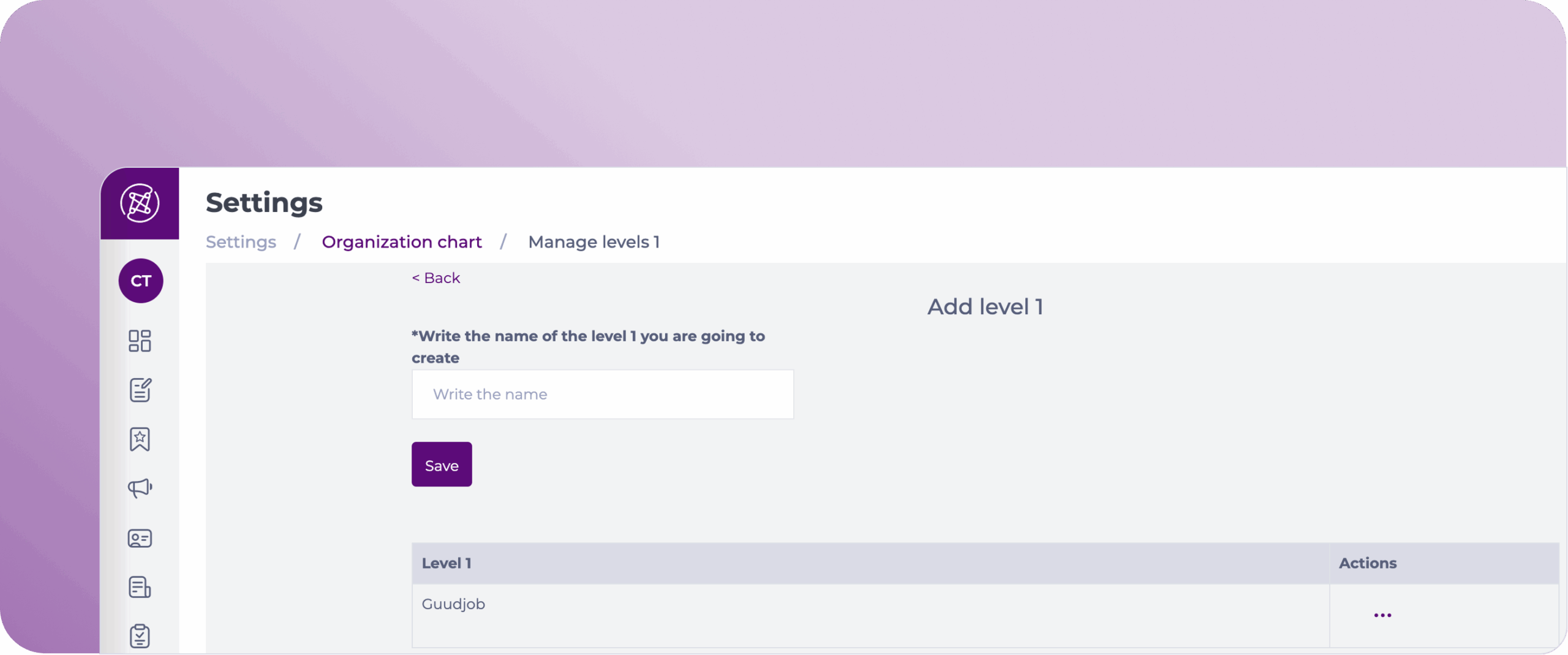
Actions available in Level 1
- Add new Level 1.
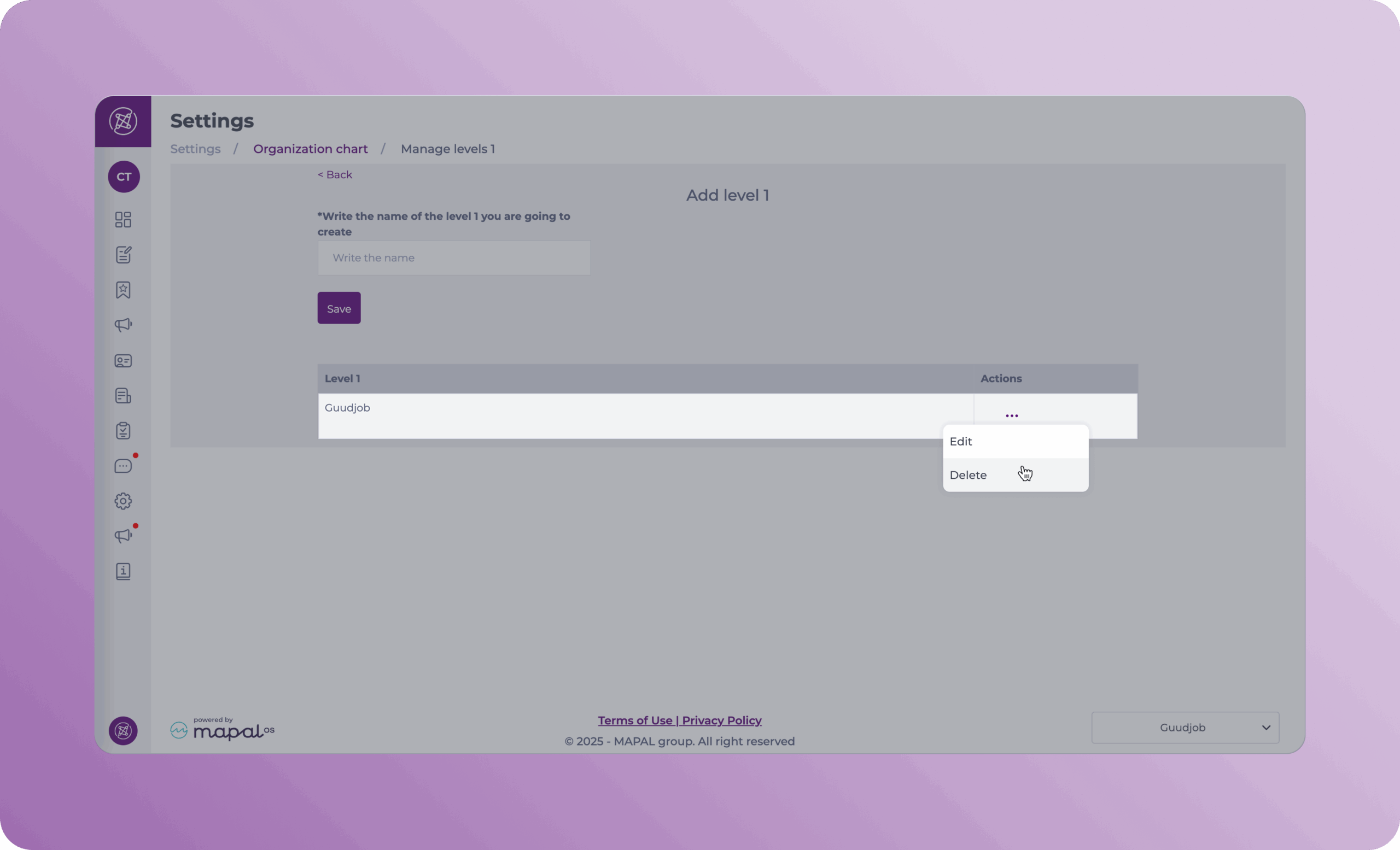
- You can Edit (Rename) or Delete level 1s as needed.
Actions available in Level 2 & 3
- Add new Levels by selecting the superior levels they correspond to and assigning a name to them.
- You can Edit levels by renaming them and reassigning them to different superior levels.
- You can Delete levels as needed.