


Start from: The Engagement dashboard.
- Select Recognition > Level ranking from the main menu.
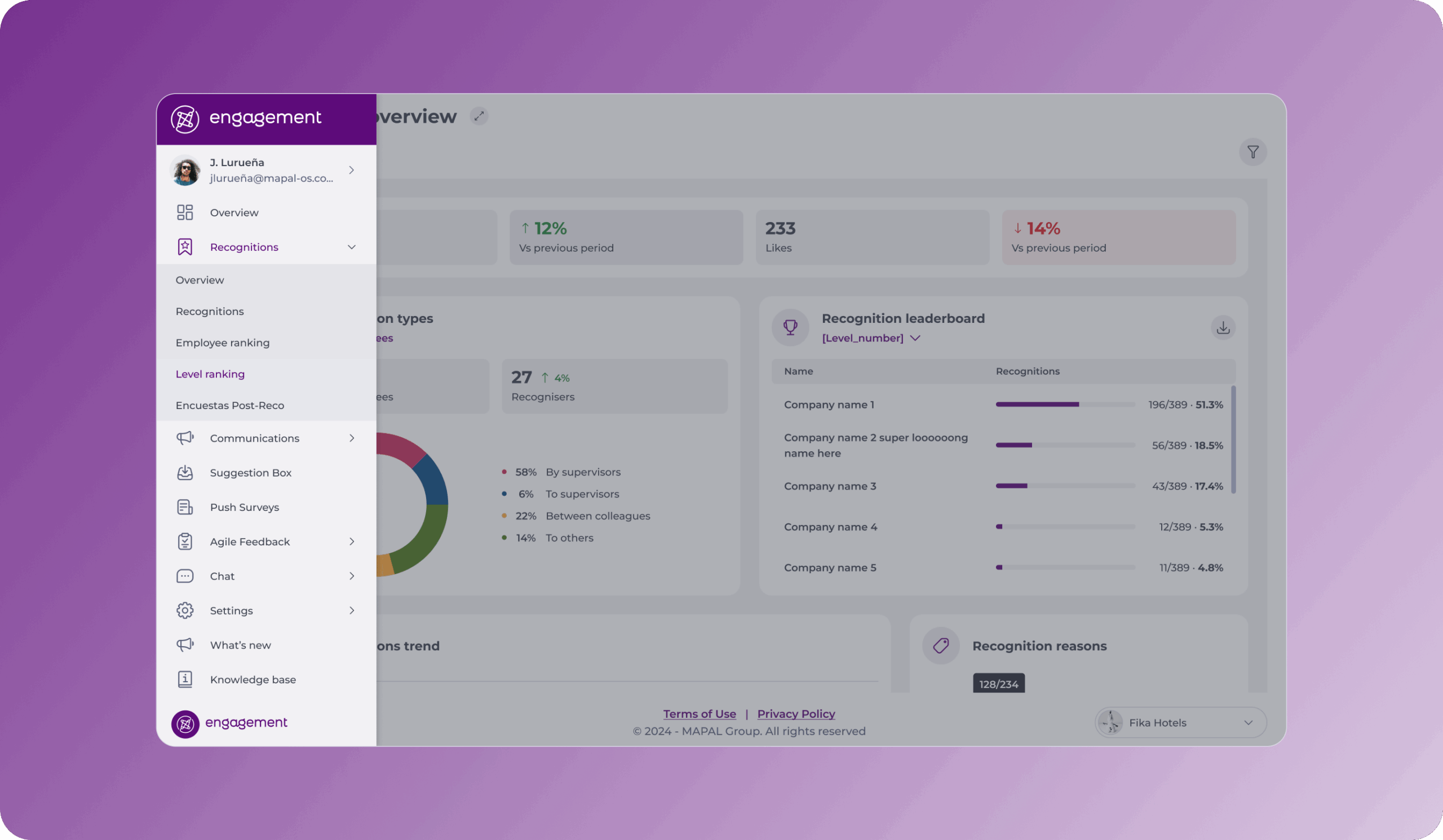
- The screen will show you a table with the levels. In the table, you can identify the following elements:
- It is ordered from the highest number of recognitions to the lowest.
- It shows you the name, photo, and number of recognitions for each level.

- To make the search for a specific level easier, you can use the Filter to reduce the results to a specific period or reason.
- To export the table, select the button Download ranking data.
Notes: When you request an export, a confirmation message appears and you can continue using Engagement while the report generates. You receive the Excel report by email once it is ready.
