
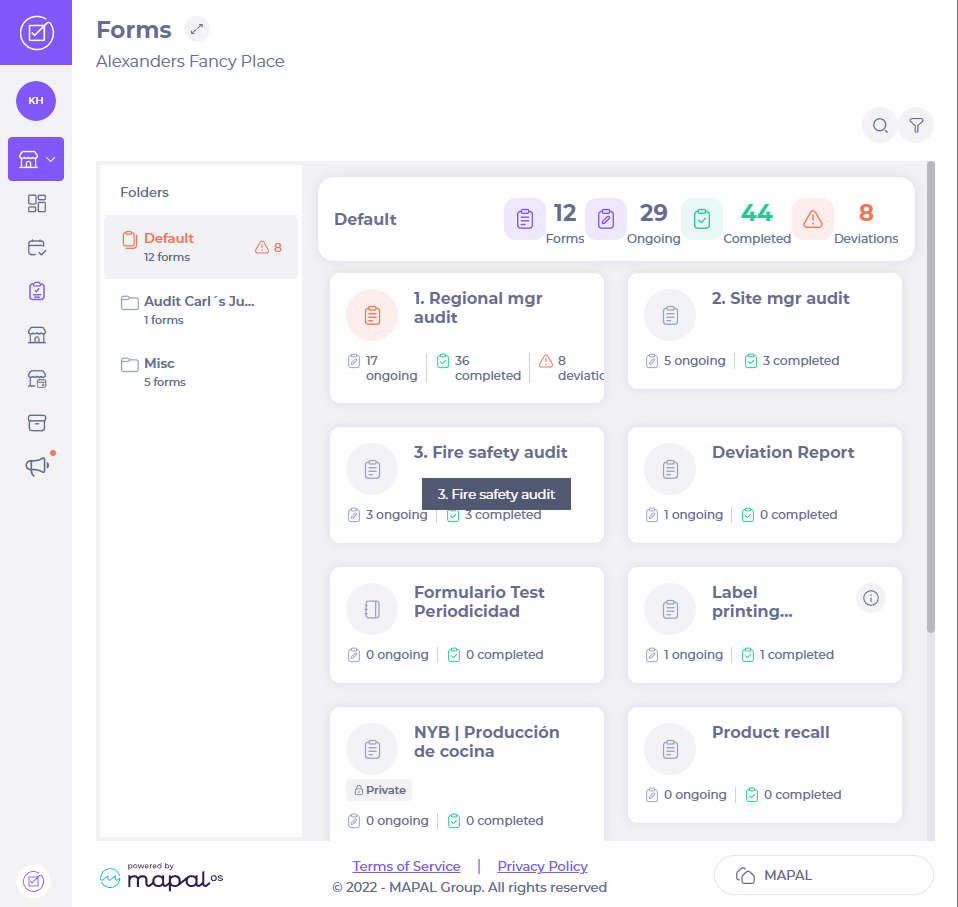
- Select + START NEW.
- Select More (the three dots icon) next to the parent task you wish to copy.
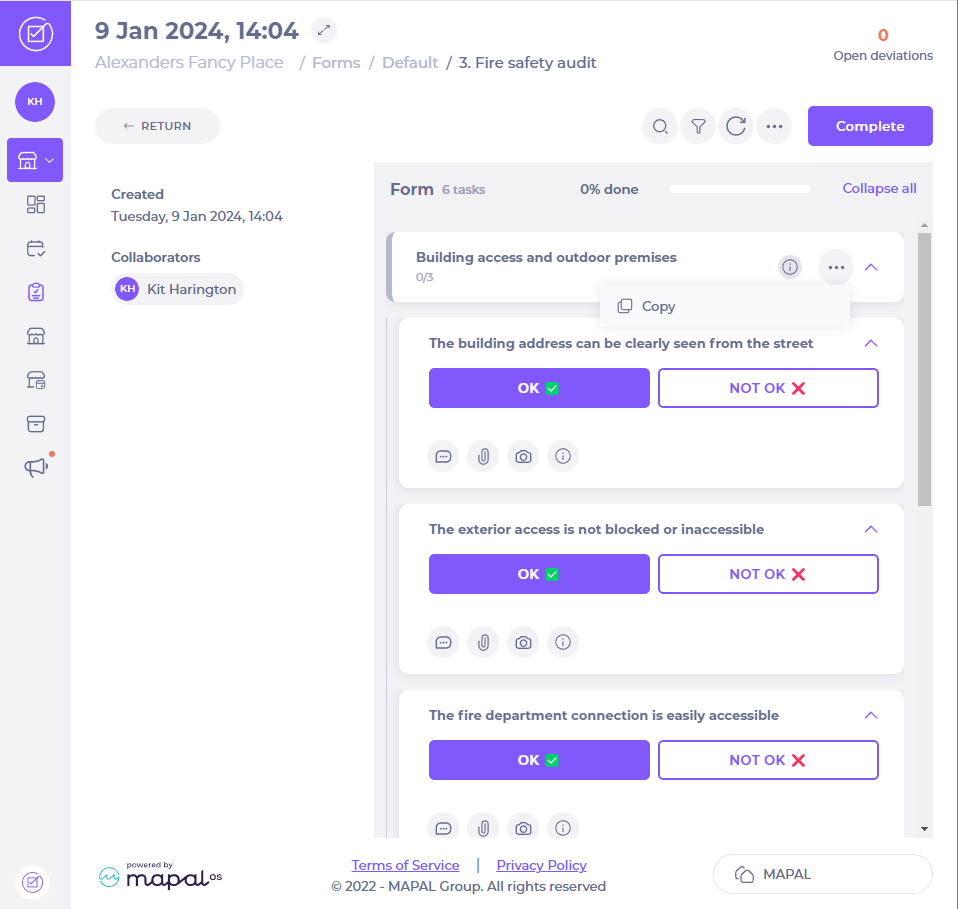
- Select Copy.
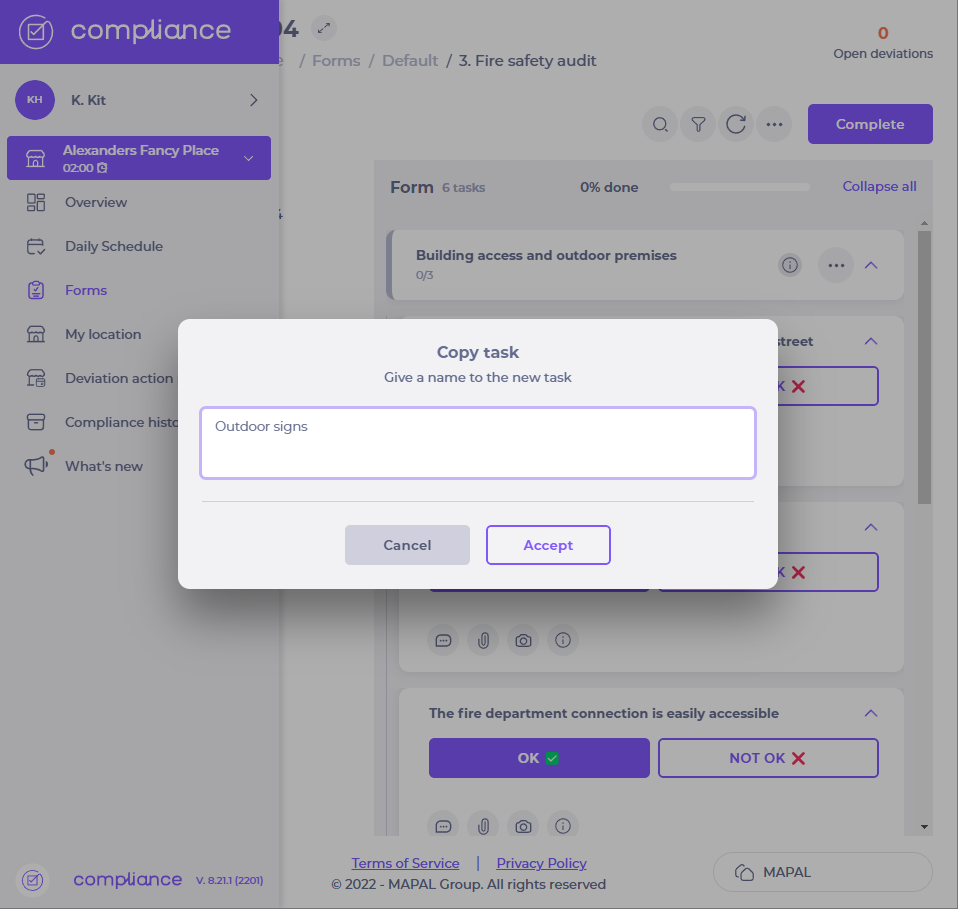
- Enter a name for the new copied task and select Accept.
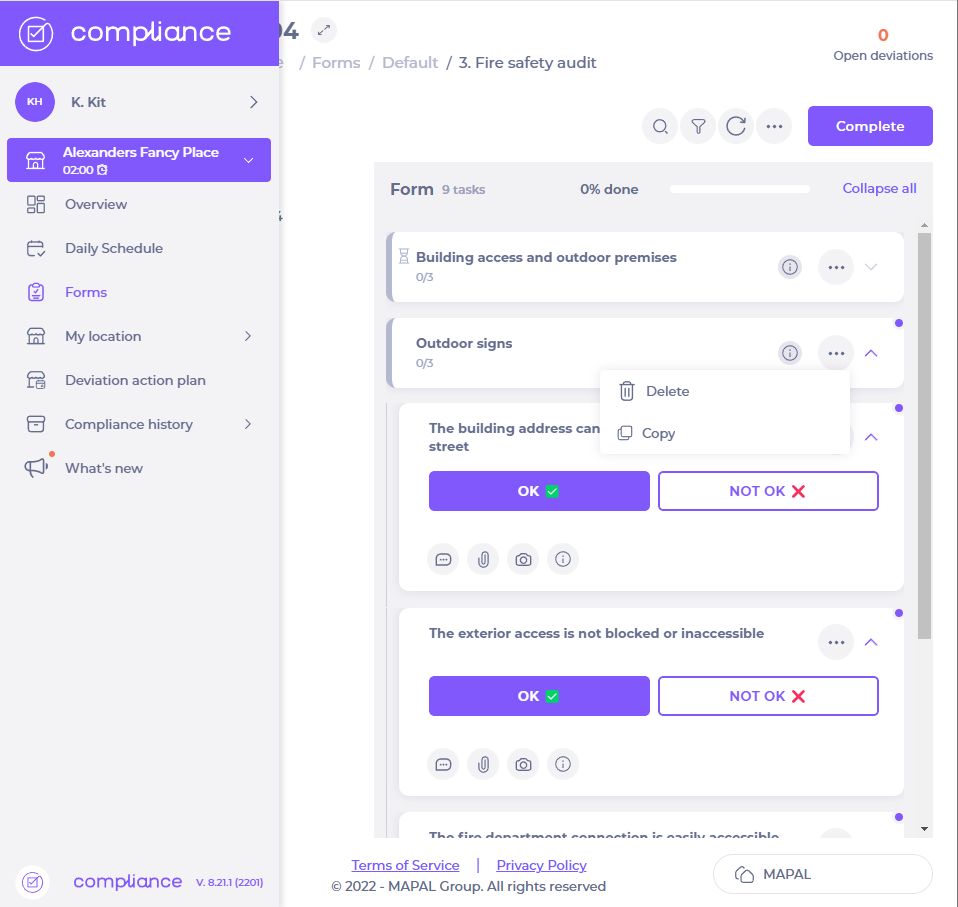
You can now copy or delete the new task by selecting the three dots icon next to it.


When creating tasks in a form, you can save time by duplicating tasks.In order to copy tasks in this way, the tasks must be set to allow copying at central level.For more on how to enable task duplication, seeCreate a task within a form.
As a food service manager, you may need to manually record downcooling data in a…
As a store manager, you need to use best practices to get the most out…
Forms in Compliance are checklists that can be opened and answered by users at any…
Forms in Compliance are checklists that can be opened and answered by users at any…
