


Start from: The Daily Schedule.
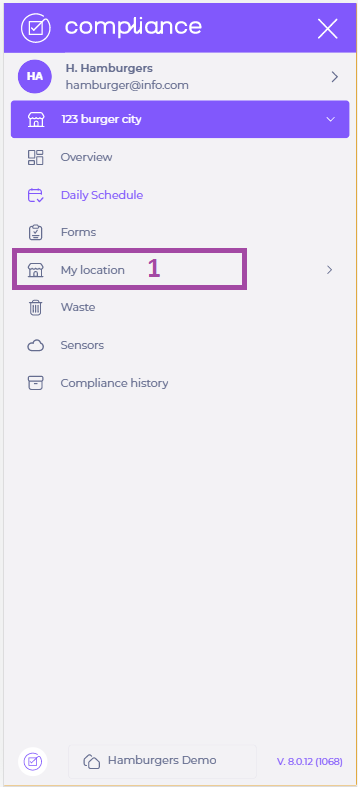
- Select My location.
- Select Pause Location.
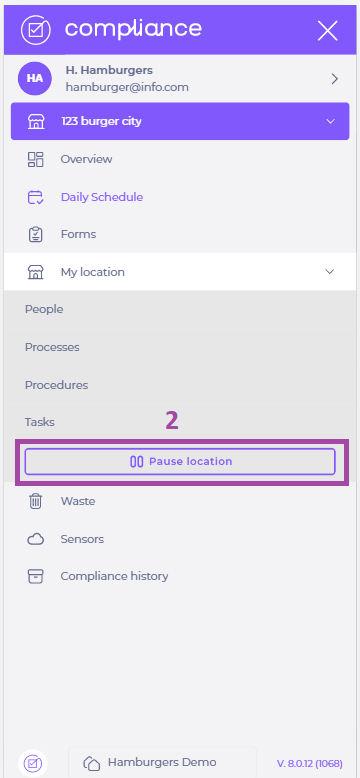
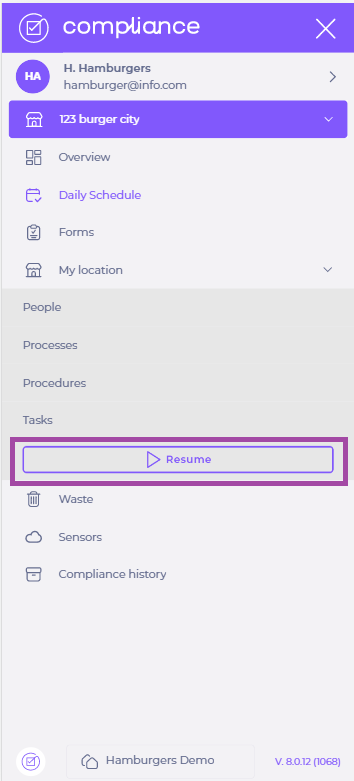
Your location is now paused, until you choose to resume it. To resume the location, select My Location > Resume.
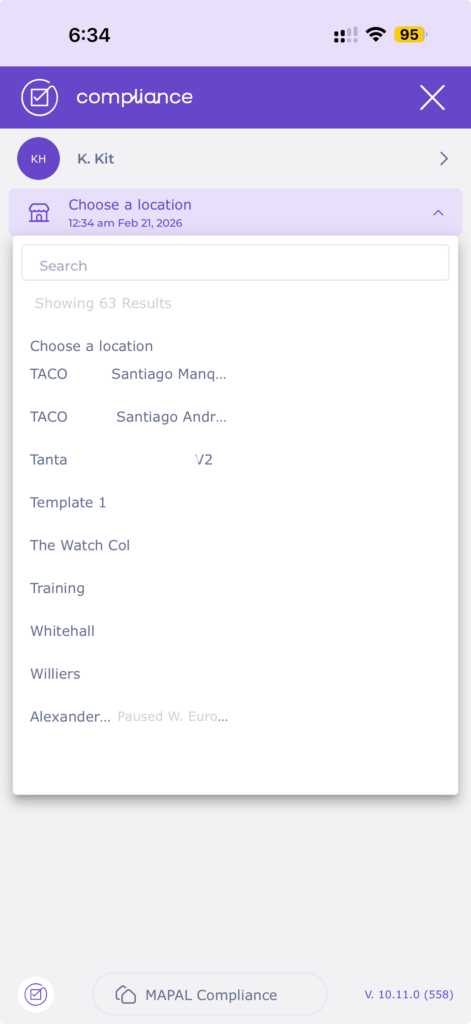
Note: When a location is paused, it will appear grouped at the bottom of the location selector, separate from active locations. This makes it easier to distinguish between active and paused sites when navigating.
Completing tasks during planned closures
If you know your unit will be closed, we recommend checking the Daily Schedule the day before to see which tasks are scheduled during that period. You can easily do this by scrolling through the Daily Schedule on your mobile device.
Tasks that appear during the closed period still need to be completed to avoid affecting your compliance score. Tasks that are scheduled - before the closure was added - do not automatically disappear from the plan.
For example, you may have a task scheduled to become visible six days before the due date. This task will still require completion, even if the due date falls on a closed day.
