


Start from: The Compliance dashboard.
-
Select Tasks > Areas/checklists from the main menu.
-
Select + Create Task.

-
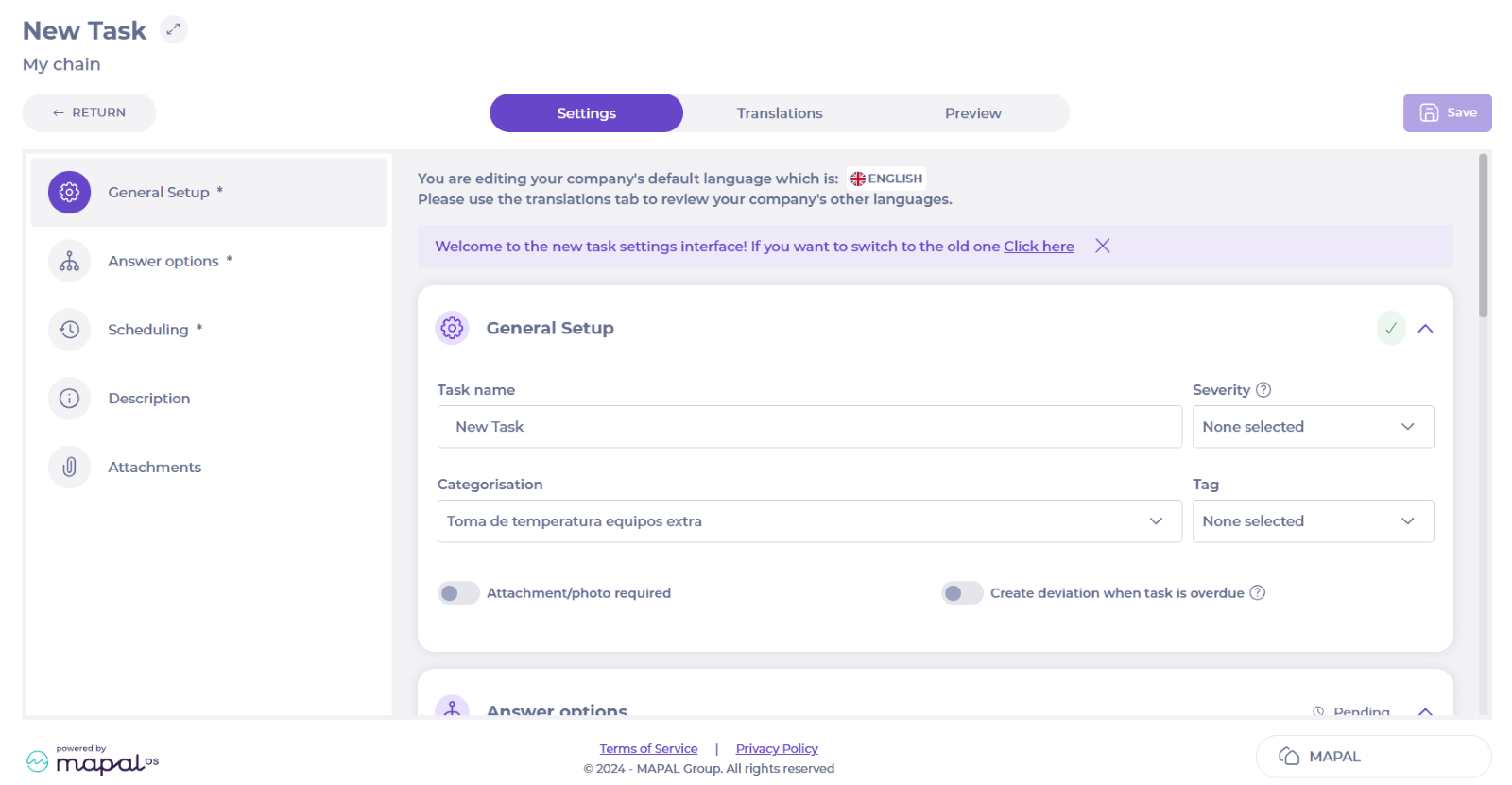
Fill in the name of the task, set the Severity, and select the procedure in Categorisation.
-
Scroll down to Answer options and select Interval in the Answer type dropdown.

-
In the Low limit field, fill in the lowest temperature allowed. If a freezer, for example, -8 is the lowest temperature allowed, while -2 is the highest.
-
In the High limit field, fill in the highest temperature allowed.
-
Set a label for the task, for example, Temperature.
-
Select the Unit field and fill in the unit, for example, °C.

-
Set the Frequency for the task and the days of the week it should be performed.

-
Add any wanted Description, for example, how they can measure temperature and how to handle any deviations.

-
Add an Attachment if needed, for example, a guide or an informative document related with the task.

-
Select Save.
The task will now appear in Areas/checklists and as a part of the Daily Schedule.
