


Note: After creating a task, it must be published to an area. Areas are where tasks are displayed on the Daily Schedule.
Start from: The Compliance dashboard.
- Select Tasks > Areas/checklists.
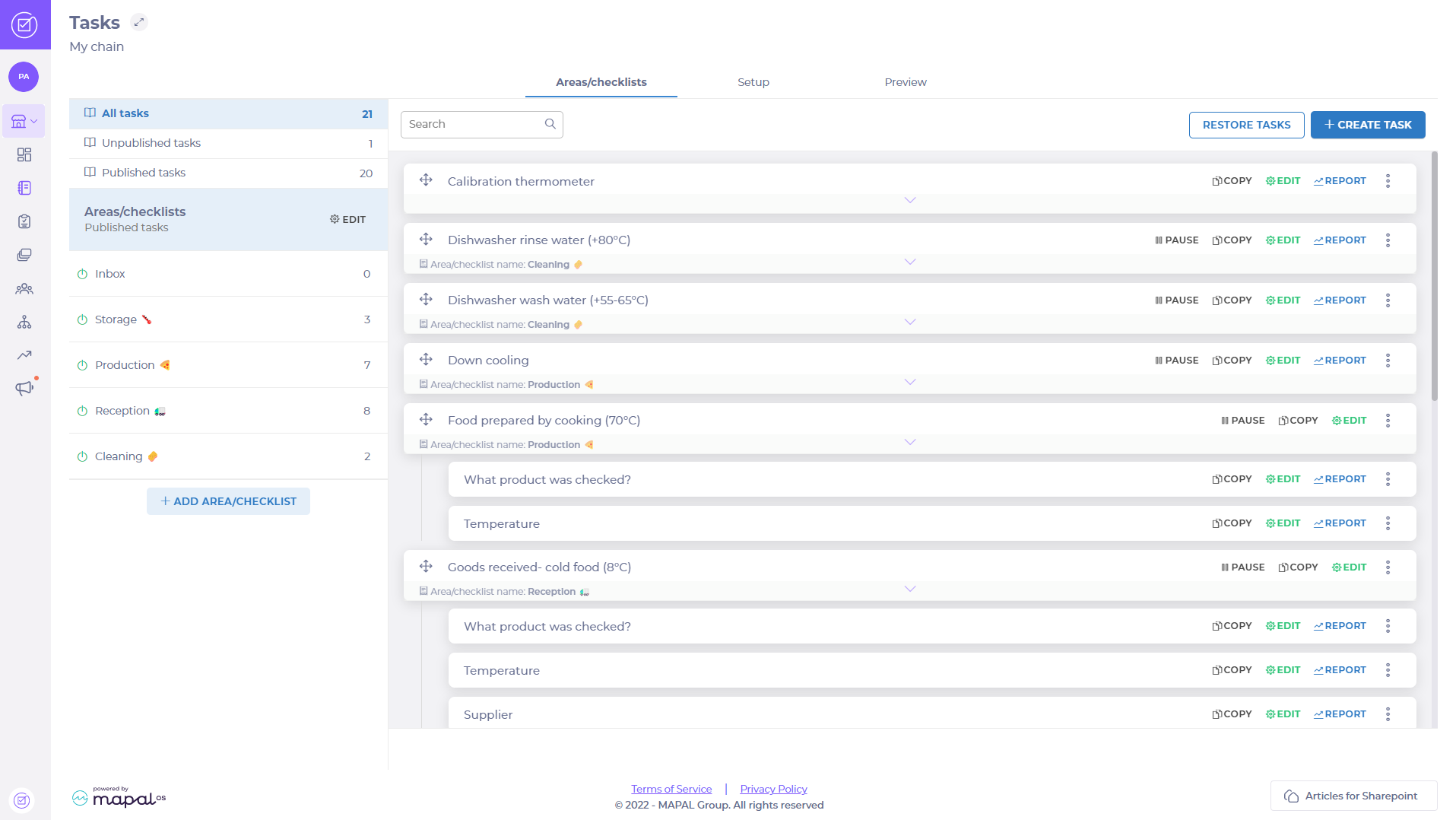
- Select Add area/checklist
 and a pop-up will open.
 - Enter the name of the area that you want to create in the Area/checklist name field.
- Select Mandatory to all users to prevent users from deactivating the area on their account.
- Select Assign to all users to automatically enable the area for new users when they are created. This can be disabled later if necessary.
Note: It is not possible to select both Mandatory to all users and Assign to all users.
- Select Confirm to create the new area OR select Cancel to discard it and close the pop-up.
New areas with published tasks will be shown in the Daily Schedule.
