Start from: The Compliance Dashboard.
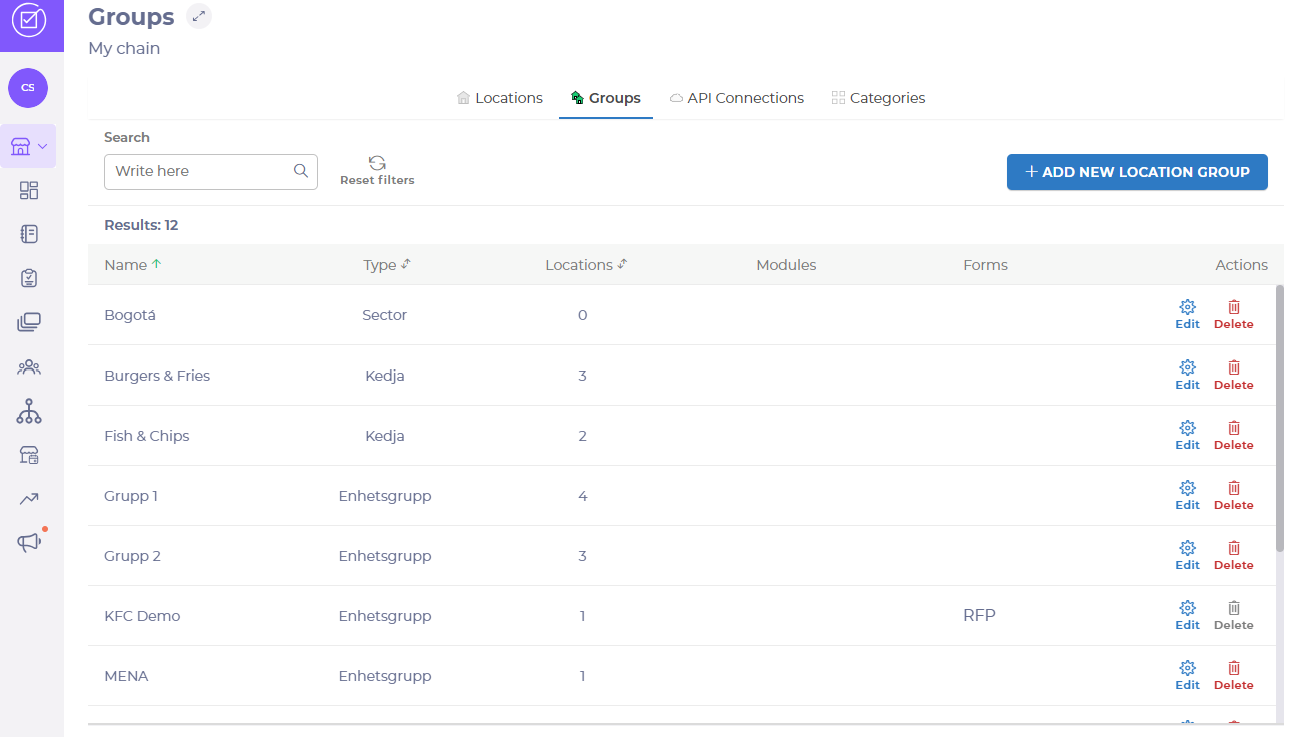
- Select Chain Management > Groups in the Main Menu.
- Choose the group you want to update, using the Edit button.
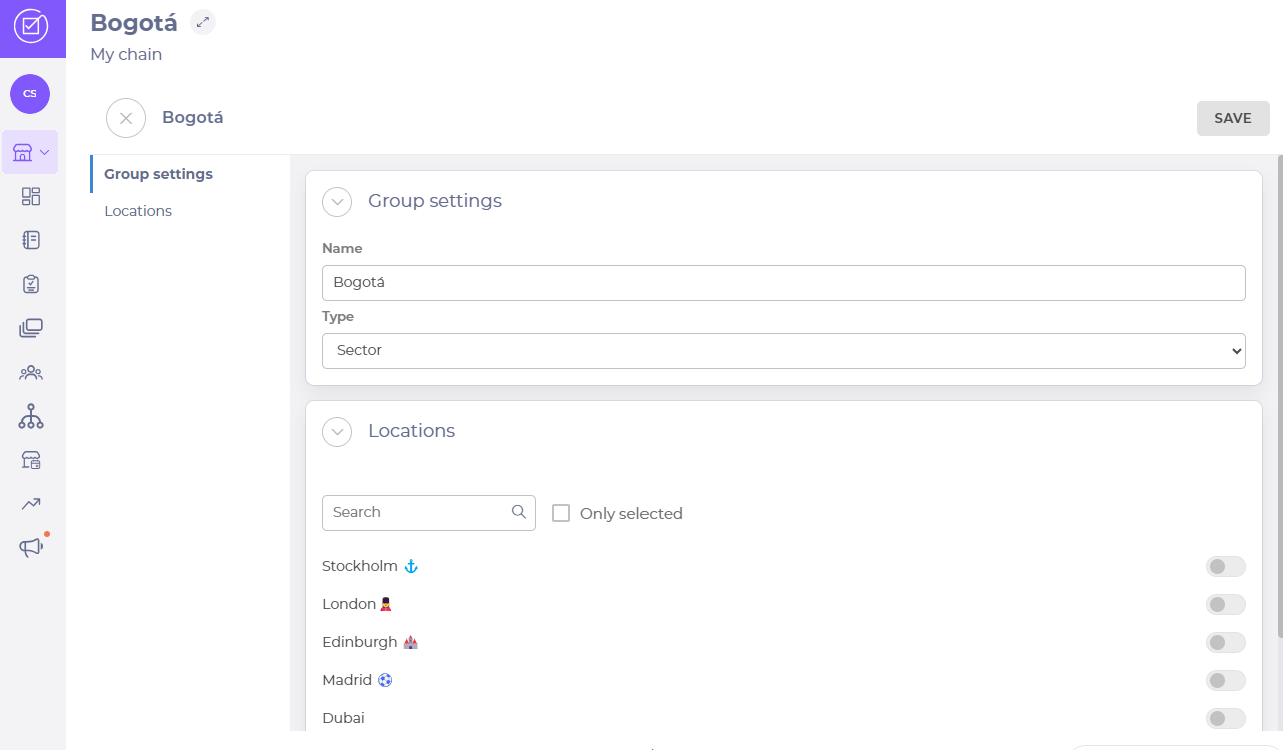
Adding locations
- Add or remove locations, if needed, by activating the relevant toggle switches.
- Select Save.