


Start from: The Compliance dashboard.
-
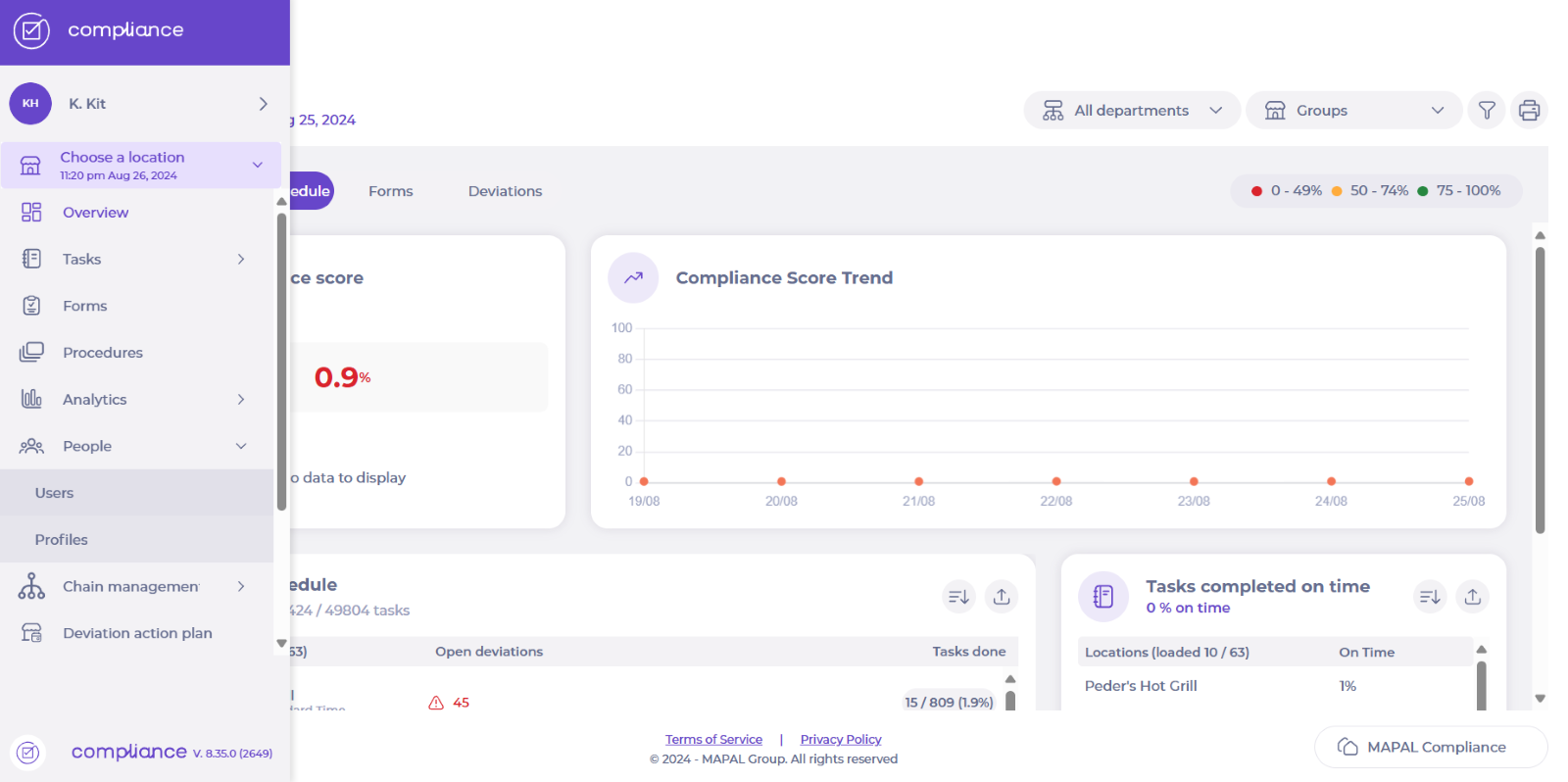
Select People > Users from the main menu.
-
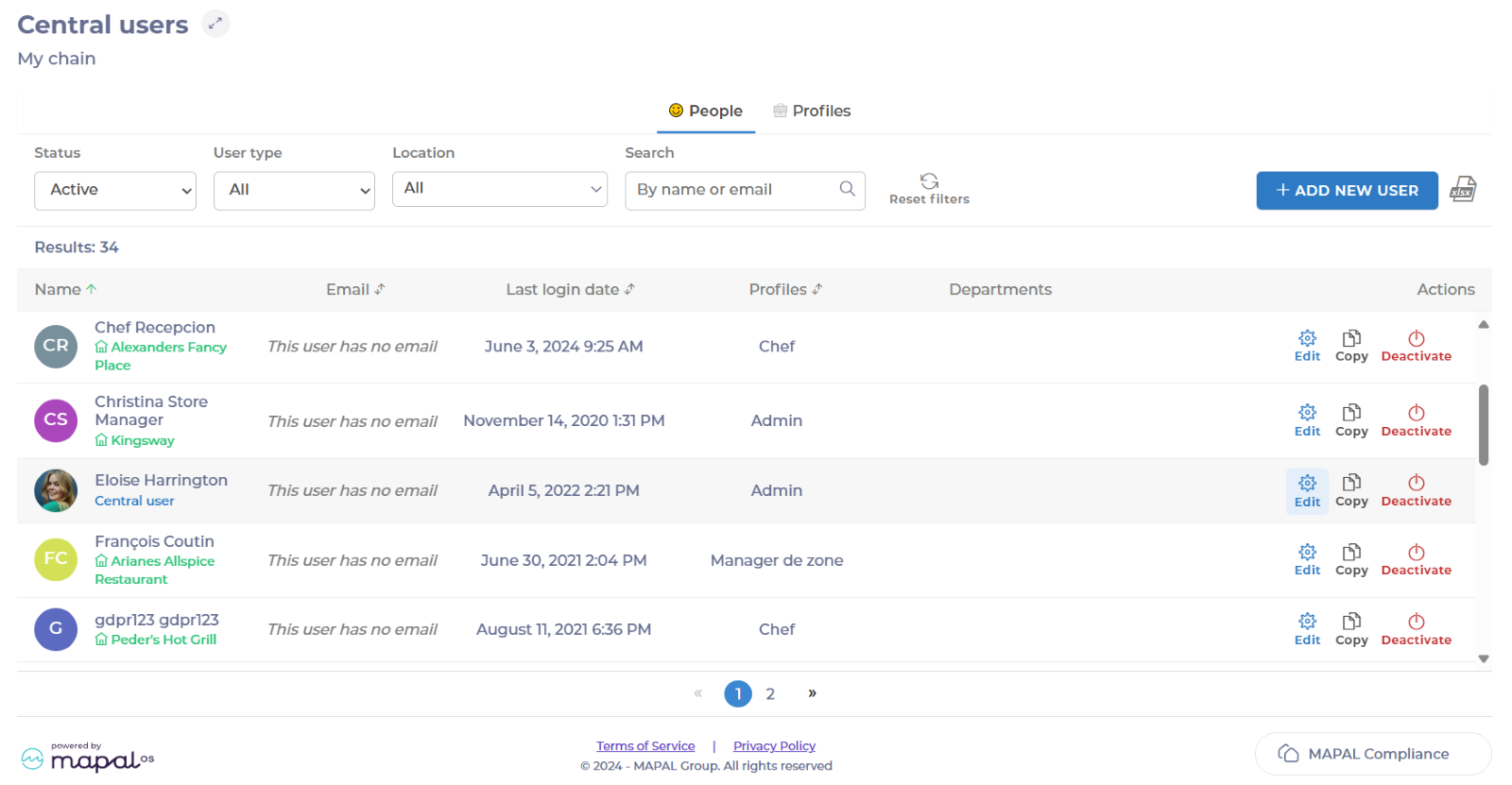
Find the central user you want to add groups to and select Edit.
-
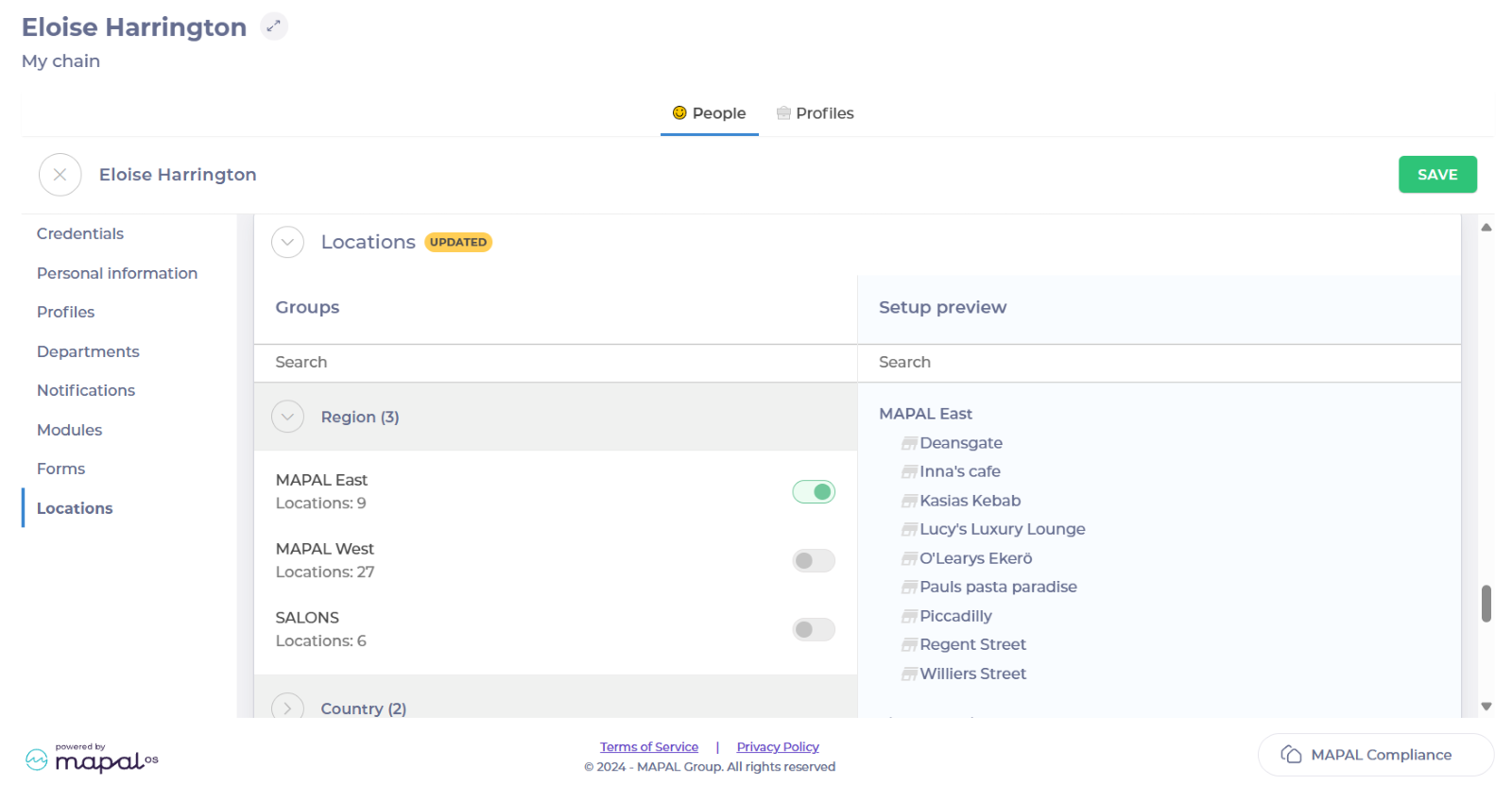
Select Locations in the left-hand menu. Now you will see all the options to add different groups on a user.
-
Toggle on the group or groups you want to add.
-
Select Save.
Notes: The user needs to log out and in to be able to see the new locations.
