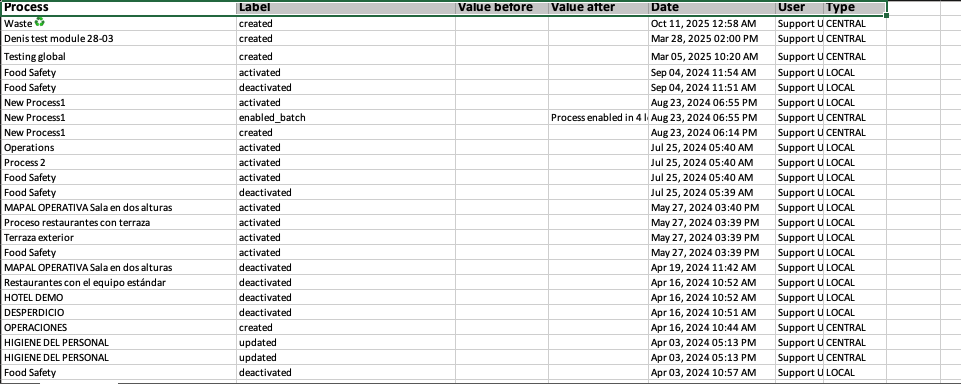
Start from: The Daily Schedule.
- Select My Location > Processes.
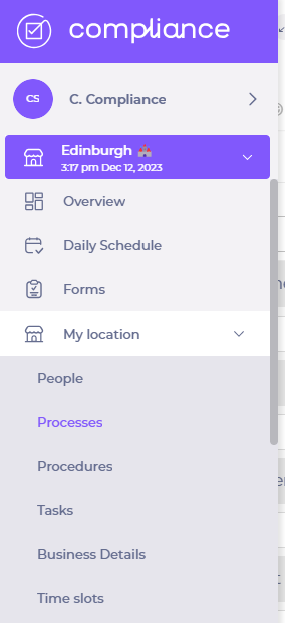
- Deactivate the Show only active toggle switch.
- Choose a particular process OR search it in the search box.
- Activate OR deactivate the Processes toggle switches.
Note: when activated, the information linked to the process is visible in the Daily schedule. However, if the process is deactivated, data linked to the process won't appear in the Daily schedule.
Export the process change log
You can export a change log from the Processes page to review the full history of process changes for your location. Use it to support audits and operational investigations.
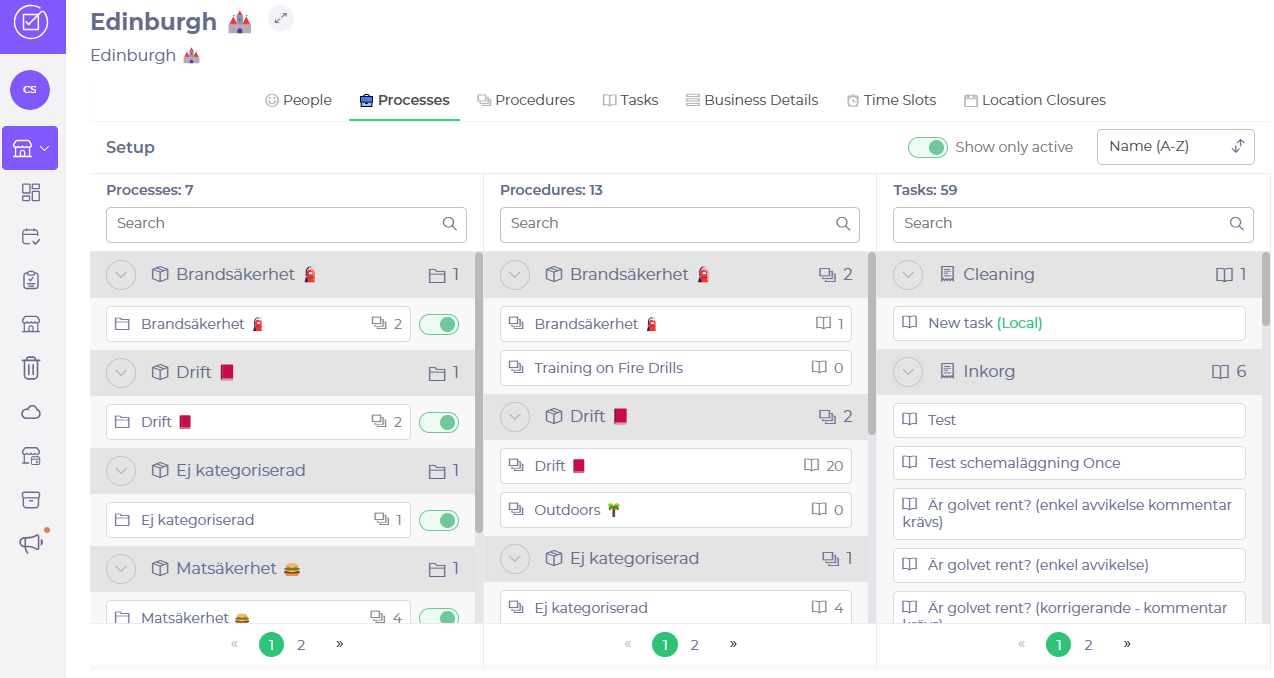
- Select My Location > Processes.
- Select the export icon at the top of the Setup view.
- Select Processes changelog.
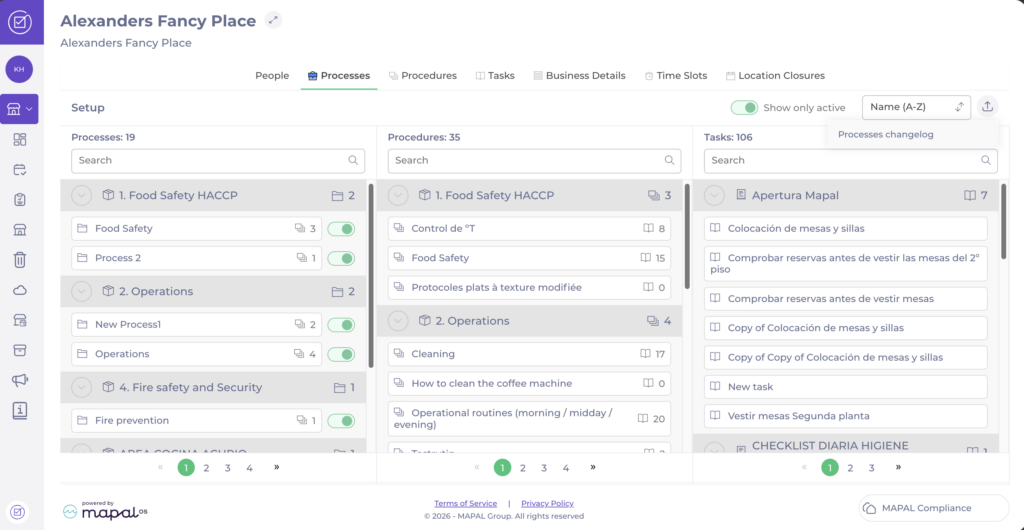
The export is a spreadsheet with the following columns: Process (the process name), Label (the change made, such as created, activated, deactivated, or updated), Value before and Value after (the values changed, where applicable), Date (when the change was made), User (who made the change), and Type (whether the change was made at central or local level).