


Start from: The Compliance Overview page.
- Select Procedures in the main menu.
Note: If it's a local procedure, select the specific location > My location > Procedures.
- Select a specific procedure.
- Select the Print icon.
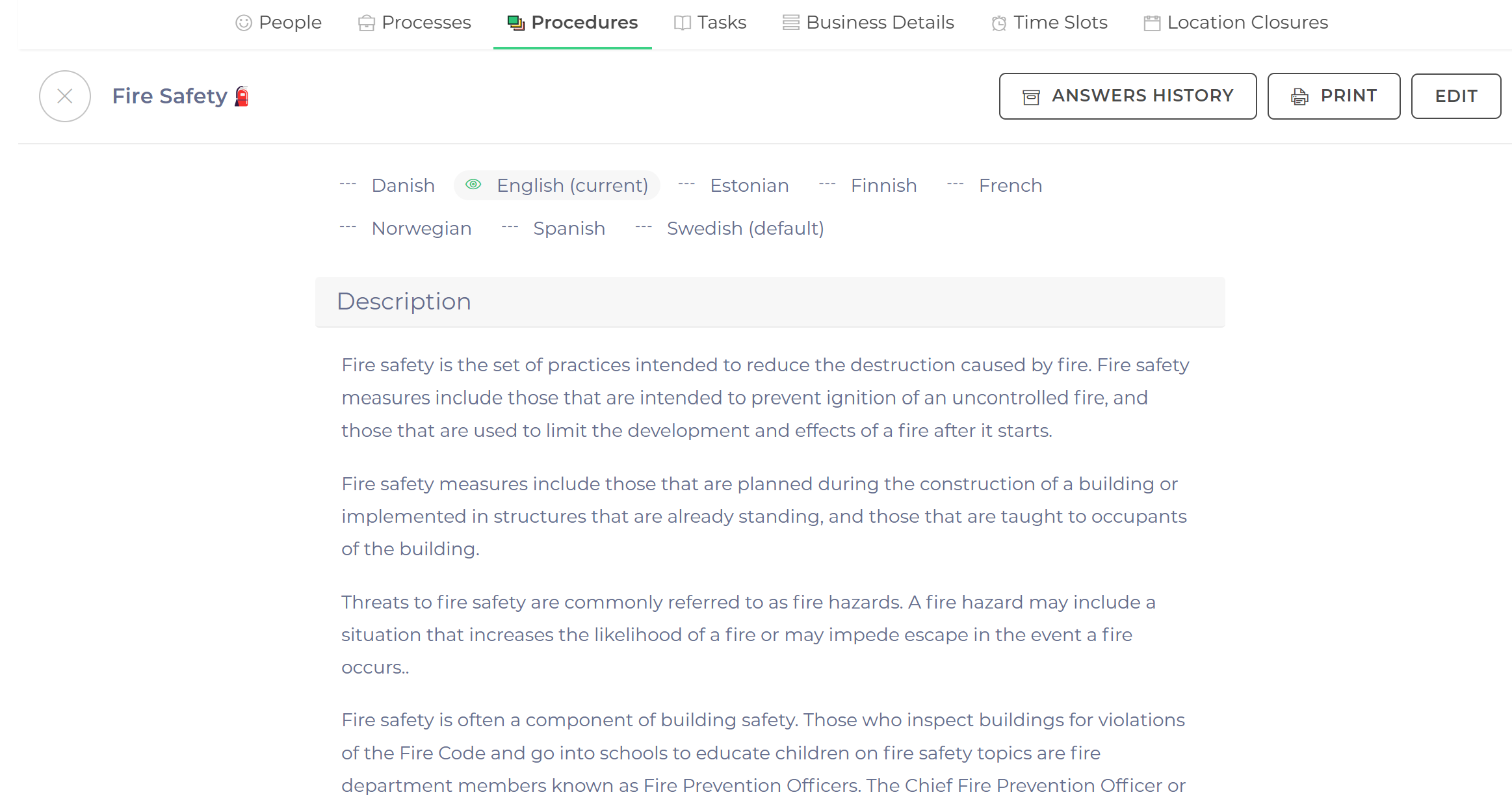
- Choose the PDF format.
Related Articles
Find documents within a procedure (app)
- Documents
- Reviews
- Tasks
While you're on the go, you may need to quickly review company documents or get…
Update procedures at a local level
- Compliance
- Dashboards
- Learning
- Locations
when making changes to procedures, it is recommended that central-level users notify existing locations of…
Edit procedures locally
- Communications
- Compliance
- Dashboards
- Menus
store managers may want to edit procedures for their location, to tailor them to specific…
