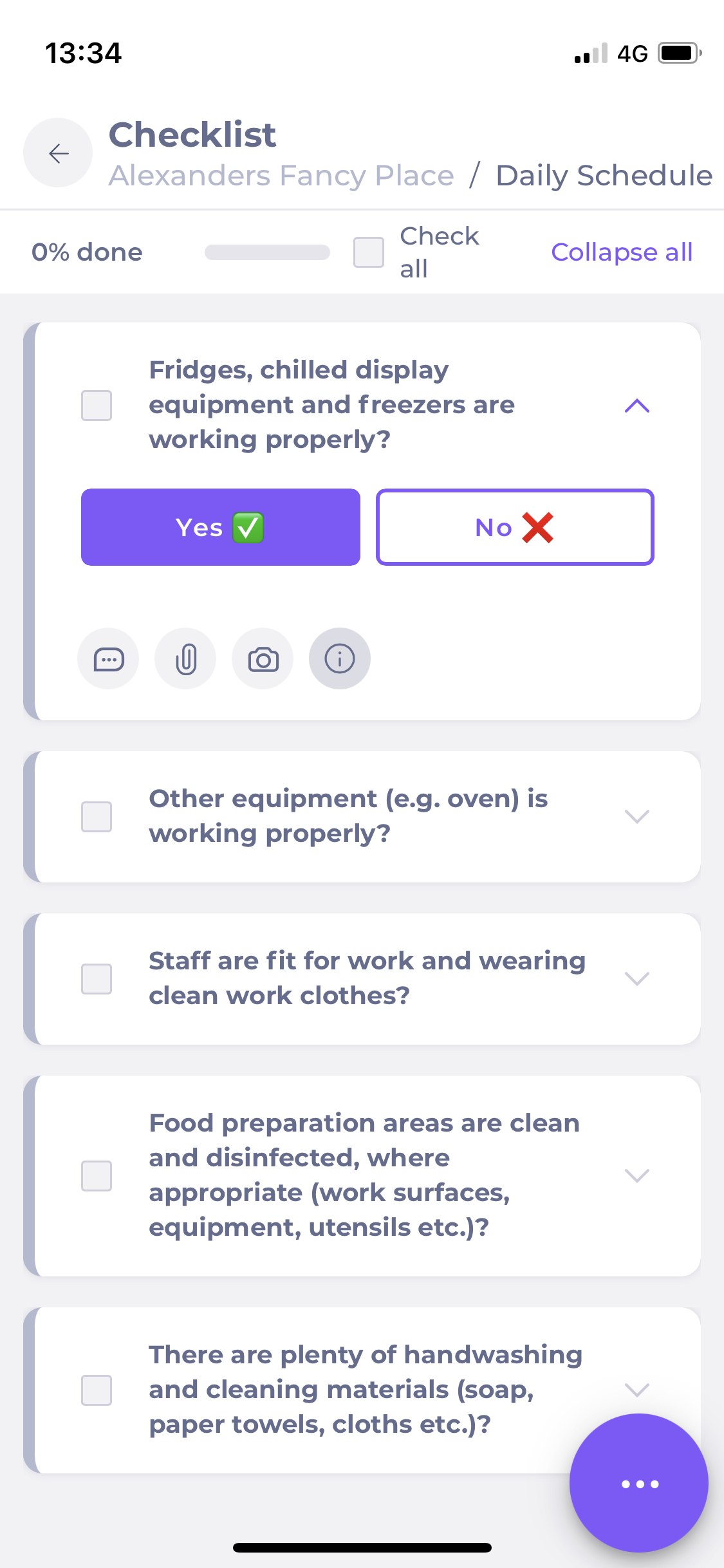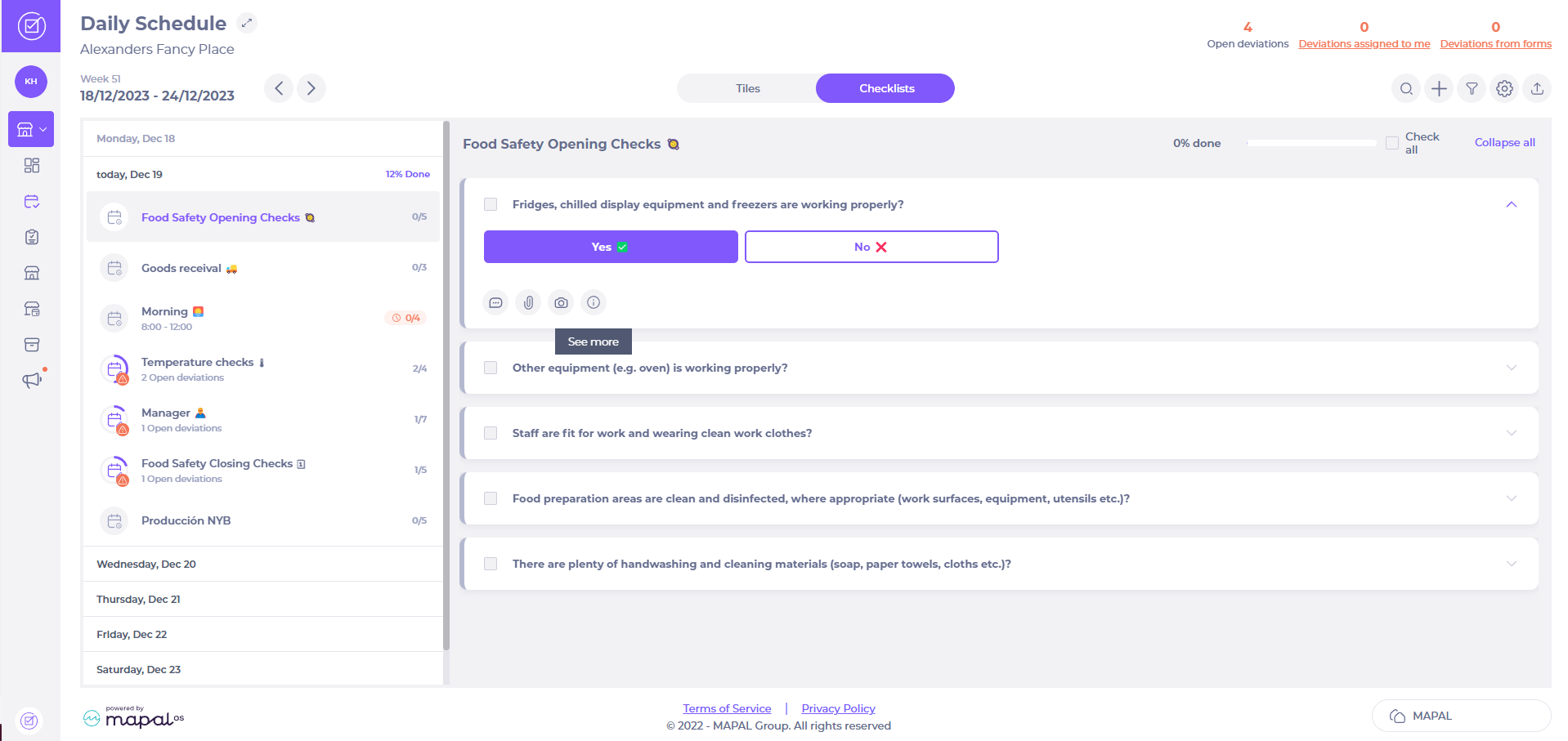
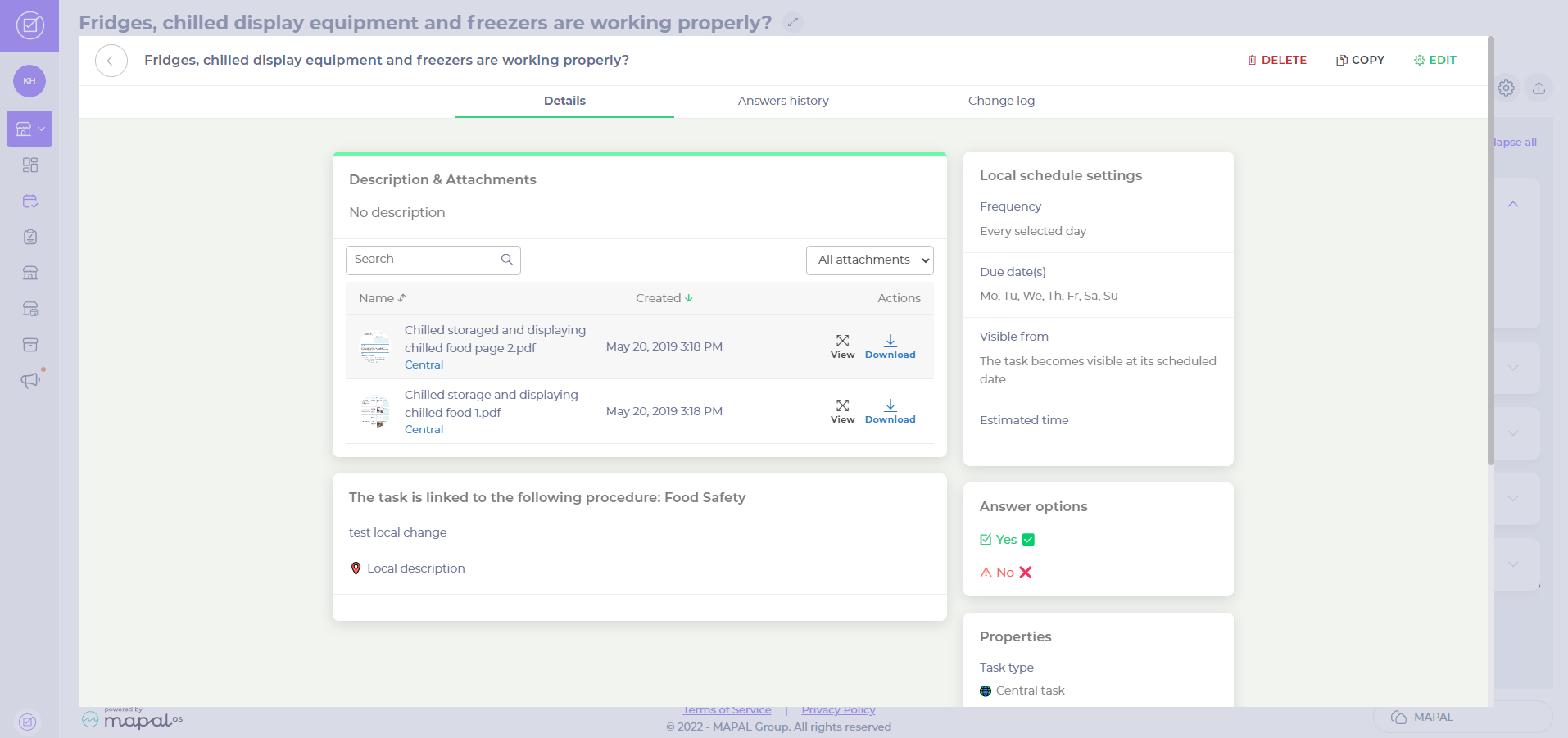
A pop-up window will appear showing the task’s details. You’ll find any documents attached under the Description & Attachments section.
- Select View to see a preview of the documents and Download to download them to your computer.
On the Compliance app
Start from: The Daily Schedule.
- Select the module (for example, cleaning, goods receival, food safety opening checks…) for which you wish to view the documents.
- Select the particular task for which you wish to view the documents.
- Select See more (the ‘i’ icon).
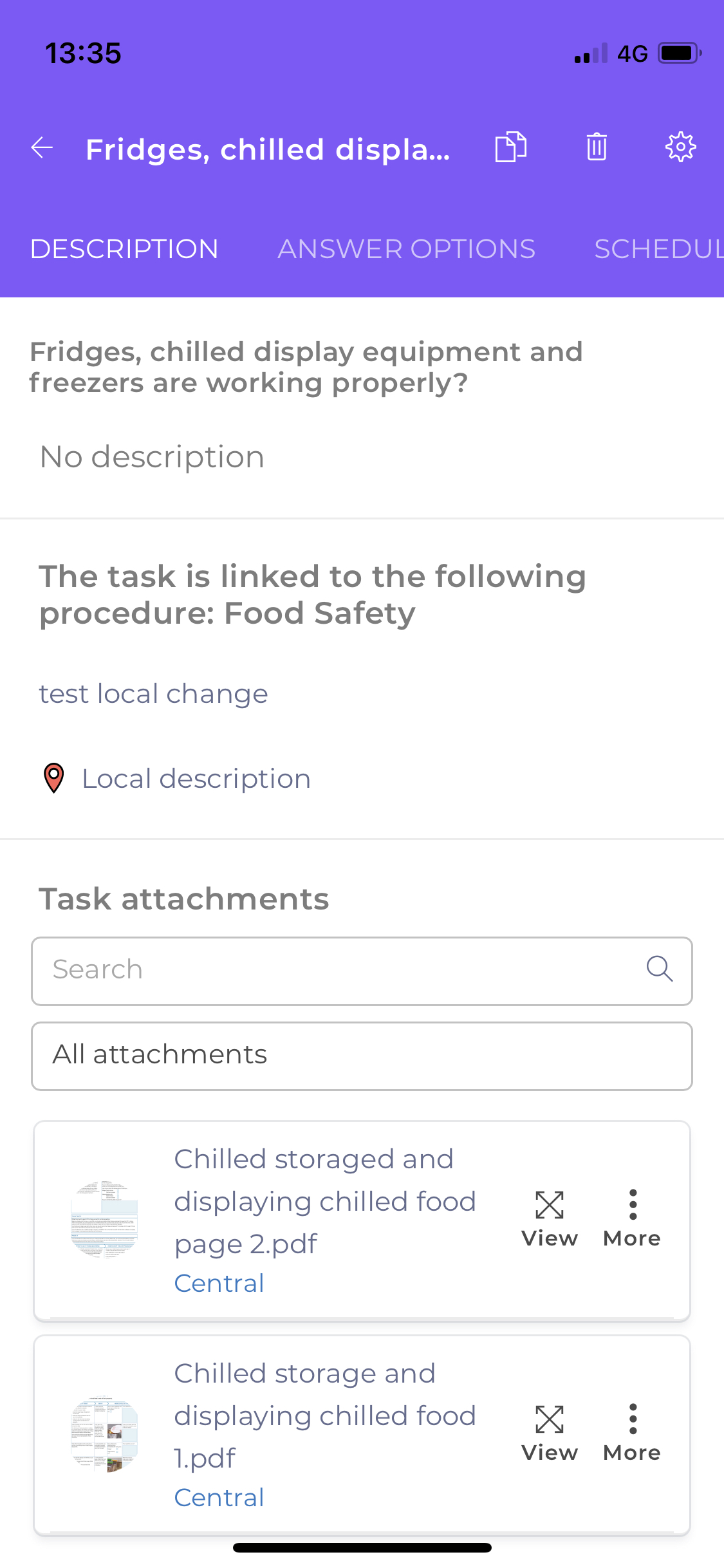
In the task details page that appears, you’ll see any documents attached in the Task attachments section.
- Select View to see a preview of the documents and More > Download to download them to your device.