


Start from: The Compliance Overview page.
- Select Forms in the Main Menu.
- Select Create form.
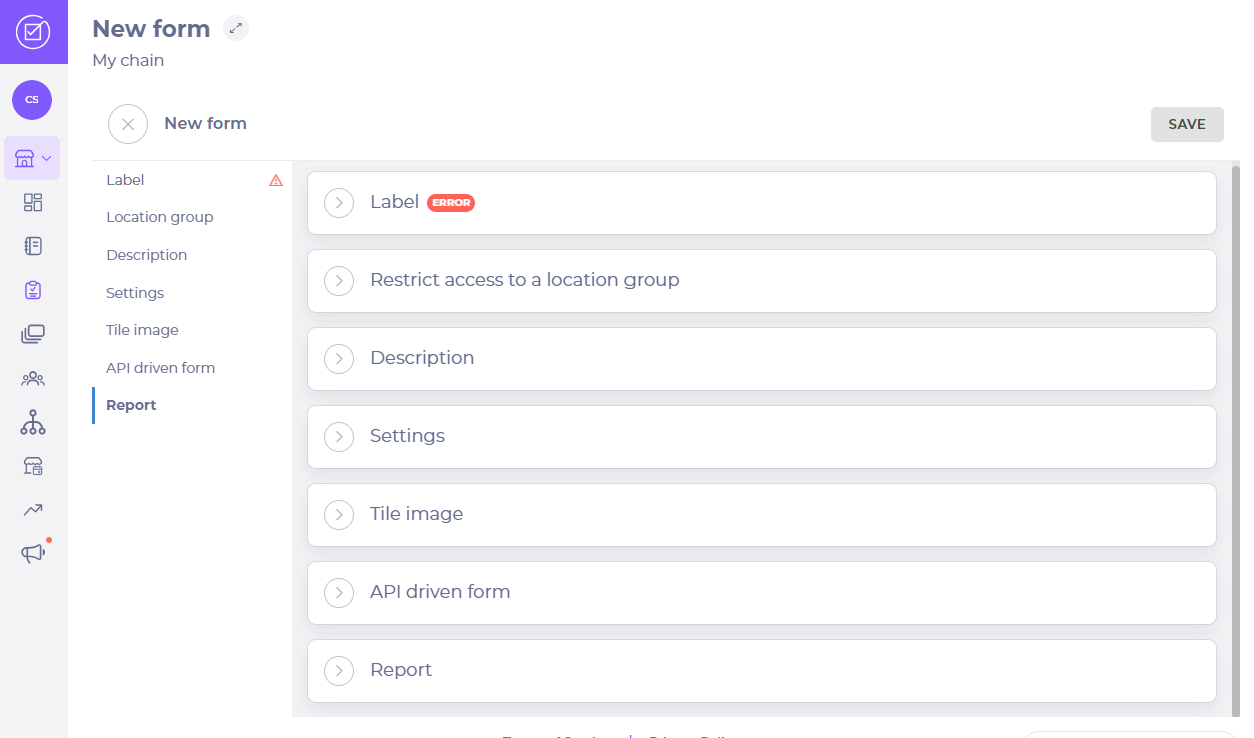
A New form page opens up. There you should see seven setting up panels:
Note: When using a form to plan a Meeting, the terminology is slightly different:
- Form = Meeting
- Task = Agenda item
- Comment = Note
- Deviation = Follow-up action
Once you are done setting up the form:
- Select Save.
Use a form in a meeting
Note: agendas must be published before other users/meeting attendees can view/complete them.
- Open an Agenda Item (Task)

- Select the appropriate response.
If a follow-up is required:
- Reopen the Item and select to open the Action panel. Note the action required for the follow-up, the person responsible for actioning the follow-up, and a due date.

- Select Save or Cancel if you want to leave the action panel.
- Select Complete when all agenda items have been addressed.
Note: The Agenda overview page shows a list of all forms, acting as a record of meetings.
