


A check in value is a percentage of the progress a learner is making within an individual goal. For example, a value like "Half way there" could be equal to 50%. This is an easy way for you as a manager to track their progress. Start from: The Flow Learning dashboard.
- Navigate to Learning & Development > L&D Settings.
- Scroll down to Goals and select View on the Check In Values for Goals tile.
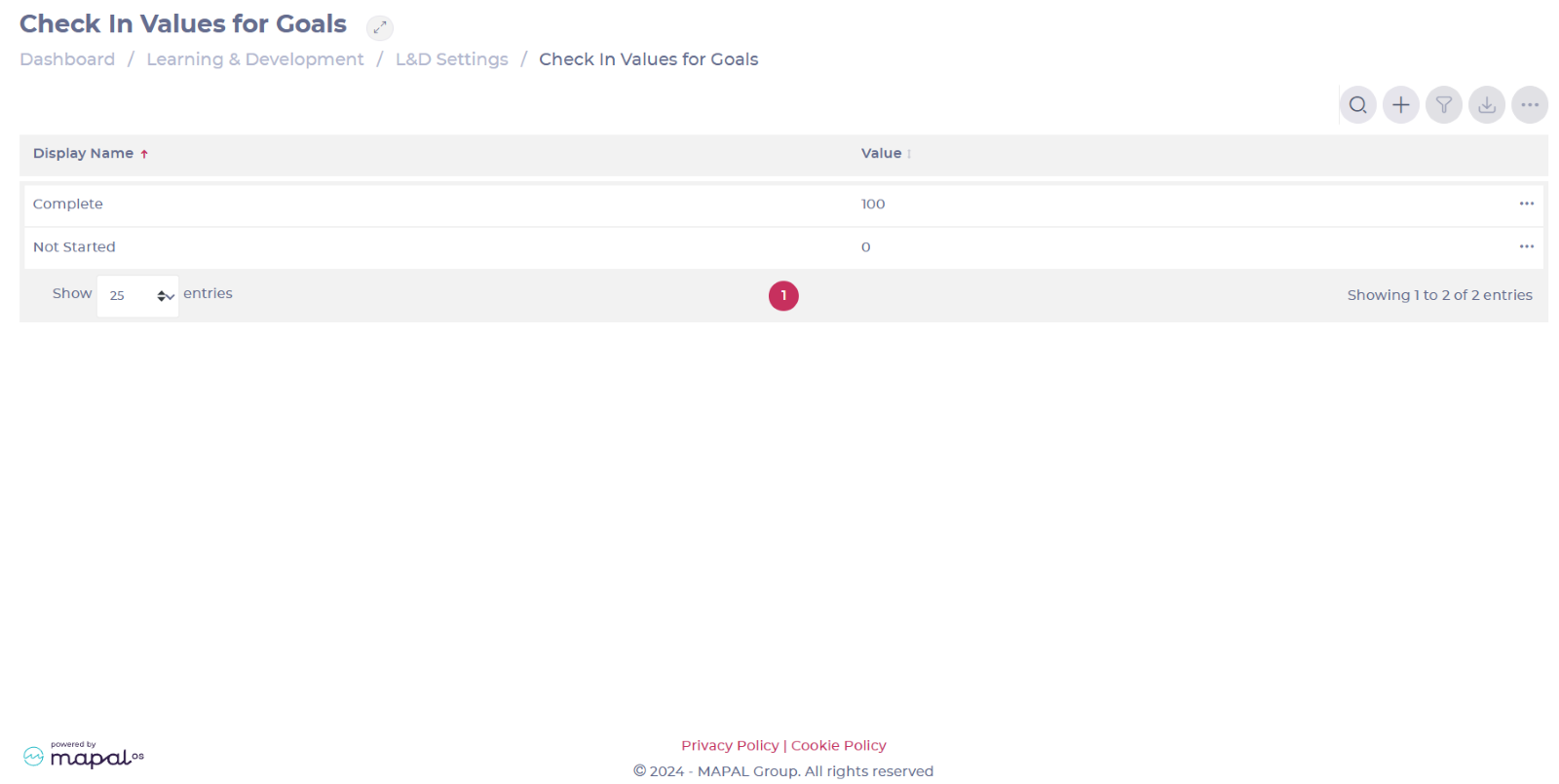
- Select Add + to create a new check in value.
Note: You can also Edit an existing value by selecting it from the list.
- Assign a Display Name and a specific Value.
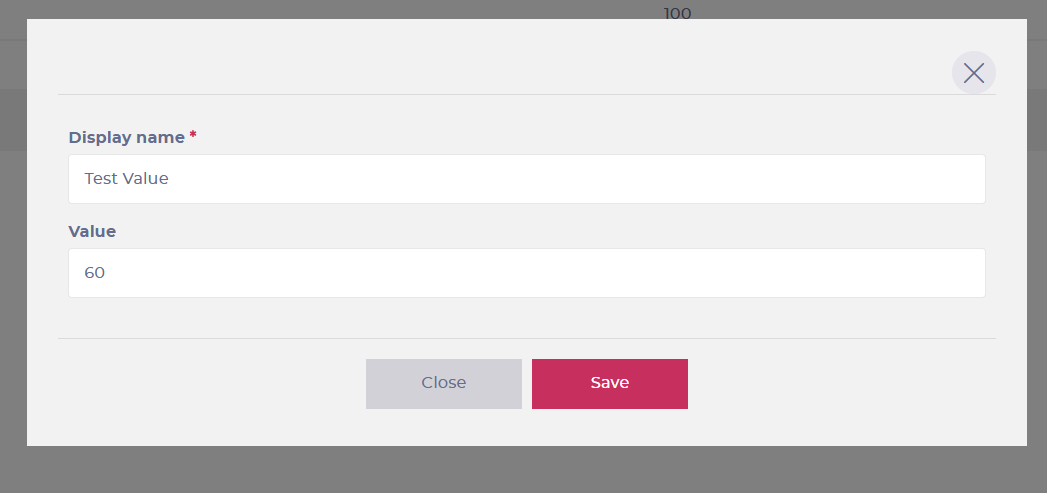
- Select Save to update your new check in value.
