


Start from: the Flow Learning dashboard.
Note: the same principle detailed below applies to all learning items. So, for example, if you wish to delete several Workbooks at once, the process would be the same, but, instead, starting from Learning & Development > Workbooks from the main menu.
- Select Learning & Development > Modules from the main menu.
- Select the checkboxes next to the items you wish to delete.
- Select the three dots (More) at the top of the page.
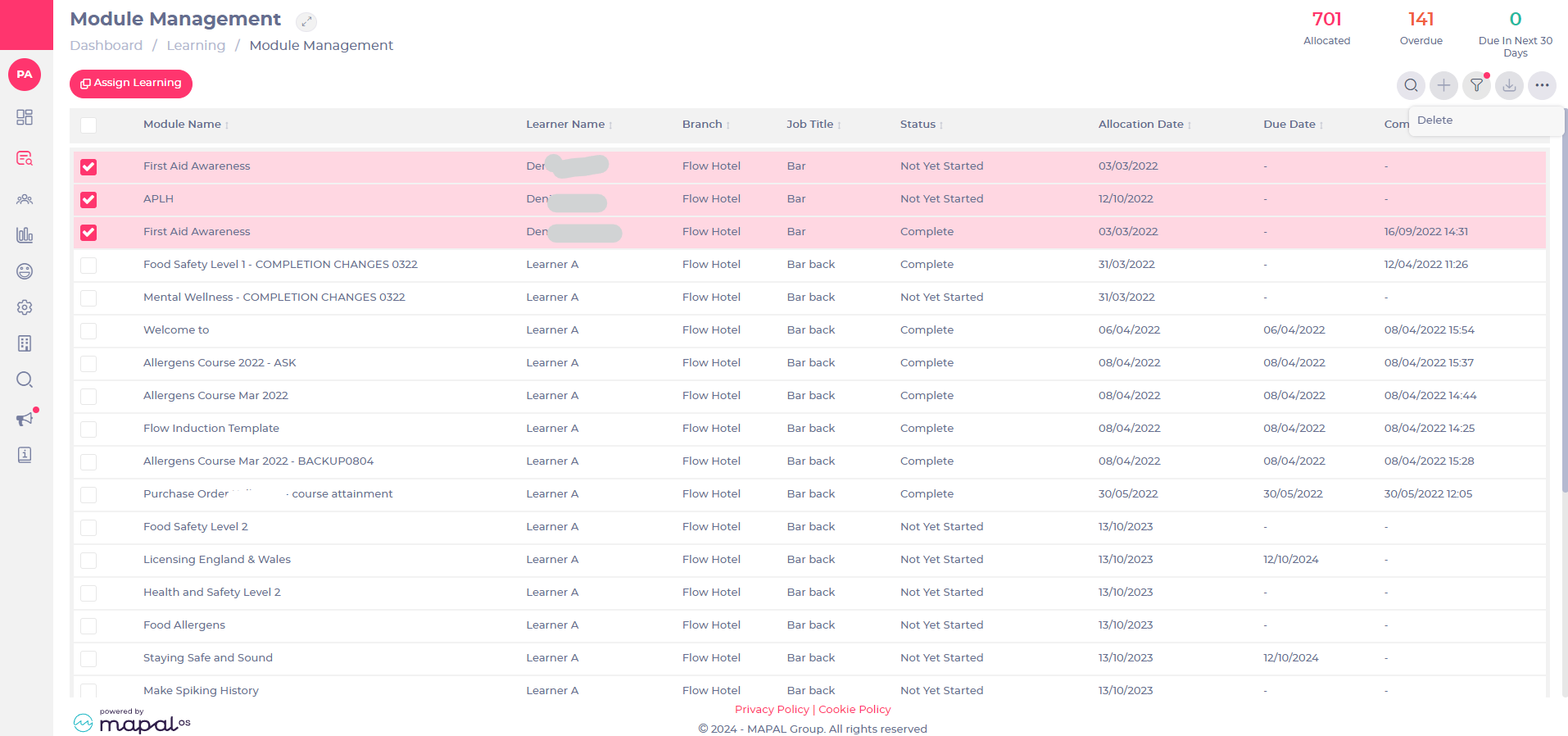
- Select Delete.
- Confirm your deletion by selecting Save.
Note: this is irreversible and items will be deleted permanently.
