


Start from: The Flow Dashboard.
- Select Learning & Development > L&D Settings from the main menu.
- Select the cog icon on the External Training tile.
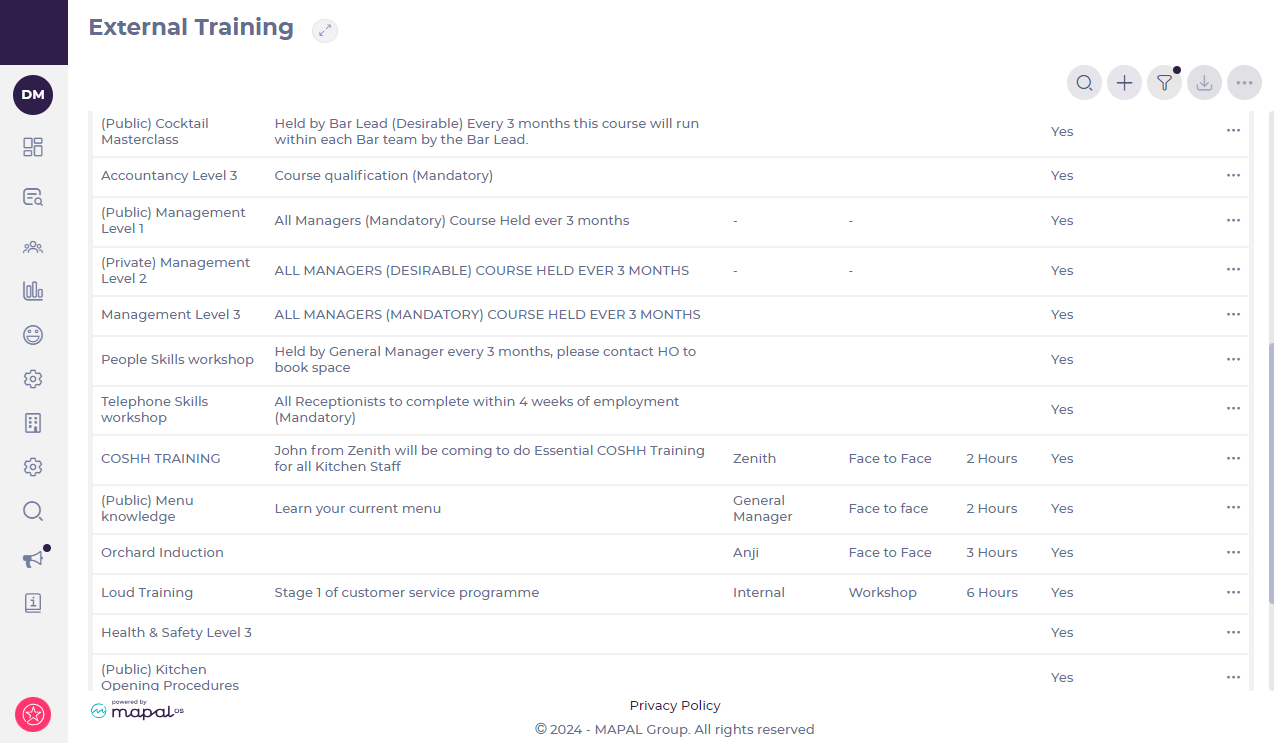
- Select
 > Archive.
 - The pop-up below appears. Select Confirm to complete the process.
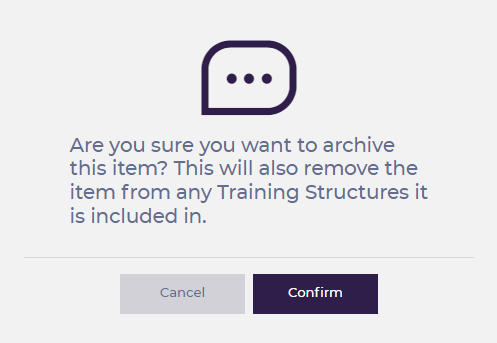
Note: Archiving this item of External Training automatically removes it from any Training Structures. You can unarchive it later, but it is not added back to Training Structures.
Unarchive External Training
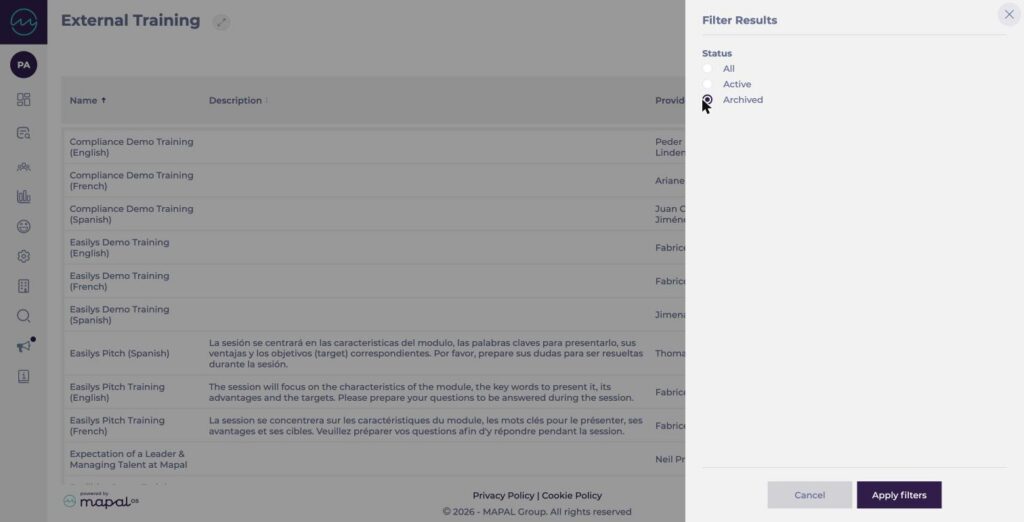
- From the External Training list, select the filter icon, select Archived under Status, then select Apply filters. Active is selected by default.
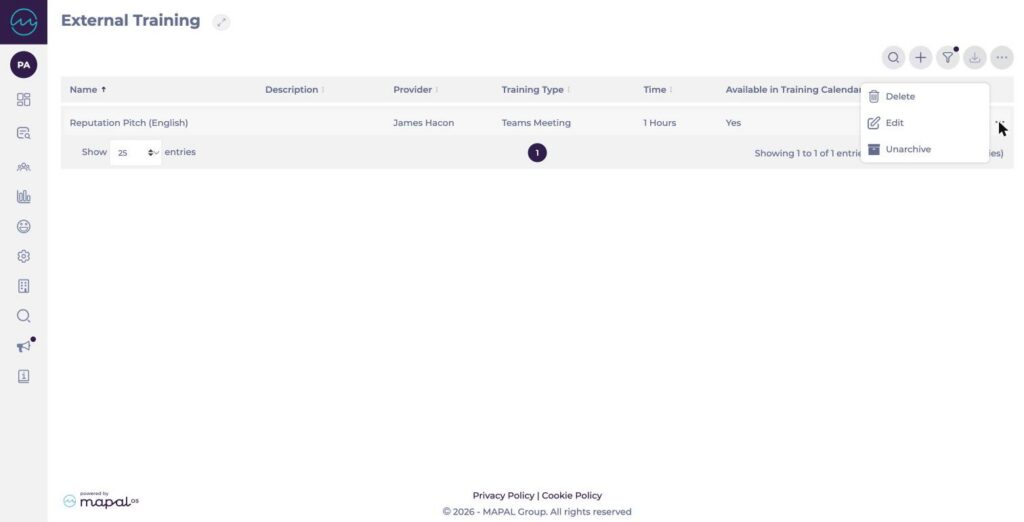
- Select the action menu (...) on the item you want to restore, then select Unarchive.
- Select Confirm to complete the process.
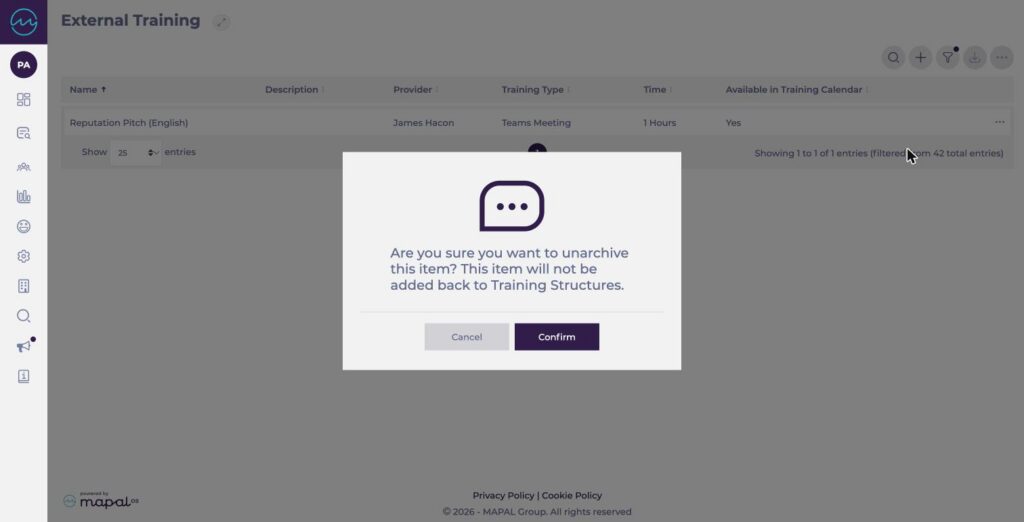
Note: Unarchived External Training is not added back to Training Structures. Add it to the relevant Training Structures again if needed.
