Start from: the Flow Learning dashboard.
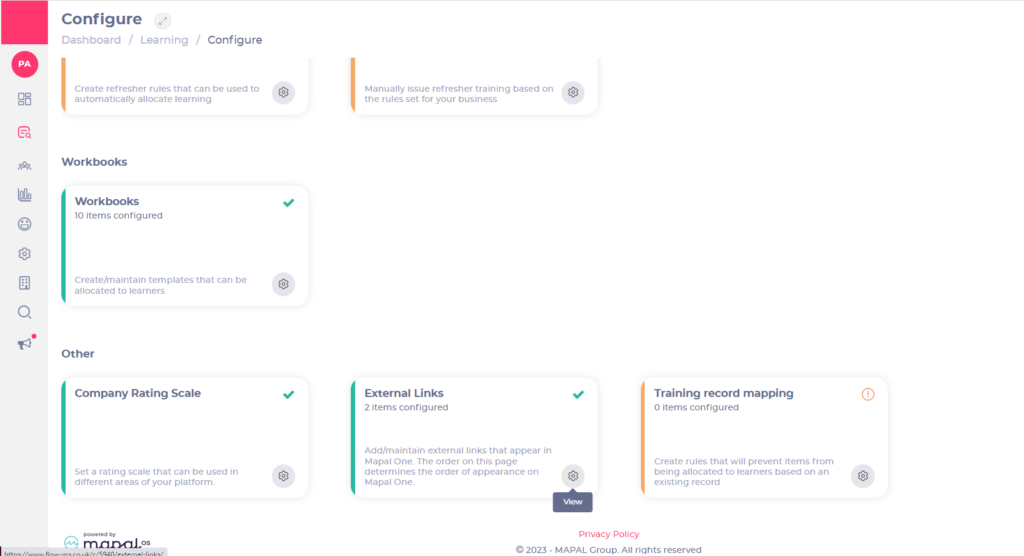
- Select Learning & Development > L&D Settings.
- Scroll down to the Other tile.
- Select View (the cog icon) in the External links tile.
- Select the Add button.
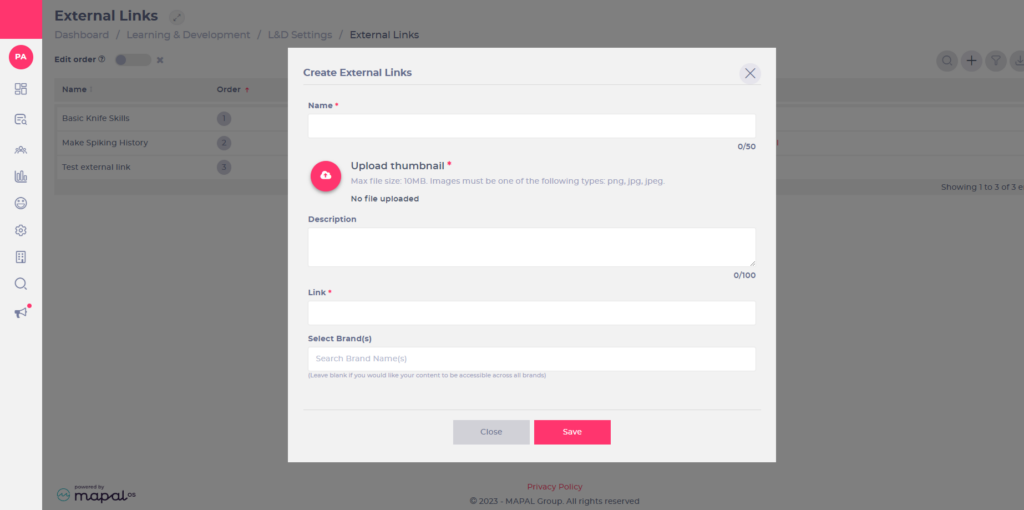
- Complete the fields in the Create External Links pop-up form that appears.
- Use the Select Brand(s) and Select Jurisdiction(s) fields to control the brands and jurisdictions that will have access to this external link.
Note: mandatory fields are marked with an asterisk (*).