


Start from: The Flow Learning Dashboard.
- Select Company > Training Structures
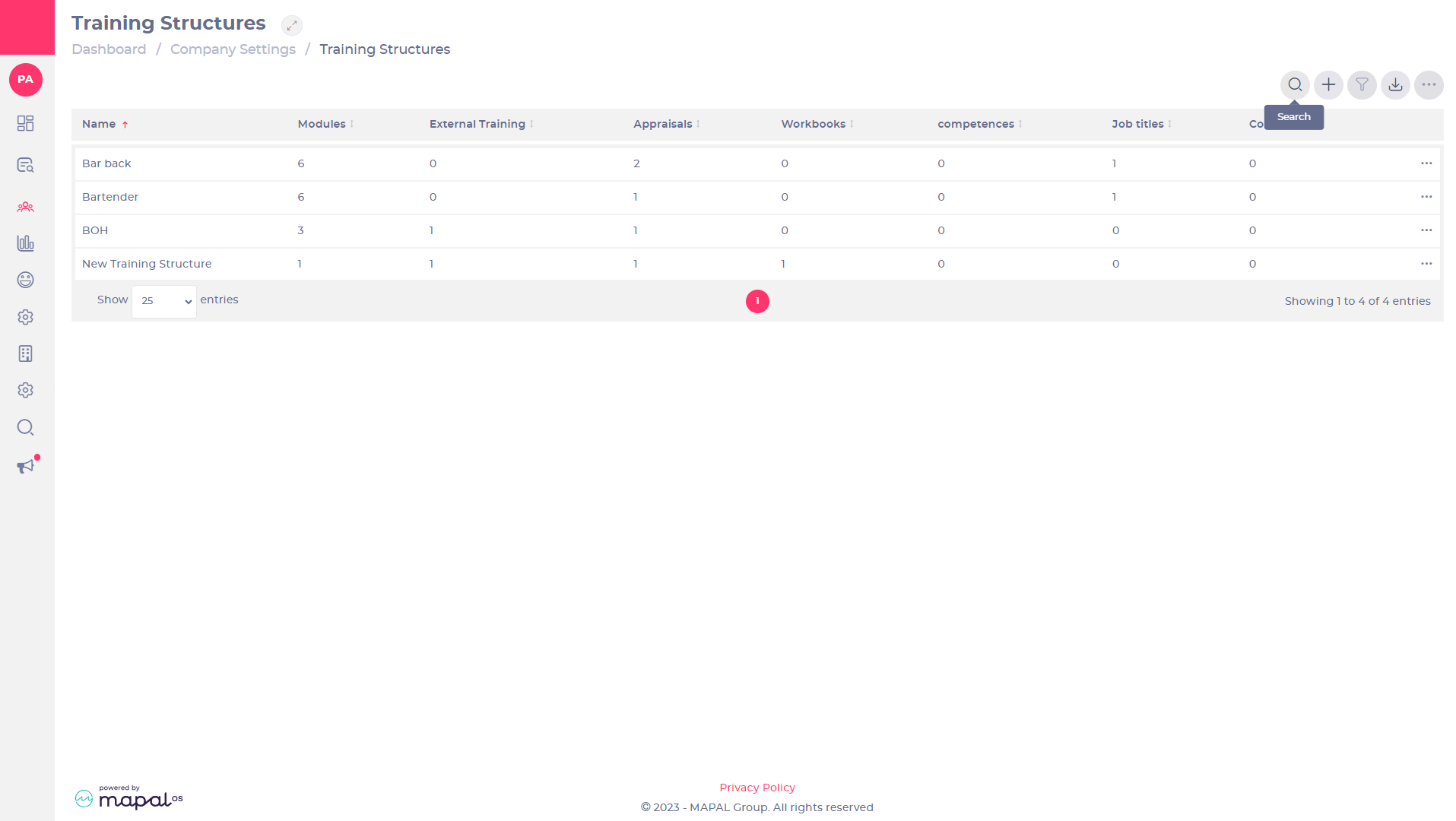
- Select Search
 to find the training structure you want to edit.
 - Select
 > Edit
  on a training structure to open the Edit Training Structure page.
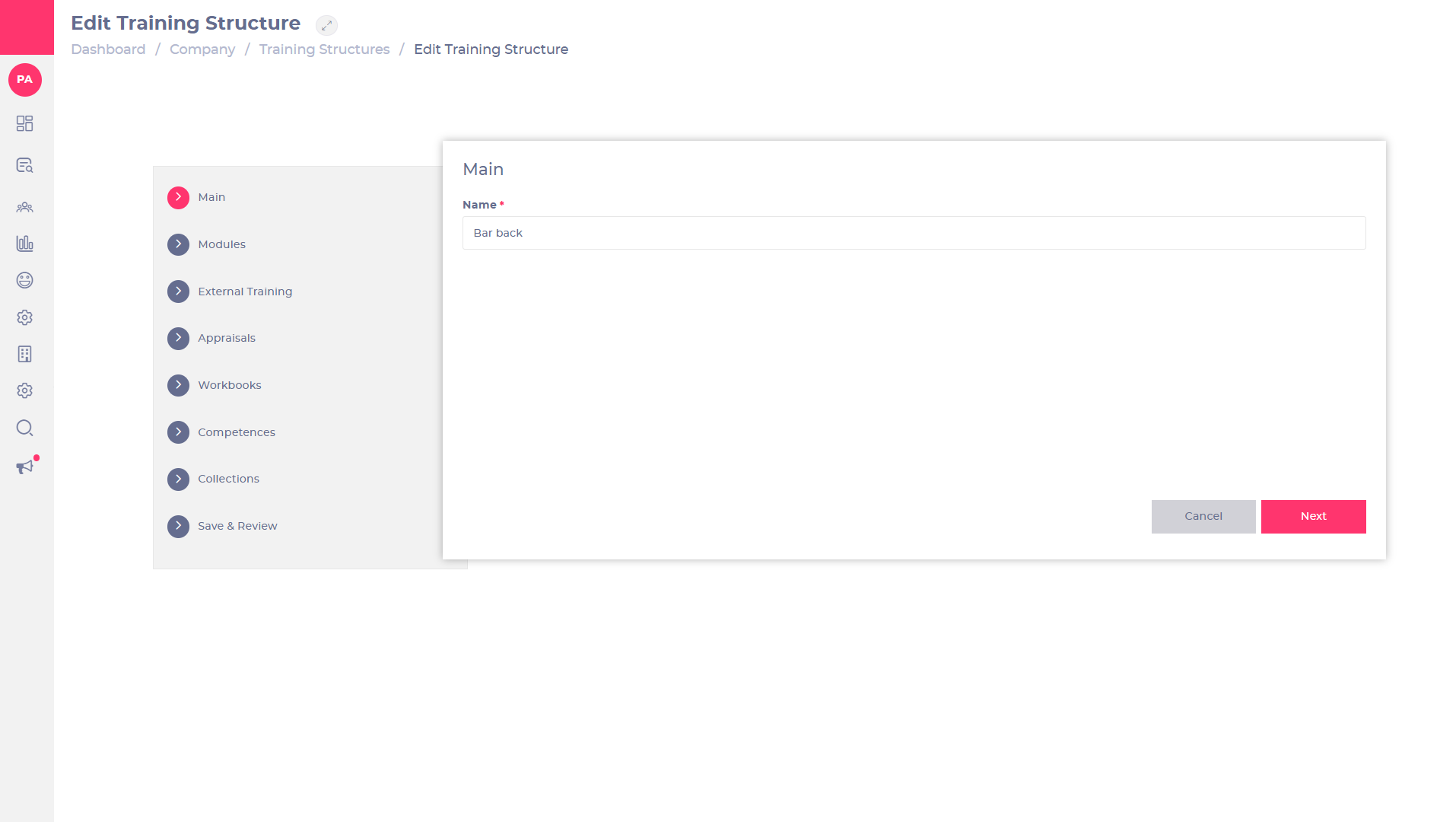
- Make changes to the training structure by using the text boxes and making selections from the lists.
- Select Next after making each edit.
- Select Save & Review once all edits have been made.
- Review your changes before selecting Save & Close.
Note: You can repeat this process as often as necessary.
The items in a training structure will only be assigned for any learners matching the configuration settings whenever that learner is created, changes job role or moves branch. Items in a training structure are not assigned immediately when the training structure is edited.
