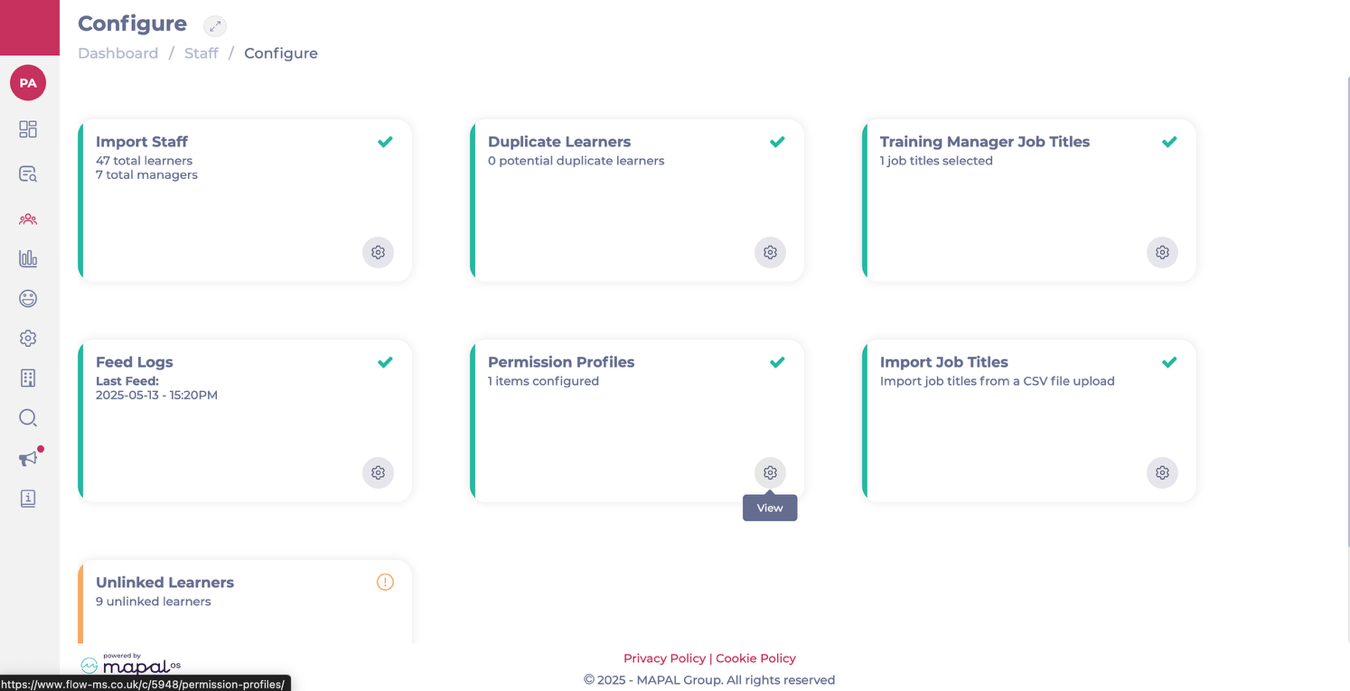
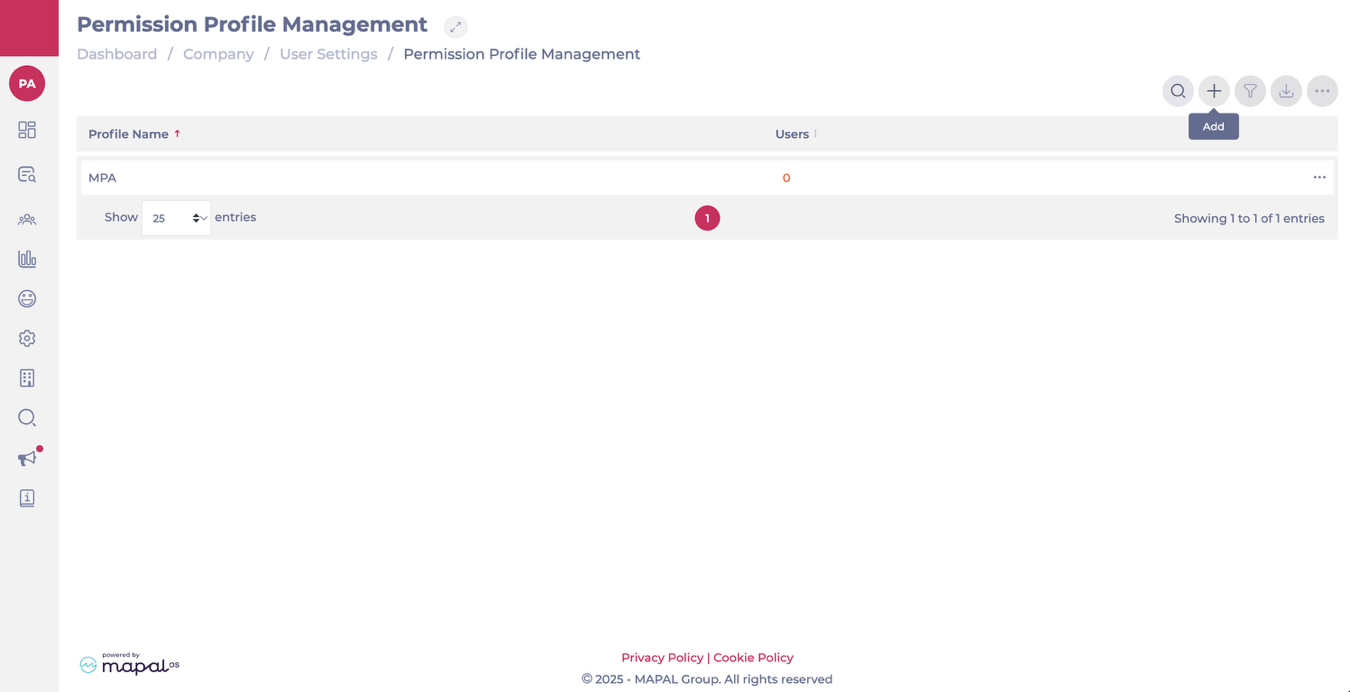
Flow allows training managers to manage permission profiles to control what different team members can access within the training platform. This helps maintain security and ensures each user has the appropriate tools for their role.
Linked to:
Dashboard > Company > User settings > Permission profiles
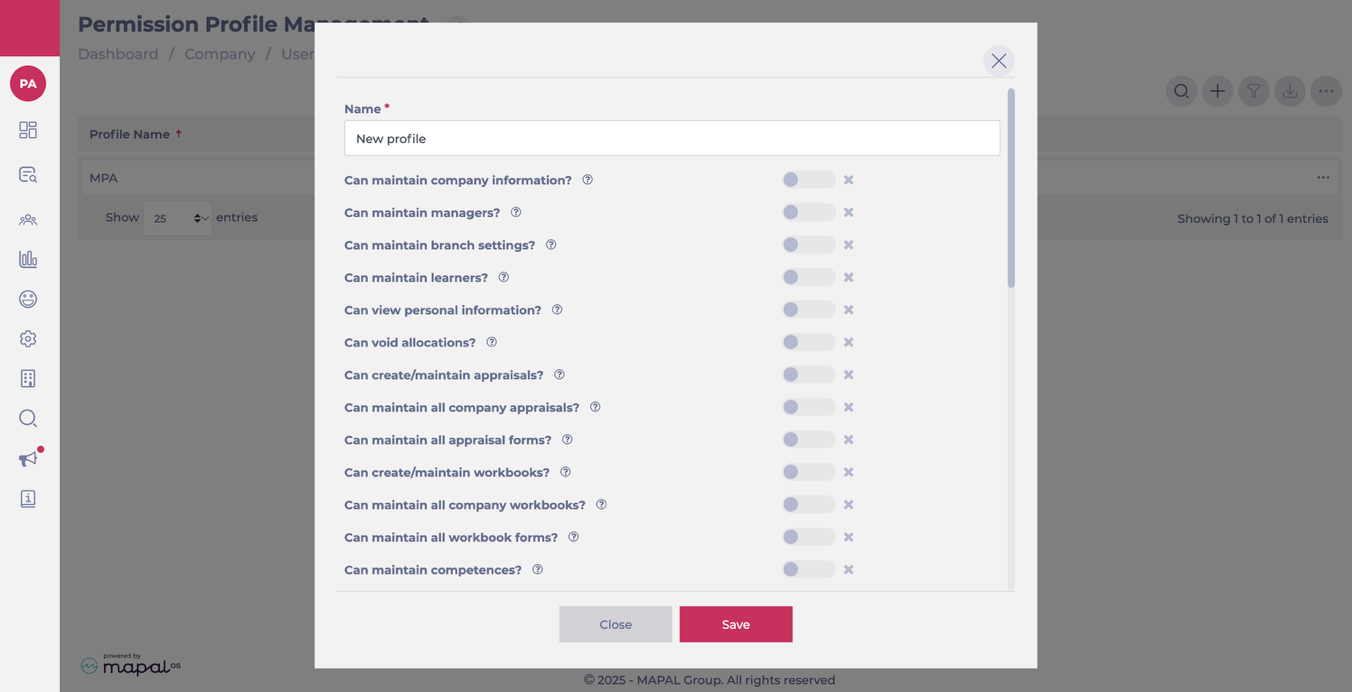
Toggle the controls to enable and disable specific permissions as needed.
Select Save.
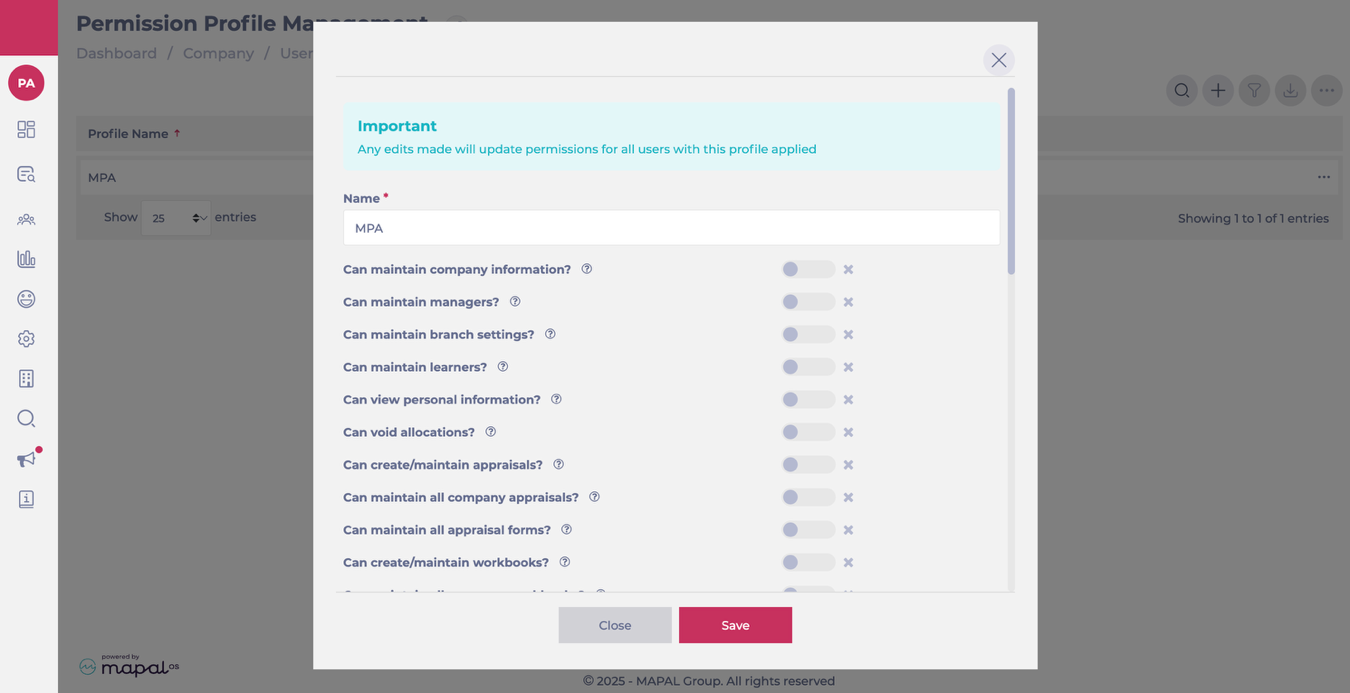
Edit an existing profile
Select the desired profile from the list.
Adjust the permission toggles as needed.
Select Save.
Permissions
The following permissions are available from the permission profile screen:
Permission
Description
Can maintain company information?
Can configure the platform. Can access, edit, add and delete external training, classification of external training, competences, competence lists, departments, jurisdictions.
Can maintain managers?
Has access to the managers section. Can add and edit managers. Can access training manager reports.
Can maintain branch settings?
Can edit individual branch settings, e.g. reporting levels, address, etc.
Can maintain learners?
Can add, remove and edit learners, and can bulk upload learners.
Can view personal information?
Can view details such as email address and DOB on a learner's profile, if they are provided.
Can void allocations?
Can remove modules from learner profiles.
Can create/maintain appraisals?
Can view appraisals awaiting review tile. Can view Appraisal MGMT page. Can view appraisals list and bulk assign to reviewers. Can access and add appraisals for learners. Can edit appraisals they are assigned to, as well as unassigned appraisals. Can assign appraisal in Assign learning and through learner's profile.
Can maintain all company appraisals?
Can view appraisals requiring review tile. Can access and edit all appraisals for learners they have visibility over (assigned to them or not). Can view all appraisals on trainee ratings report. Can delete trainee appraisals.
Can maintain all appraisal forms?
Can add/edit Appraisal template forms.
Can create/maintain workbooks?
Can view workbooks awaiting review tile on dashboard. Can view Workbook's MGMT page. Can view workbooks. Can access and add workbooks for learners. Can edit workbooks they are assigned to, as well as unassigned workbooks. Can assign workbook in assign learning.
Can maintain all company workbooks?
Can view workbooks requiring review tile. Can access and edit all workbooks (assigned to them or not). Can delete trainee workbooks.
Can maintain all workbook forms?
Can add/edit Workbook template forms and create workbook forms in the back end of the system.
Can maintain competences?
Competences appear in nav. Can assign and complete competences for learners. Can add and edit trainee competences. Can access all company competencies. Can access competencies tile in L&D settings. Can add new company competencies.
Can maintain external training?
Can assign and complete/sign off external training for learners. Can view external training list. Can bulk process 'mark as complete'. Can edit and delete learners' external training.
Communications section in nav appears with noticeboard and configure sections. Can add, archive and delete noticeboard items on Flow. Noticeboard categories become available in configure section. Can add noticeboard categories.
Can maintain hosted SCORM modules?
Can access scorm module tile in L&D settings. Can add, edit and delete SCORM (external) modules on the platform.
Can assign learning?
Assign learning appears in L&D settings in nav. Can use the assign learning tool to send learning to employees. Can access all assign learning buttons and issue out learning.
Can edit assigned learning due dates?
Can edit assigned learning due dates on a learner's profile.
Can view assigned learning?
Can view the courses/learning that has been assigned.
Can maintain module downloads/custom questions?
Can add bespoke downloads and bespoke questions into Flow modules (can be done at a branch level). Can access Company Module Downloads, Company Module Questions, Branch Module Downloads and Branch Module Questions tiles in L&D settings – can access and manage (edit, delete).
Can access module builder?
Module builder tab appears in L&D nav section. Can view, access and edit modules. Can access and maintain Simple Modules (add, edit).
Is a module builder superuser?
Can maintain all modules and use module templates.
Can access learning calendar?
Training calendar tab appears in L&D nav. Can view the training calendar and add sessions for own company. Can invite/remove trainees from sessions. Can access training locations in L&D settings – can add and edit locations.
Is a learning calendar superuser?
Can view the training calendar and add sessions for multiple companies. Can invite/remove trainees from sessions. Can access training locations in L&D settings – can add, edit and delete locations. Can edit and delete sessions.
Calendar read only?
Can access calendar and view sessions marked as included in read-only view for branches they have access to. Cannot invite/remove trainees, add/edit sessions, or edit locations.
Can maintain goals documents?
Goal's tab appears in L&D nav. Can assign and complete goals for learners. Can view goal documents, can edit and sign off. 'Check in values for goals' tile appears in L&D settings. Can add and edit check in values.
Can maintain goals templates?
Can create goals templates in the back end of the system. 'Template for goals' tile appears in L&D settings. Can add, edit, delete and archive goal templates.
Can maintain news for learners?
Can send news items to employees. Manages news tab in communications section. Can add, edit, delete and republish news items for learners.
Can maintain news for managers?
Can send news items to training managers. Manages news tab in communications section. Can add, edit, delete and republish news items for managers.
Can create/maintain a career map?
Can build career maps on the system. Allows a manager to add or edit a career map – e.g. add competences to a job role, add a job role to succession planning, view potential candidates, etc.
Receives weekly Insight email?
If enabled, the user will receive a weekly email with insights into their team.
Can maintain Knowledge Checks forms?
Can add/edit Knowledge Check template forms. If enabled this will allow users to add/edit Knowledge Check templates.
Can create/maintain Knowledge Checks?
Can view Knowledge Checks MGMT page. Can view Knowledge Checks list and bulk assign to reviewers. Can access and add Knowledge Checks for learners. Can assign Knowledge Checks in Assign learning and through learner's profile.
Can create Challenge Leaderboards
Can create Challenge Leaderboards using the uploaded Challenge modules.
Can maintain all Collection forms
Can add/edit Collection template forms.
Can view/assign collections
Can view collections MGMT page. Can view collections list. Can access and add collections for learners. Can assign collections in Assign learning and through learner's profile.
Can maintain External Links
Can add/edit external links.
Can access Studio?
Can access Studio AI authoring tool.
Can assign Restricted Modules
Can assign SCORM modules that are marked as restricted.
Related Articles
Set permissions for training managers
The role of a Training Manager on the Flow Learning Platform is to oversee and…