


Start from: The Engagement Dashboard.
Create a category
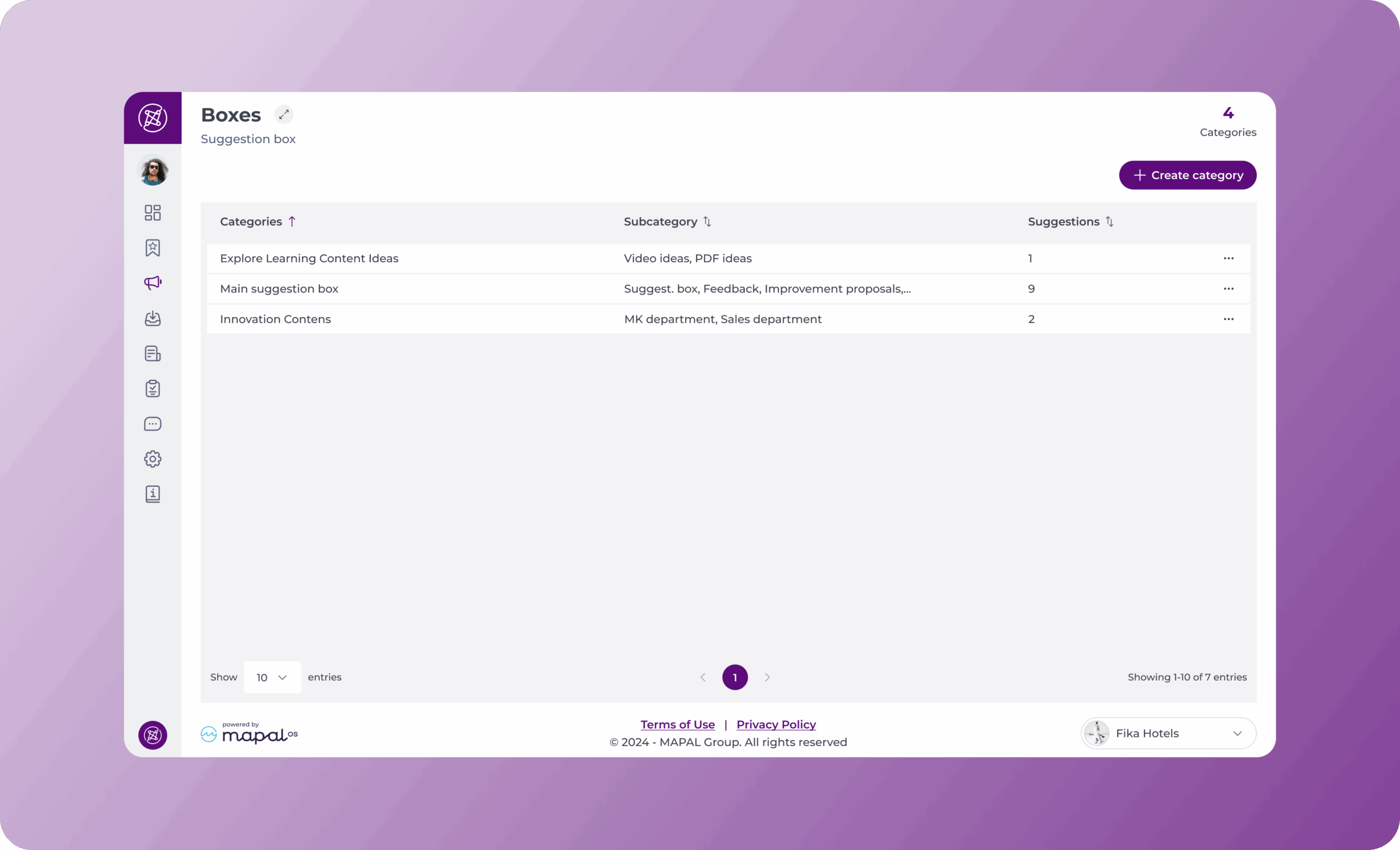
- Navigate to Suggestions box > Categories.
- Select Create category. A drawer opens over the Categories screen.
Step 1: Setup
- Enter a Name for the category.
- Under Employees, select one or more organisational levels in Employees by Level.
- Optionally narrow the audience further using Employees by Department and Employees by Job Title.
- Select Next.

Notes: Name and Employees by Level are required. Department and job title are optional filters.
Each filter accepts multiple values and each value can be removed individually. The filters combine with one another to determine which employees see this category as an option when they submit a suggestion from Mapal One.
Step 2: Subcategories
- Enter a Name for the subcategory.
- In Administrators, search for and select the employees who will review and respond to suggestions submitted under this subcategory.
- Select + Add subcategory to add another. Each subcategory can be deleted using the bin icon before you save.
- Select Save.

- Select Back to return to Step 1, or X to close the drawer without saving.
Notes: every subcategory requires at least one administrator. Only the administrators assigned to a subcategory can view the suggestions submitted to it.
Once you save, the category and its subcategories are immediately available in the suggestion submission flow in Mapal One.
Subcategories are required for suggestion boxes to work correctly. A category without at least one subcategory will not be visible as a destination in Mapal One, and employees will not be able to submit suggestions to it.
Create a suggestion
Suggestion boxes are created and managed through Engagement, but employees can submit their suggestions directly in Mapal One under Company > Suggestion Box.
To learn more about how to submit suggestions, see Make suggestions about your company.
