


Start from: The Engagement dashboard.
- Navigate to Settings Navigate to Settings > Celebrations.
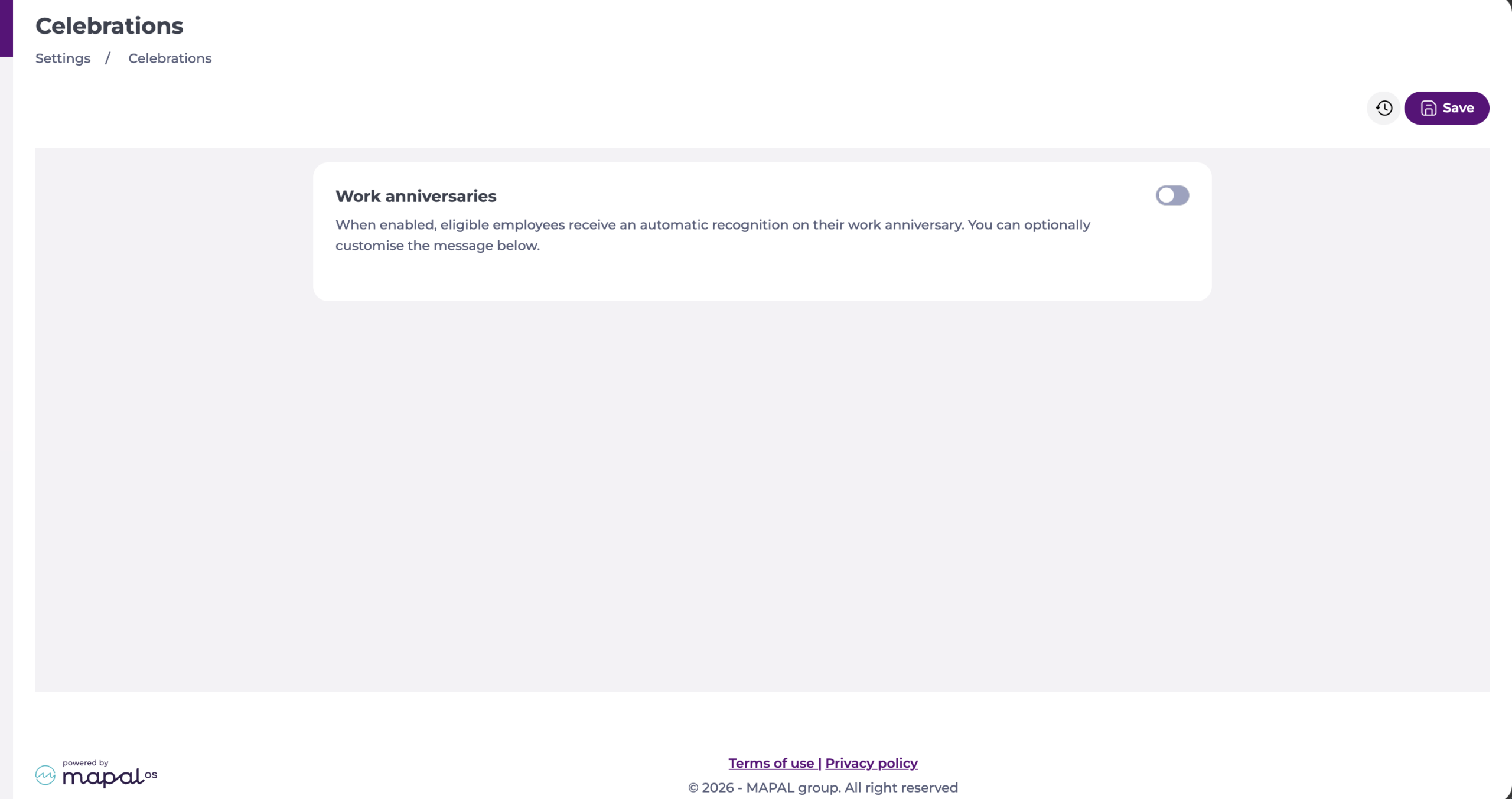
- Select the Work anniversaries toggle to enable automatic recognitions.
- To use your own wording, enter it in Custom recognition message.
- Use the
{name}tag to insert the employee's name and the{years}tag to insert their years of service. You can use either tag, both, or neither. - Check Preview to see how the message will appear, using sample data.
- Select Save.
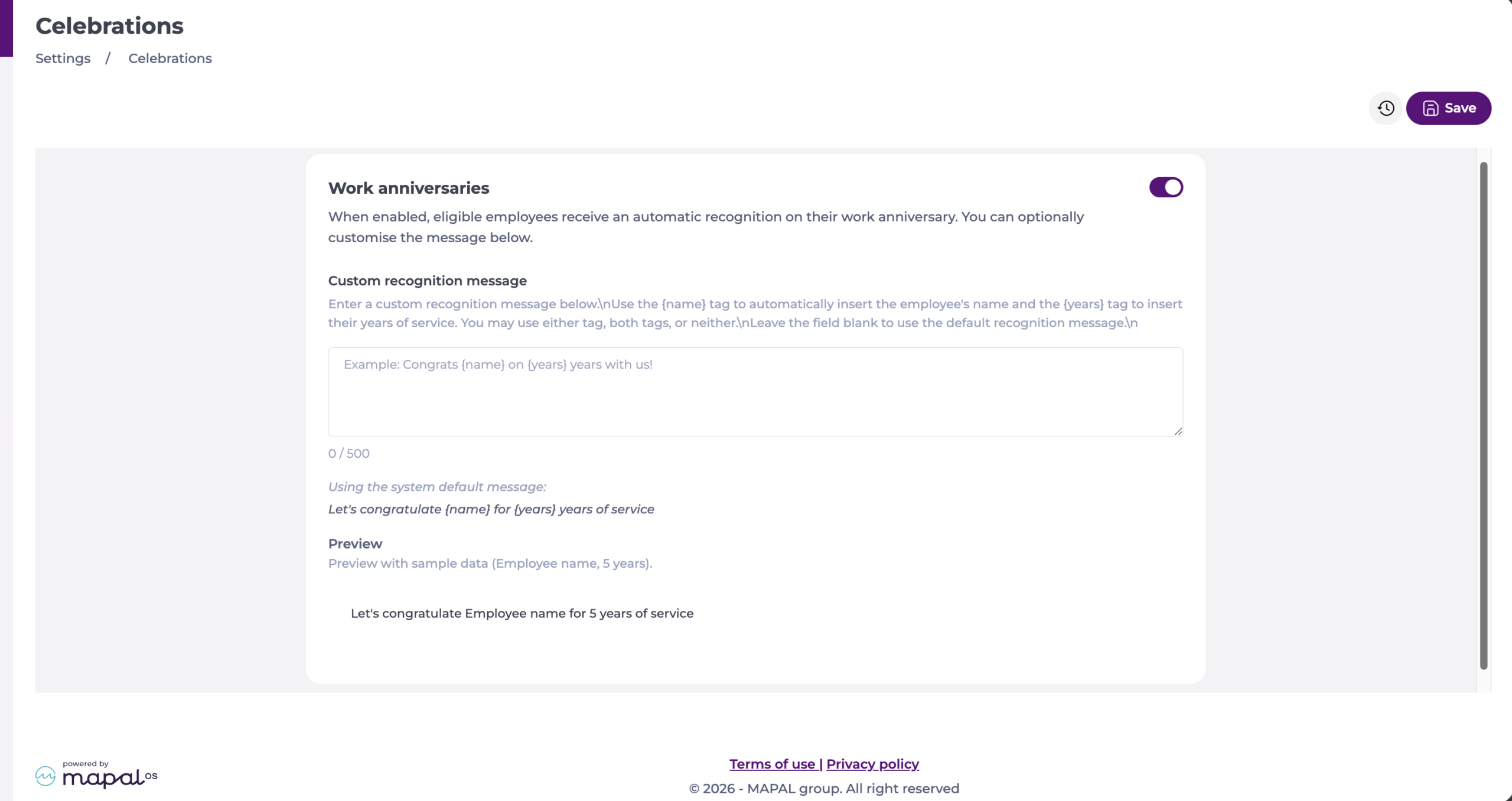
Note: Leave Custom recognition message blank to use the system default: Let's congratulate {name} for {years} years of service. The custom message is limited to 500 characters.
Turning the toggle off stops new anniversary recognitions from being created. Anniversary recognitions behave in the same way as recognitions given by a colleague. Employees can view them in their feed and on their profile, and colleagues can react and comment on them.
