Start from: The Workforce module.
-
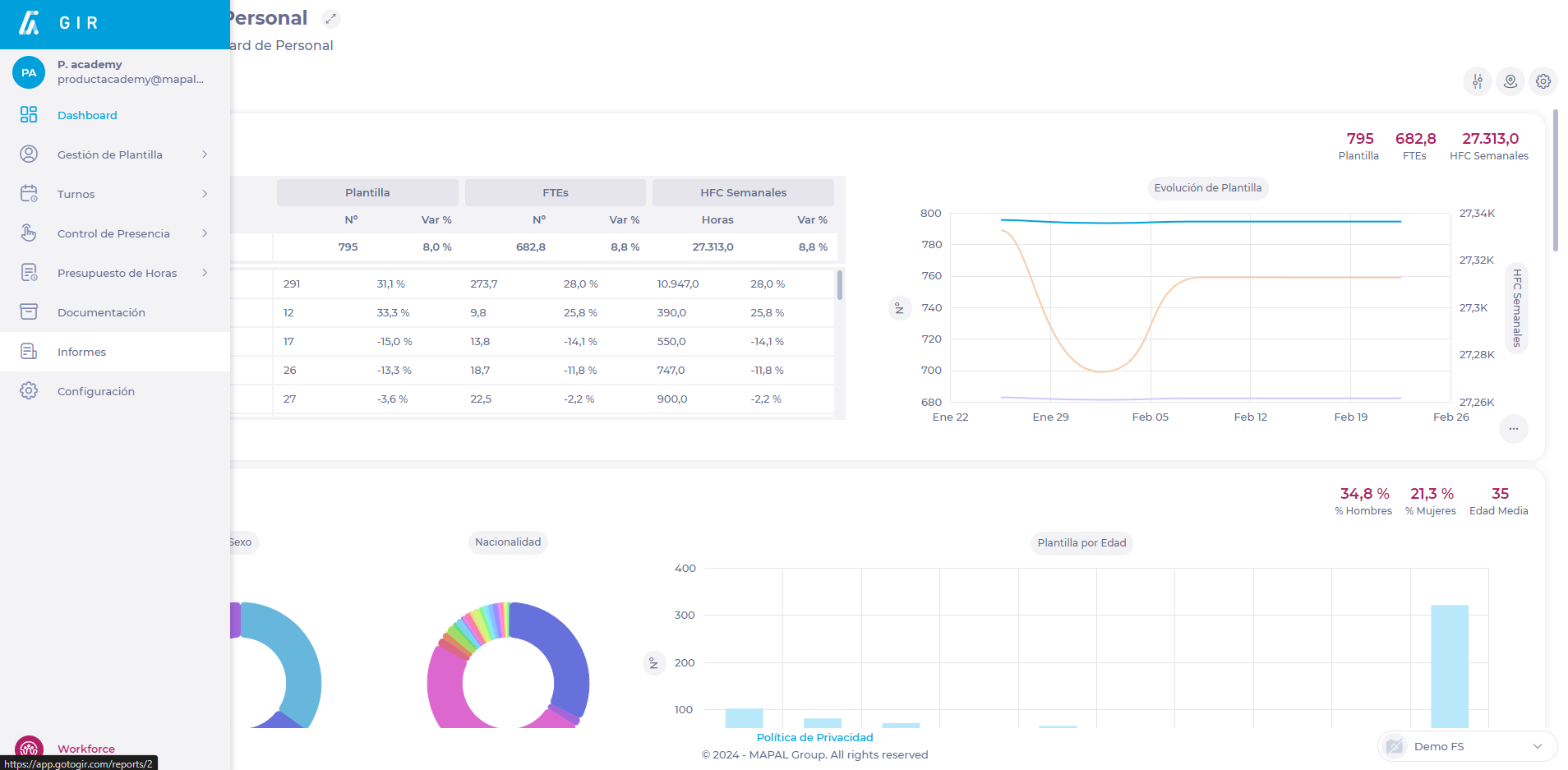
Select Reports from the main menu.
-
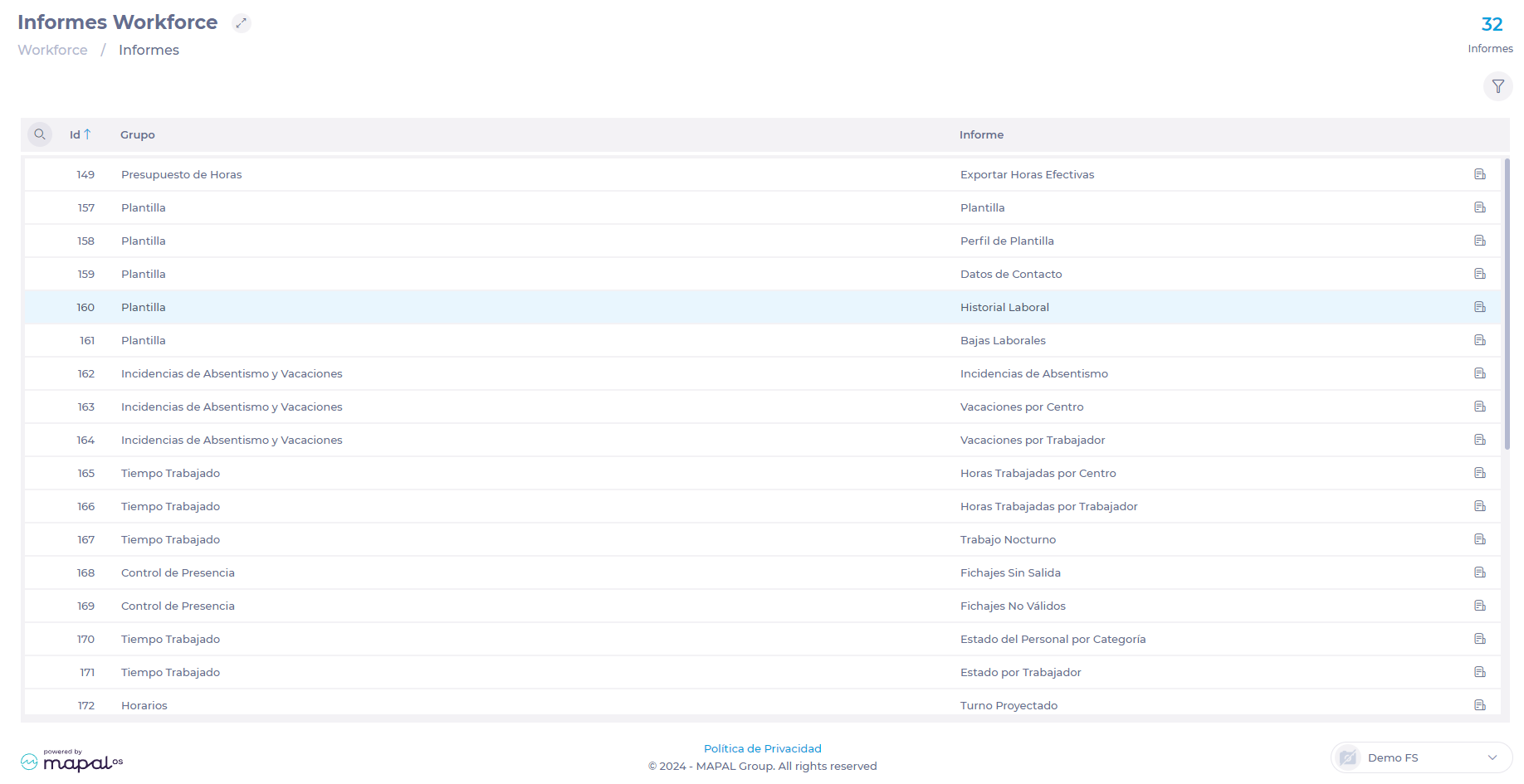
Use the Magnifying Glass icon ? or locate in the list the report 160 - Workforce - Employment History.
-
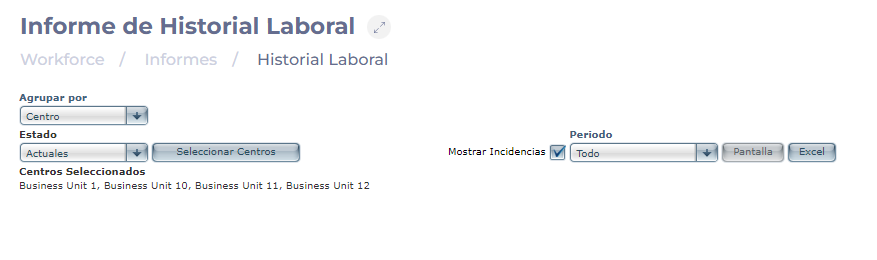
Select Group by Unit.
-
Set the Status of the employees in the center you wish to verify, either Current or Former.
-
Select the Select Units button to select the center or centers to be consulted.
-
Check the Show Leaves box if you want to see incidents in the work period(s).
-
Select if you want to consult the whole period or only a specific date range.
-
Select the Excel button to download the report in .XLS format.
-
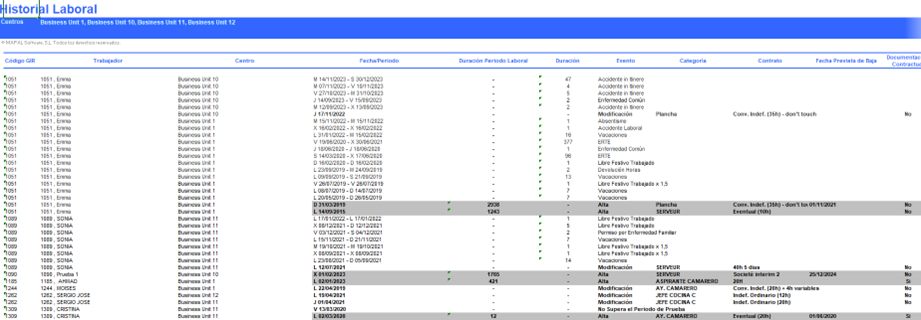
In the resulting document, the Labor Period Duration column shows the number of days of service of the employee per period.