


To configure working hours, seeSet up working hours.
Start from: The Workforce module.
- Select Reports from the main menu.
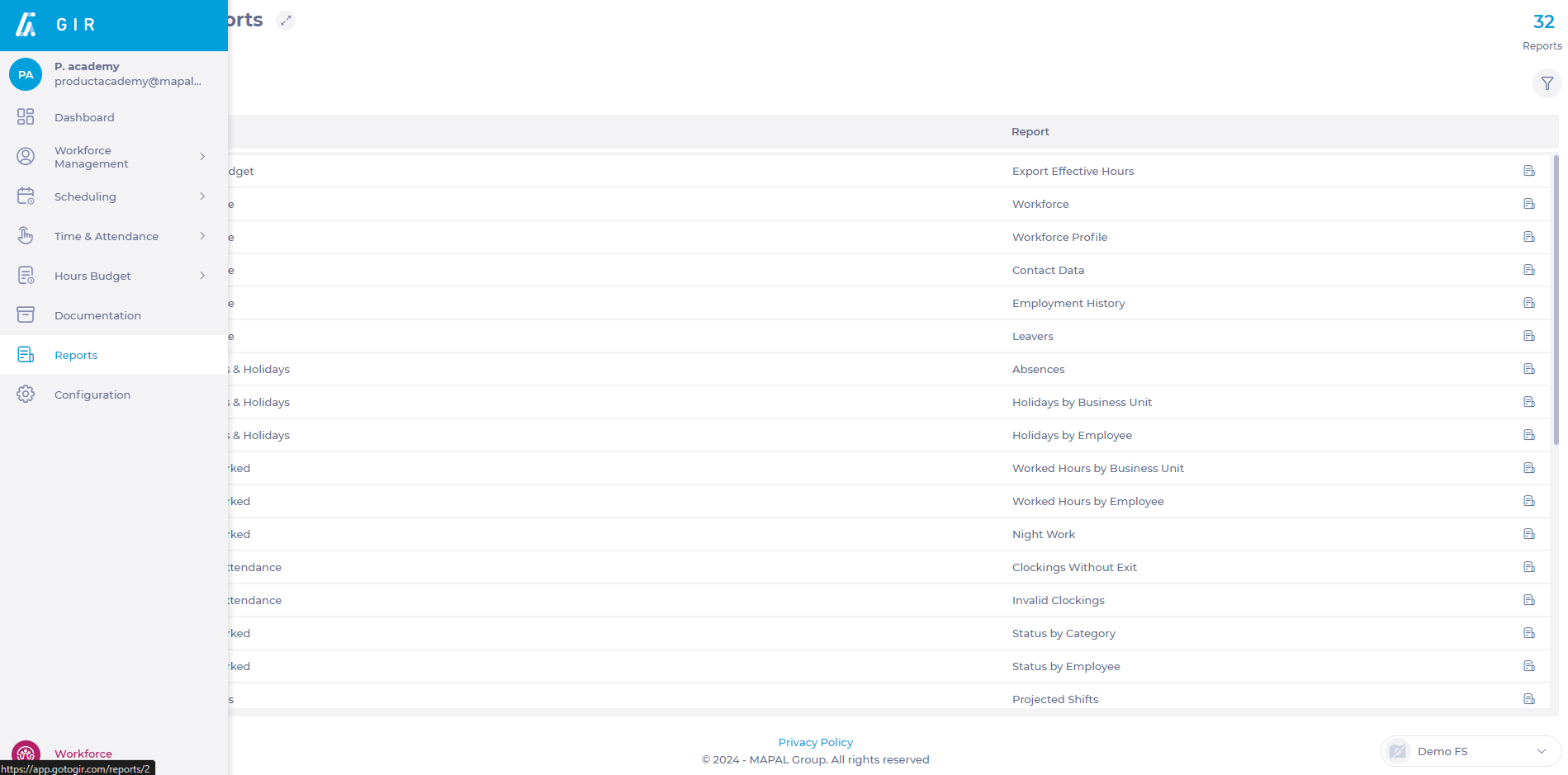
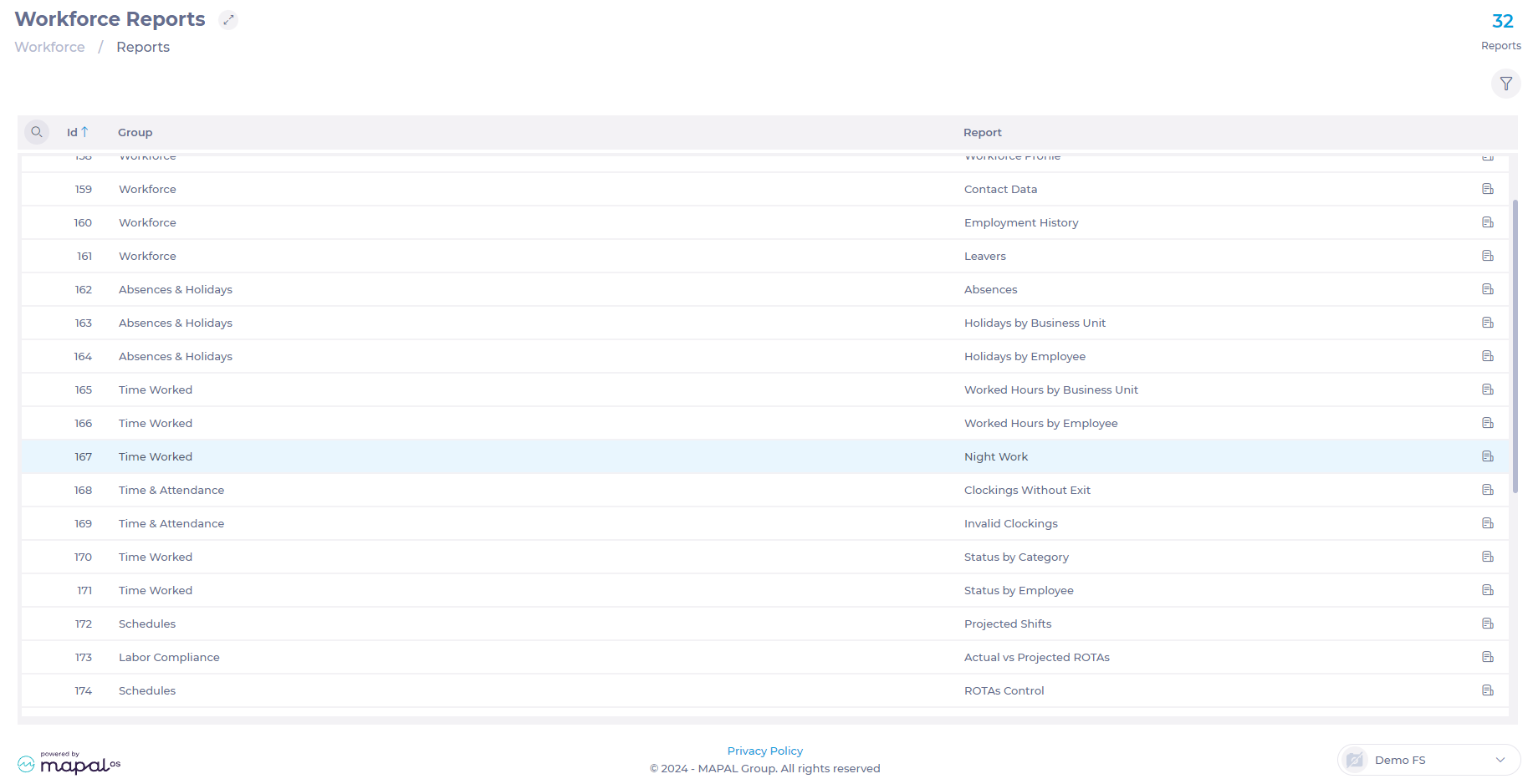
- On the Reports screen, select the Magnifying Glass icon to search.
- In the search engine, look for the Time Worked – Night Work (167) report.
- In the Time dropdown, select whether you want to see the Actual time (clock ins) or the Projected time (shifts).
- Select the Unit to be consulted.
- Set the date range you wish to query by choosing Start and End dates.
- Select the Excel icon to download the file in .XLS format.

Note: Remember that if you select to export the report to Screen, a new blank window will open, but the report will be downloaded as a PDF. If the PDF does not download automatically, check your browser settings.
