


Start from: The Workforce module.
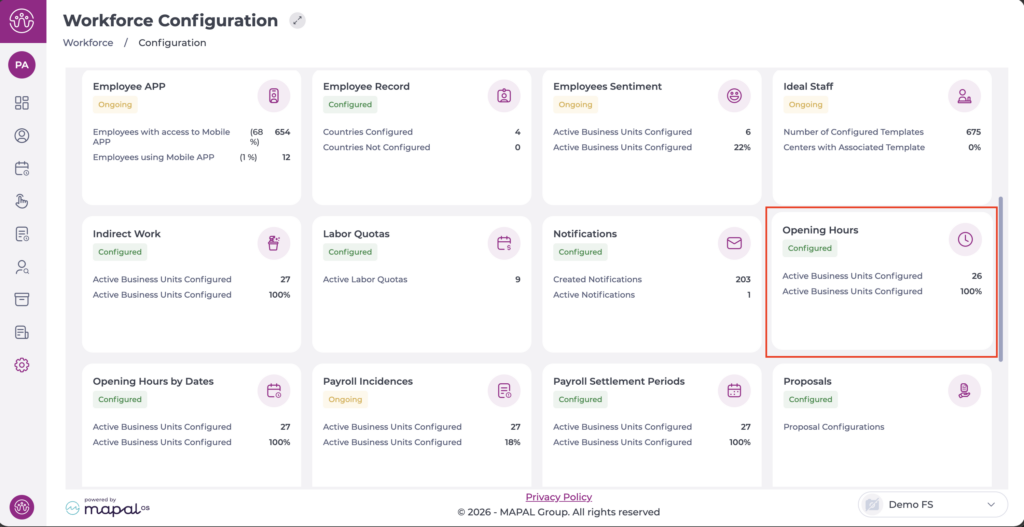
- From the main menu, go to Configuration > Opening Hours.
- Select the Copy Hours option at the top right.
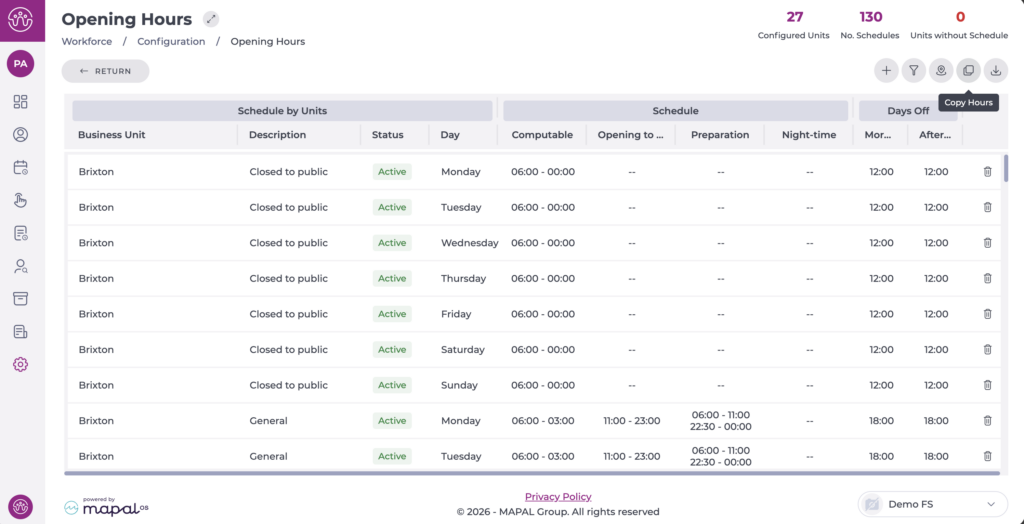
- A new configuration tab will open:
- Select the business unit that has the schedule you want to copy.
- Select the Schedule to copy.
- Indicate all parameters to copy: Days Off, Computable Schedule, Opening to Public, etc. The options you select for copying will be highlighted in light blue.
- Select the business unit(s) to which you want to copy the schedule.
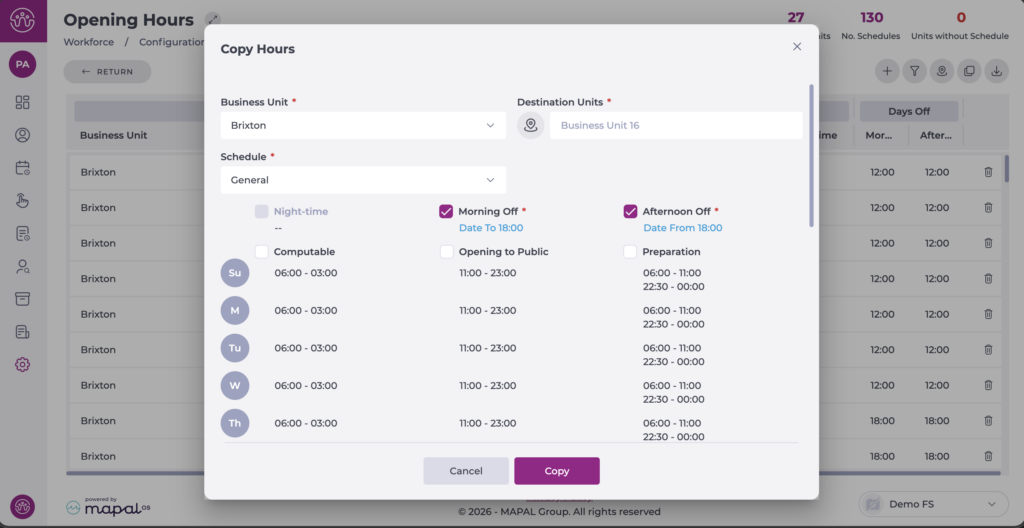
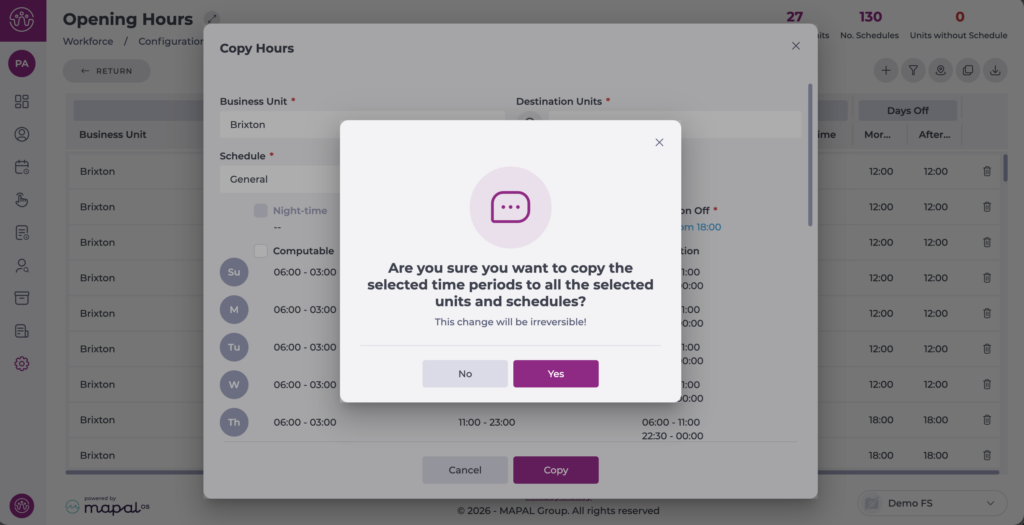
- Select Copy to continue or Cancel to discard the copy. A confirmation pop-up will appear.
Once the action is complete, the schedules will be visible in the general list for the configured business units.
