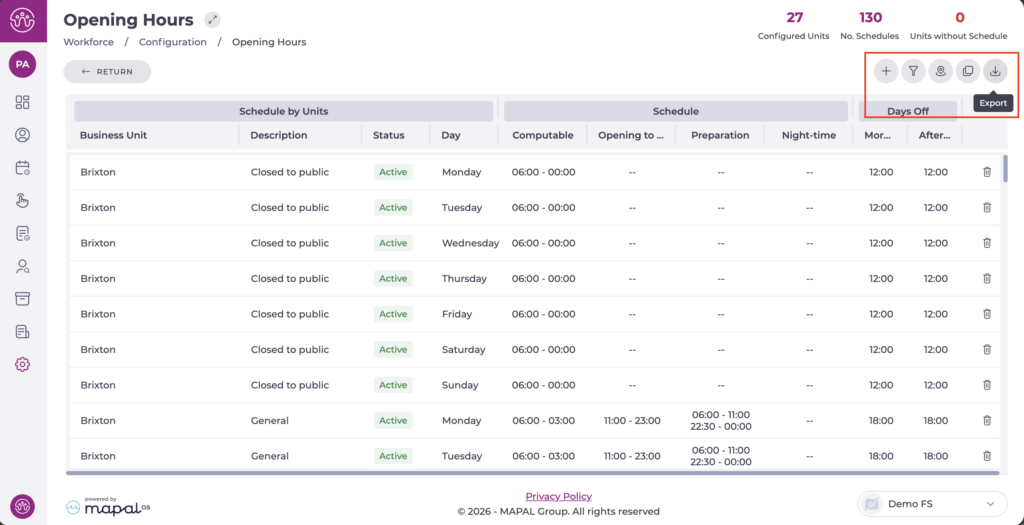
Start from: The Workforce module.
- From the main menu, go to Configuration > Opening Hours.
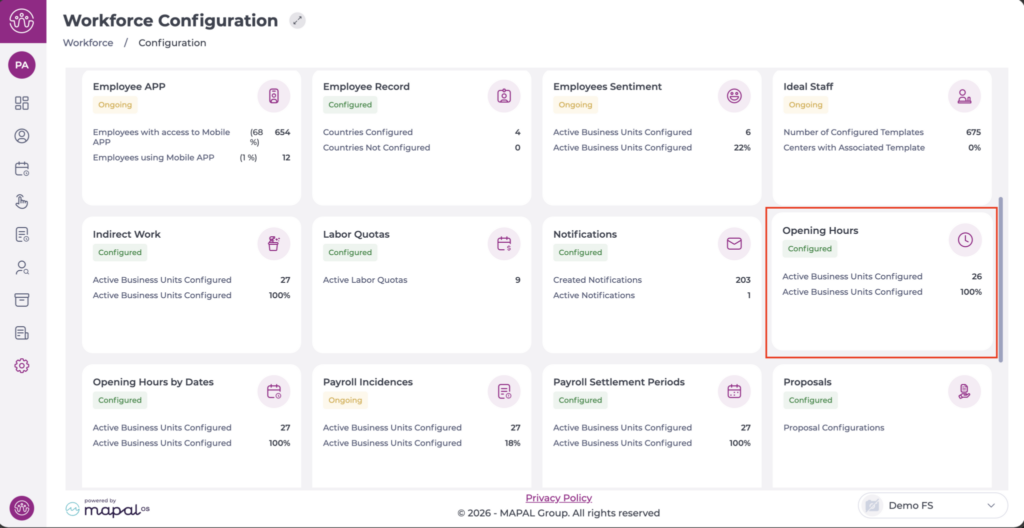
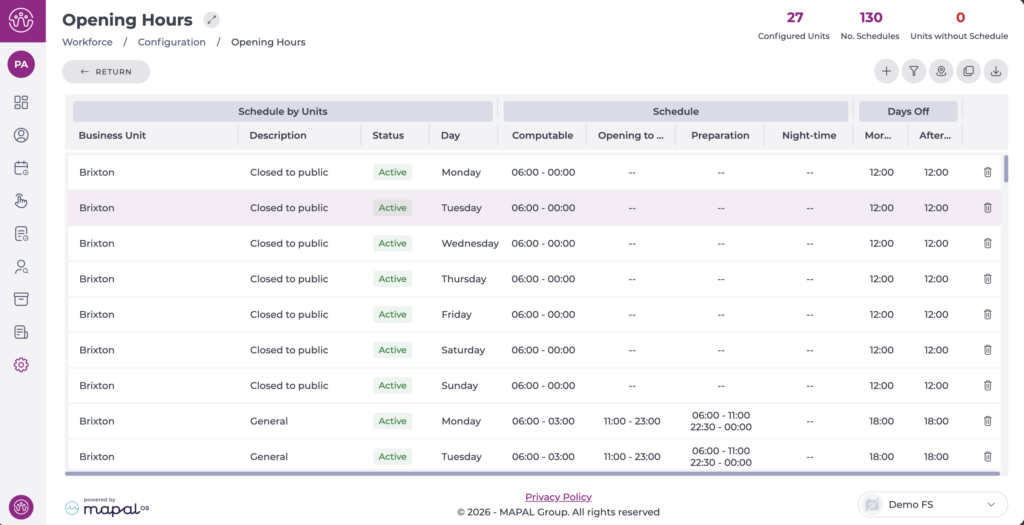
On entry, all configured schedules are displayed in the table.
- Select the schedule you want to edit.
The configuration window will open to edit the data.
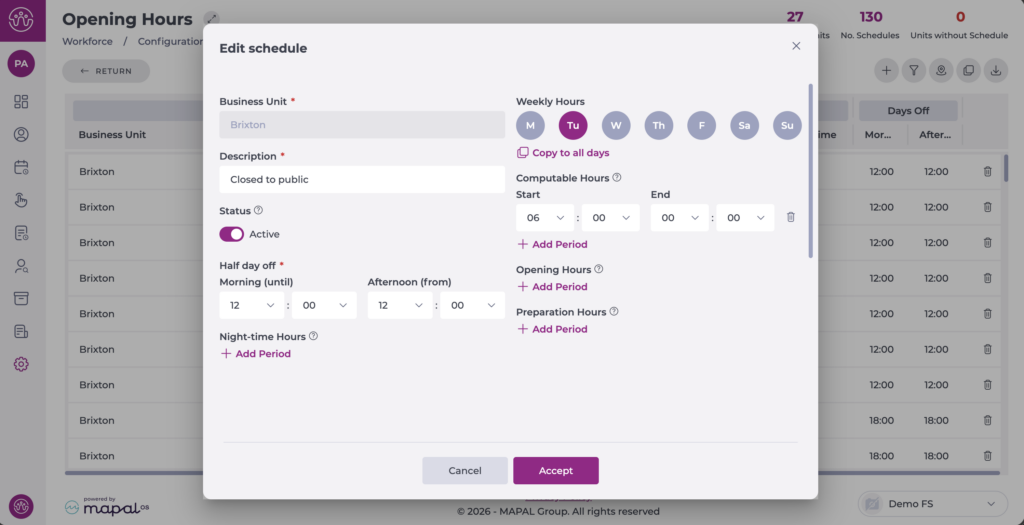
- Once the changes are complete, select Accept to save them or Cancel to discard them.
Note: Editing Opening Hours is recommended if there has been an error during the initial creation. Otherwise, for traceability purposes, it is better to create new schedules and assign them to the corresponding business units.
Additionally, you can use the Filter to narrow down the view of the business units - schedules displayed and Export the selection or the full list to Excel. Both options are located at the top of the screen.