


Start from: The Workforce module.
- From the main menu, go to Configuration > Opening Hours.
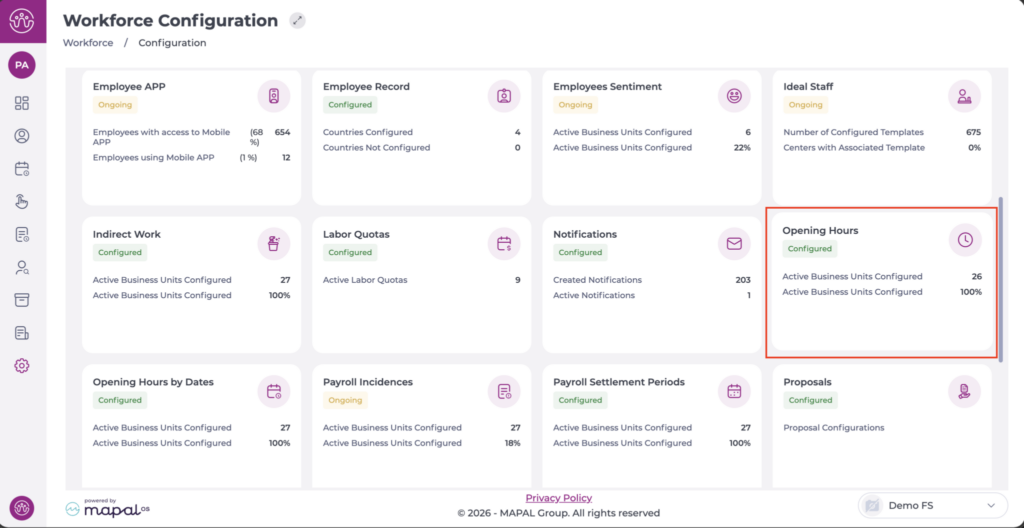
Create schedules
To create a new schedule, see Set Opening Hours.
Delete schedules
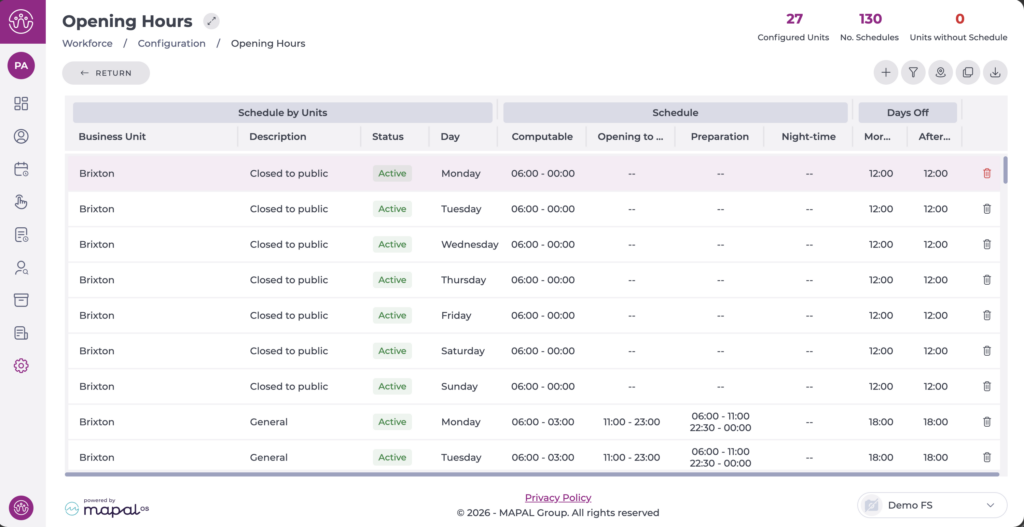
- Display the schedule you want to delete on the screen.
- Select the bin icon at the end of the line.
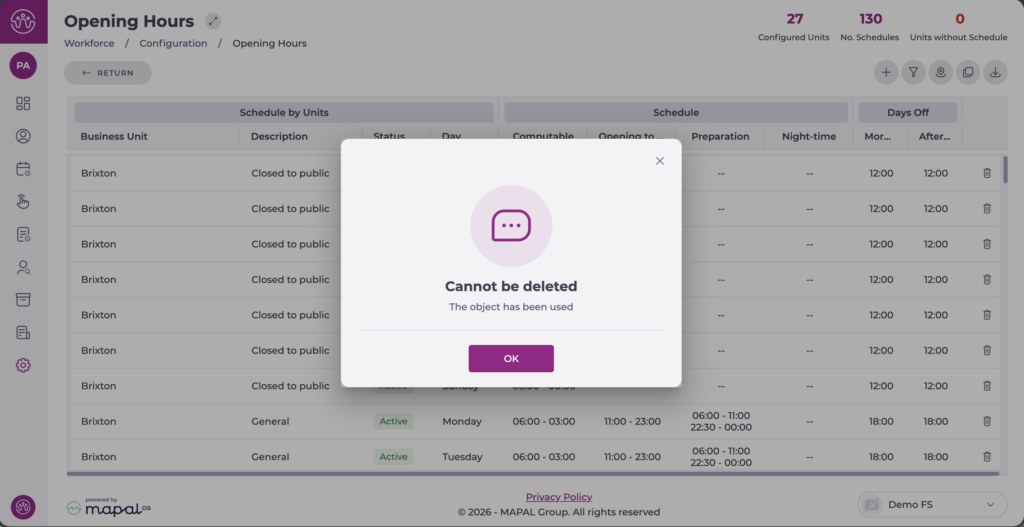
Note: You can only delete schedules that have not been used in any business unit. If you try to delete a schedule that is in use, a pop-up will appear with a message indicating that deletion is not possible.
Deactivate schedules
If the schedules have already been used, they cannot be deleted, but it is possible to deactivate them.
- Select the schedule to deactivate.
- Change the toggle switch from Active to Inactive.
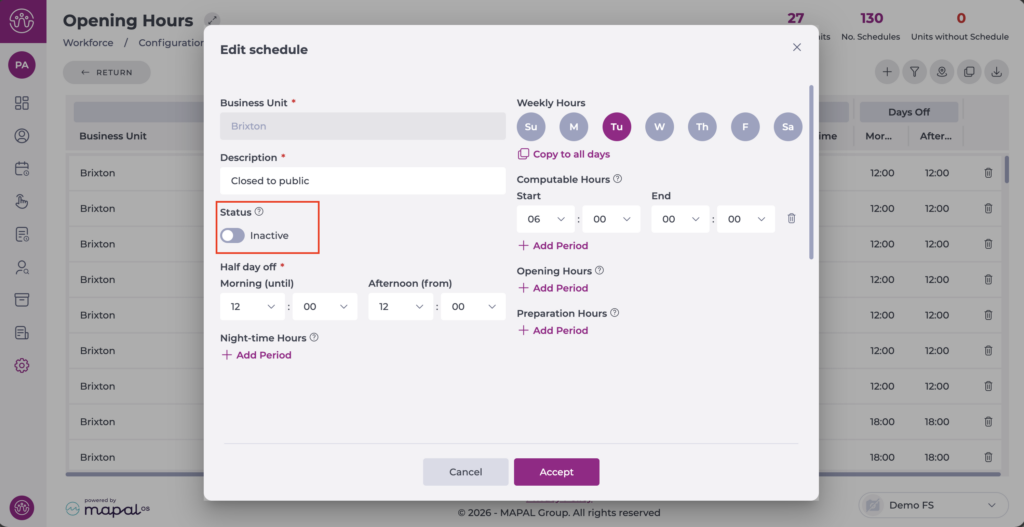
- Select Accept to save the changes or Cancel to discard them.
The status is visible in the general list. An inactive schedule can be reactivated by reversing the previous action.
