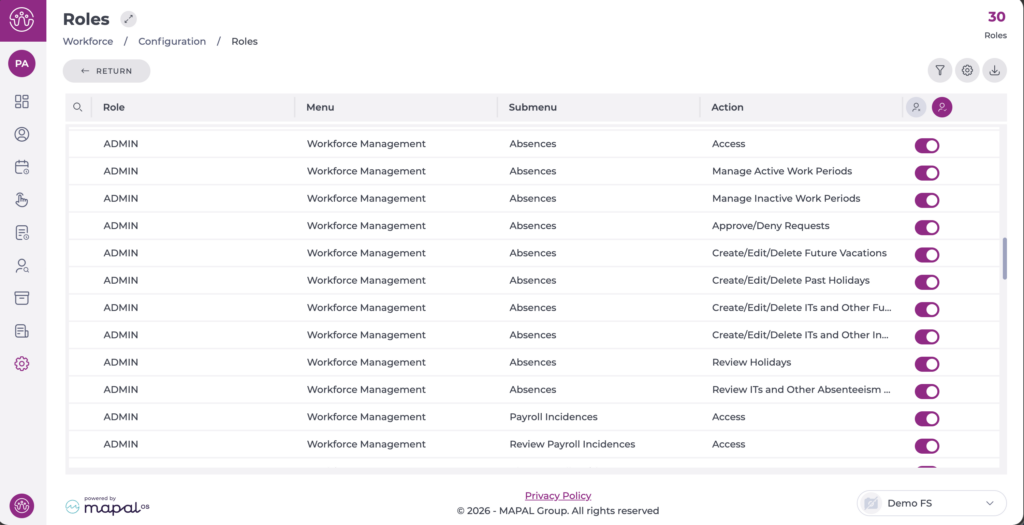
Start from: The Workforce module.
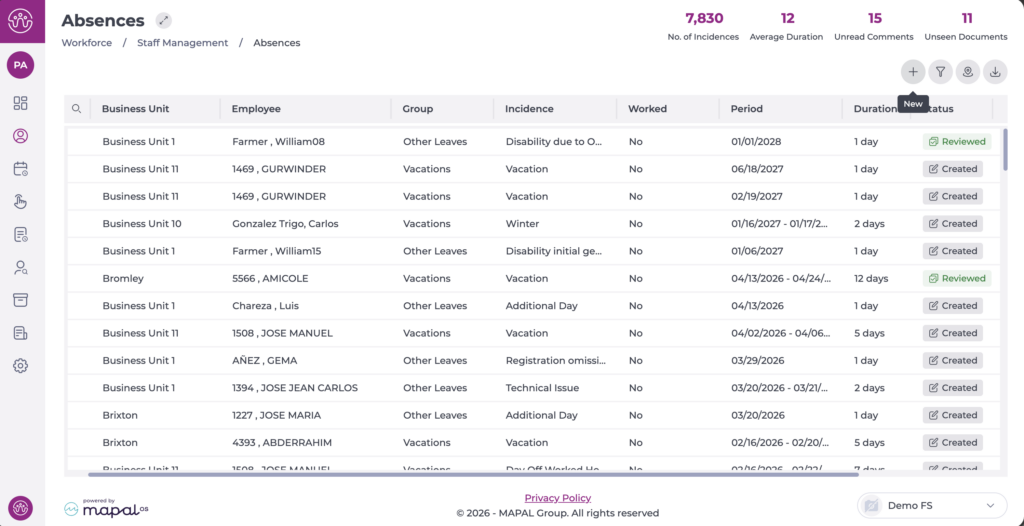
- Select Workforce Management > Absences from the main menu.
- Select the New + icon to create a new absence or leave incident.
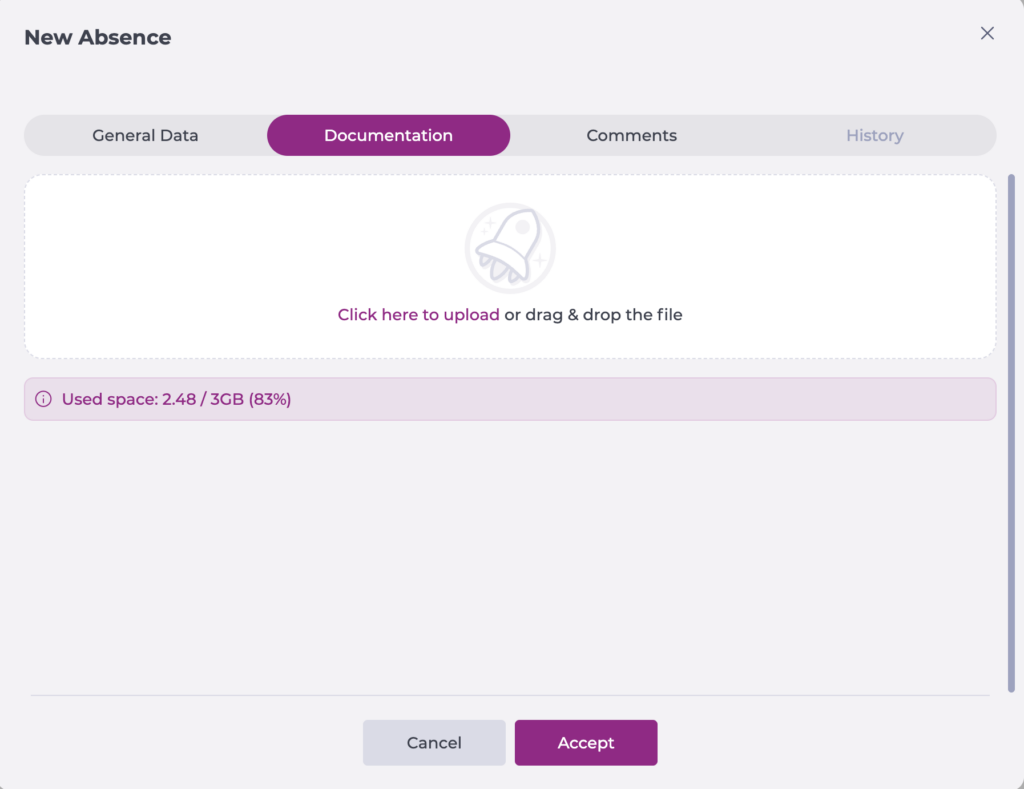
A pop-up will appear with four tabs: General Data, Documentation, Comments and History.
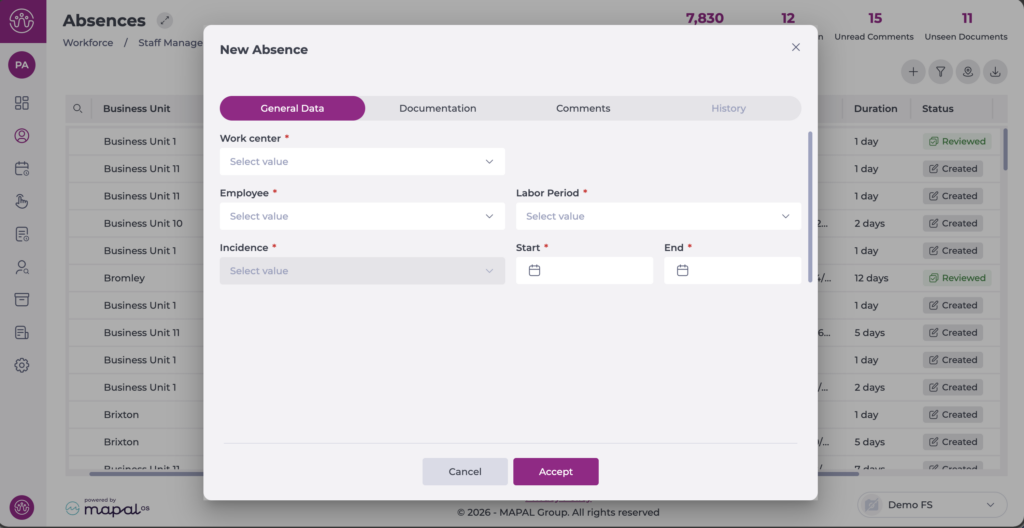
- General Data:
- Select the business unit where the Employee to whom the holidays will be assigned is located.
- Select from the dropdown the specific Employee to whom the holiday period will be assigned.
- Choose the corresponding Work Period.
- Choose Holidays as the incident type.
- Indicate the start and end dates of the holidays to be assigned.
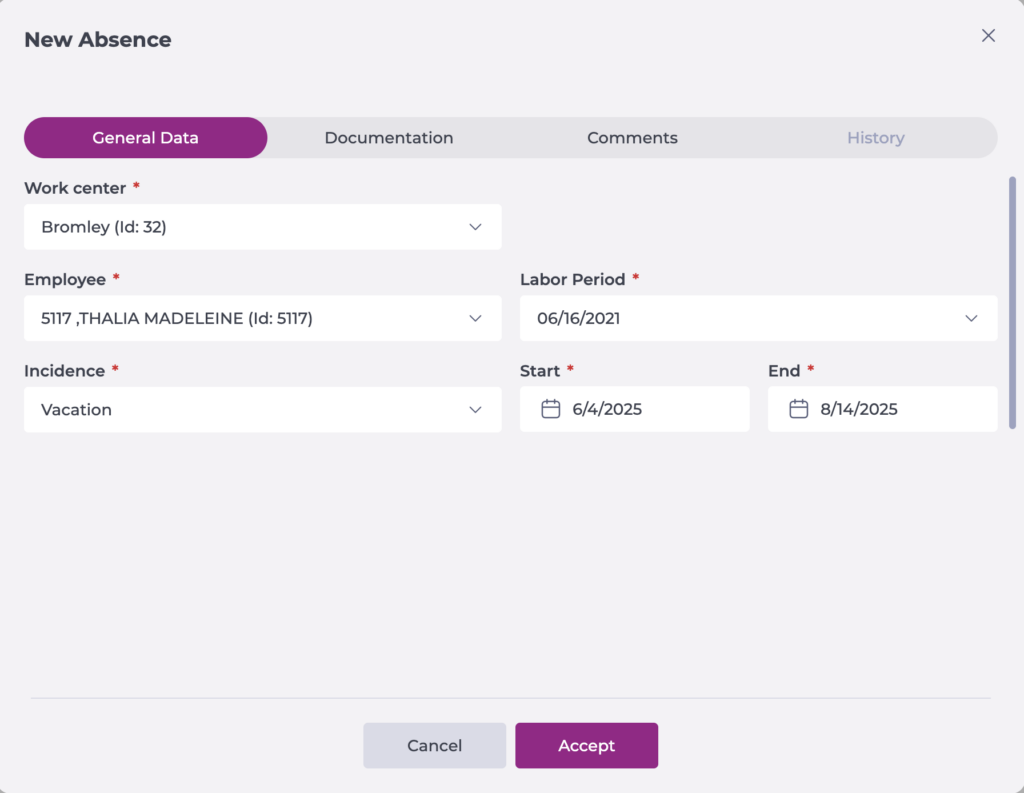
- Documentation: add the files related to the incident if applicable.
- Comments: add any annotations related to the incident as needed.
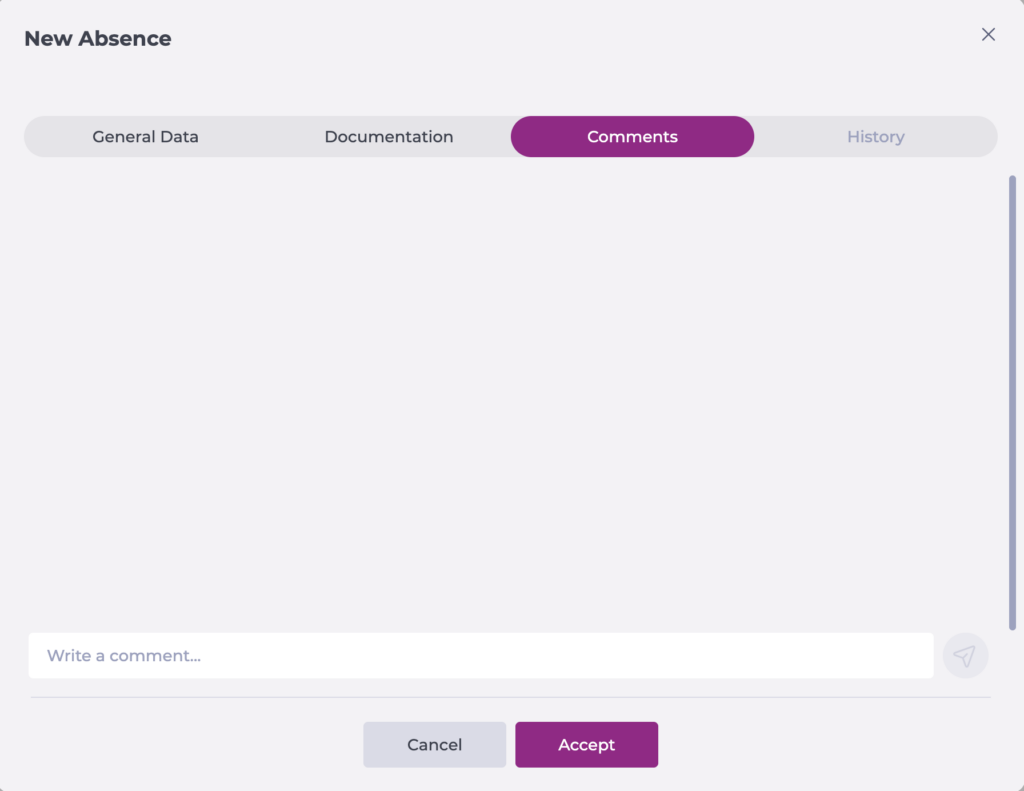
Note: Comments once added cannot be deleted.
- History: you can track the modifications made to the request since its creation.
- Select Accept to save the event or Cancel to exit without saving.
Please note that from this screen it is possible to add holidays or incidents with a future or past date. The ability to do so is defined by the active permissions in the user's role.