


Start from: Employee's email.
When assigning documents, the digital signature can be configured if necessary. All selected signatories will receive an email with a link to sign through Signaturit.

Notes: Please note that if the electronic signature has not been contracted, the ability to add signers will be disabled.
- Once the process of assigning the document to the employee and the need for signature is completed, an email will be sent to the selected signers requesting their signature.
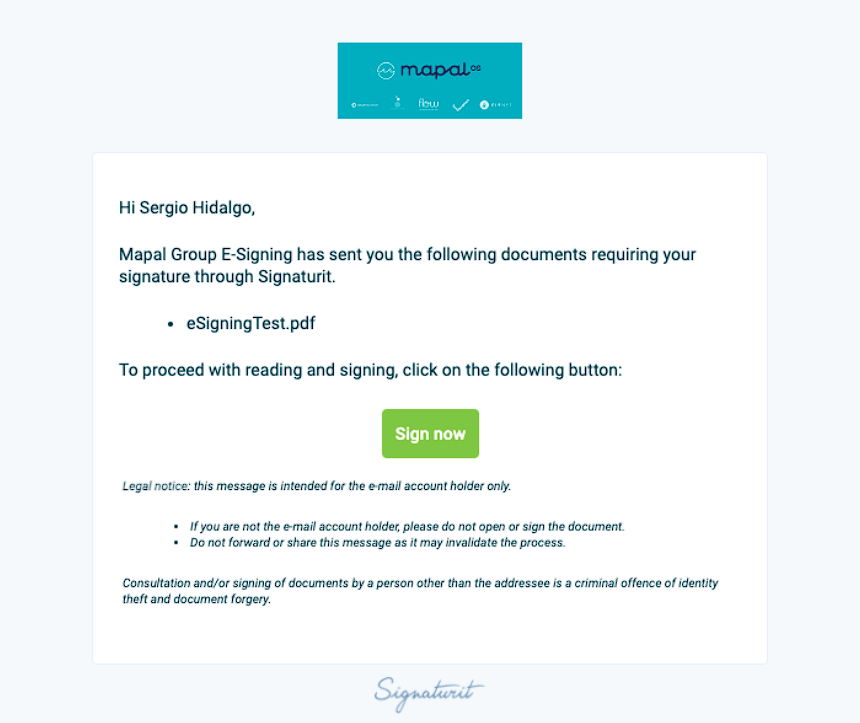
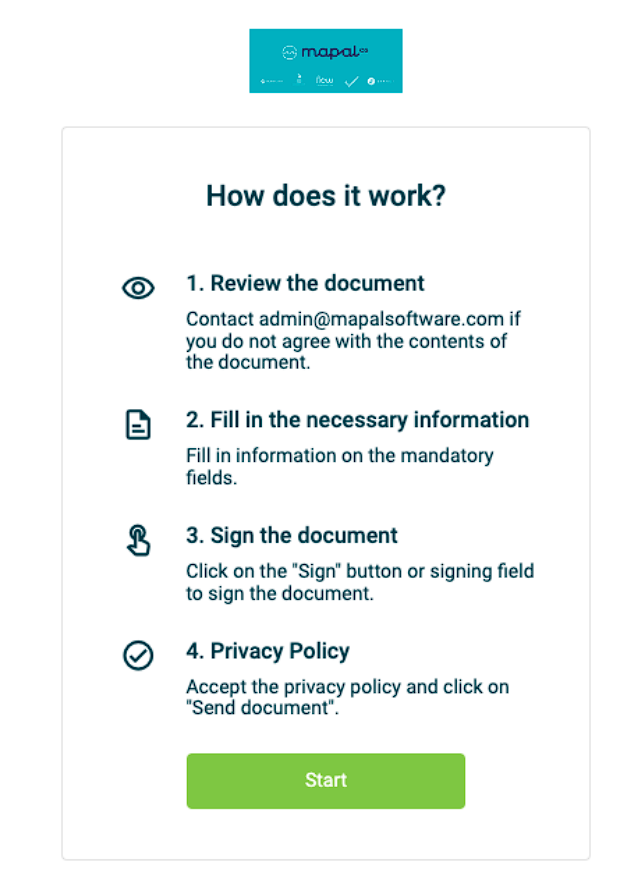
- Accept and select Start to continue.
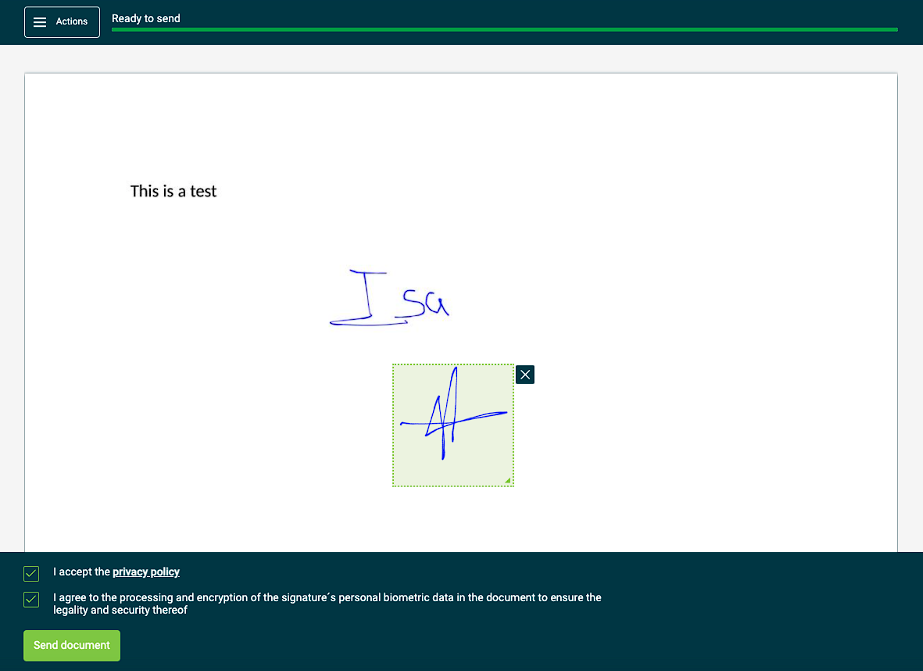
- The employee will be redirected to Signaturit, where he/she will have to choose the positioning of his/her signature on the document. You can drag the element in the document.
- Accept Signaturit's terms and select Send the document to finish the signing process.
- Check your inbox again, where you will receive a confirmation email announcing that the document has been successfully signed.
