


Start from: The Workforce module.
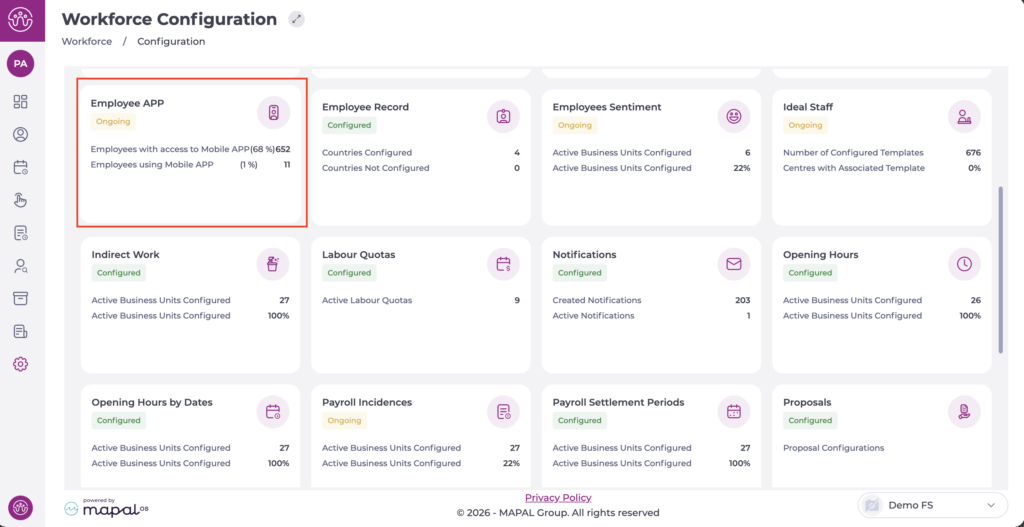
- Select Configuration > Employee App from the main menu.
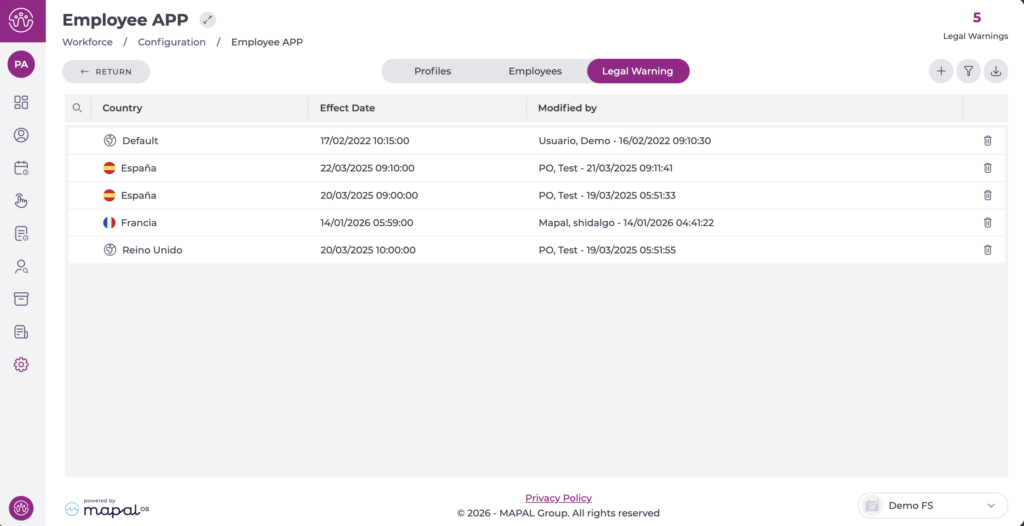
On the Legal Warning tab, you can see the list of warnings already created.
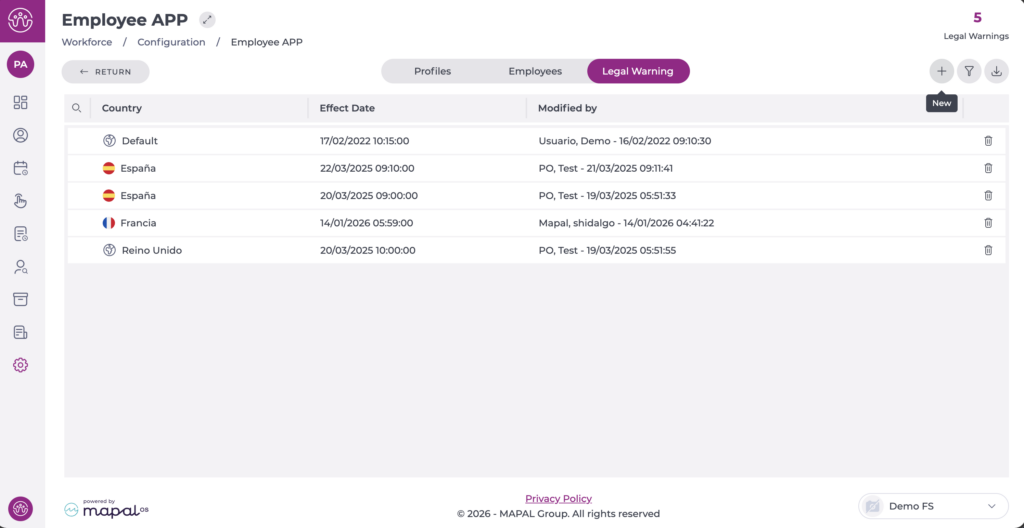
Create a new warning
- Select the + New button to create a new warning.
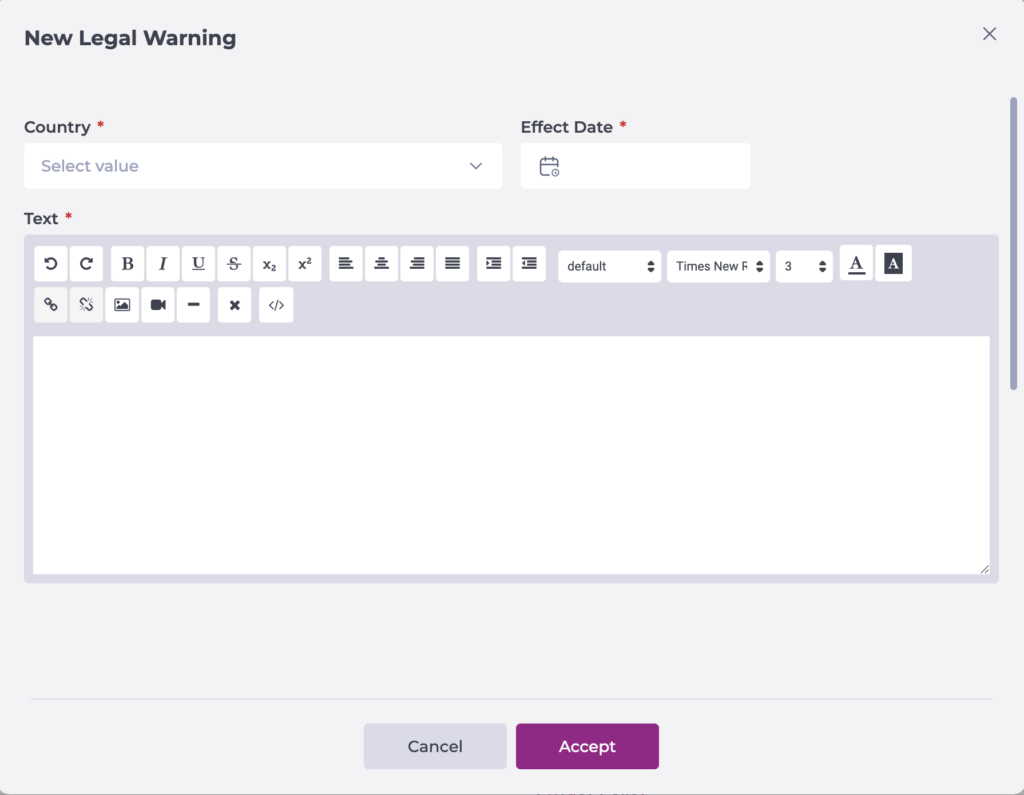
In the pop-up window, begin the corresponding configuration:
- Select the country where the legal warning will apply. If it applies to a specific country, select it; otherwise, select Default.
- Select the effective date and time.
- Write the warning text.
Select Accept to save the configuration you have defined OR Cancel to discard the changes.
Note: It will only be possible to edit or delete a warning if the effective date is in the future. If it is already in effect, neither action can be performed.
