


Start from: The Workforce module.
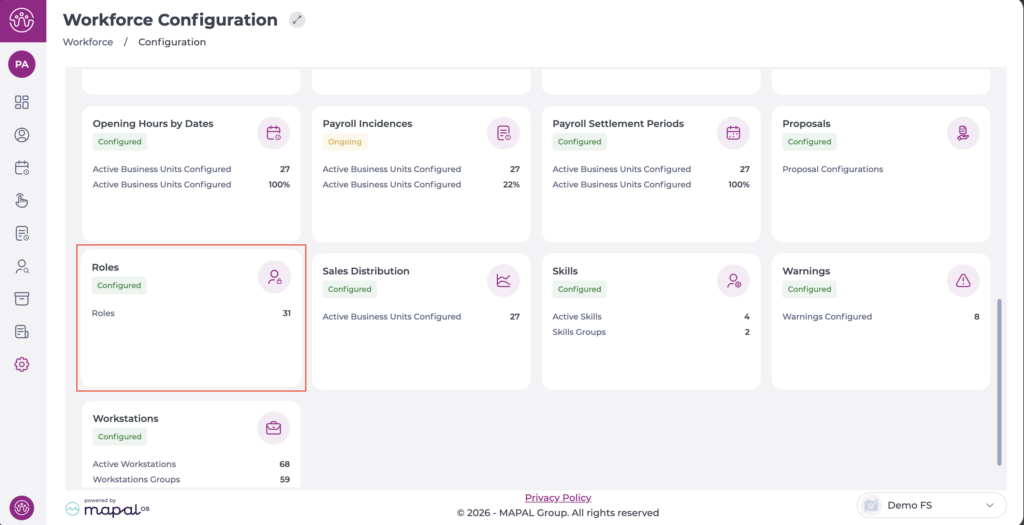
- Navigate to Configuration > Roles.
The Employee App screen only has one available permission: Access.

This means that if the role has this permission enabled, users will be able to perform all available actions on the screen:
- Create new profiles.
- View and modify created profiles.
- Assign profiles to employees individually or in bulk.
- Create and edit legal warnings.
