


Start from: The Workforce module.
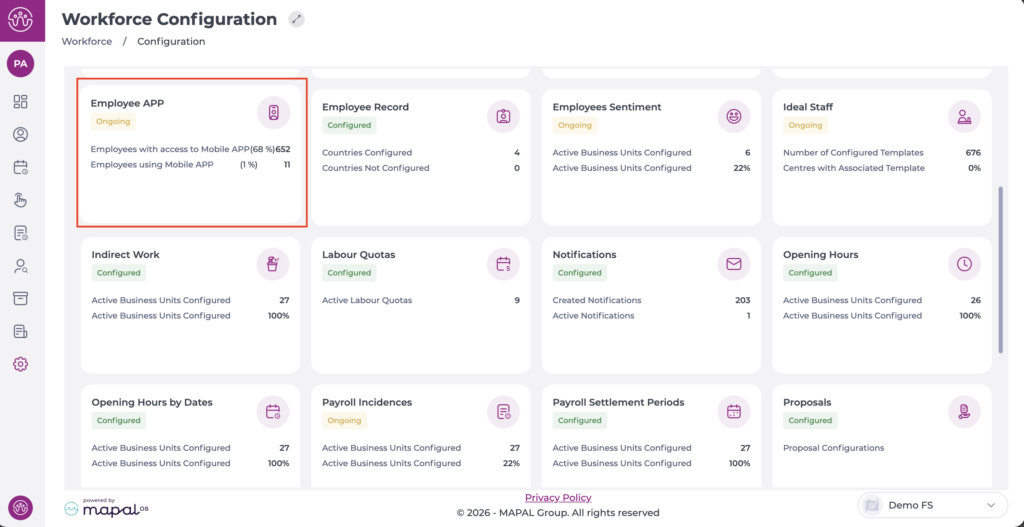
- Select Configuration > Employee APP from the main menu.
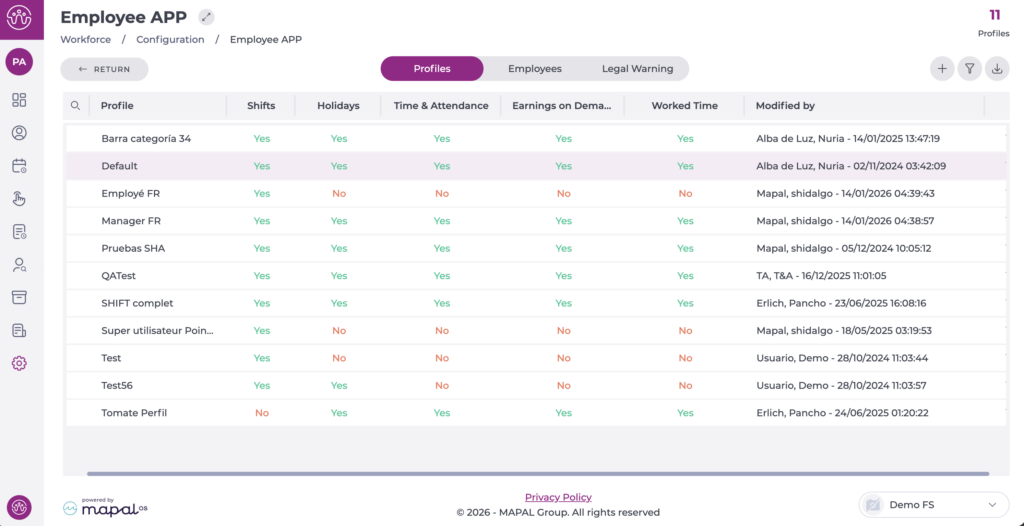
On the Profiles tab, you can see the list of profiles already created.
- Select the profile you want to edit.
In the pop-up window, begin editing the Absence incidents section by enabling the corresponding checkbox.

- By enabling it, you will give employees access to request previously defined absence incidents. See Configure validation rules for absence incidents.
Note: To enable this configuration, it is necessary to contact the Onboarding Consultant or the Customer Success Manager.
