


Start from: The Workforce module.
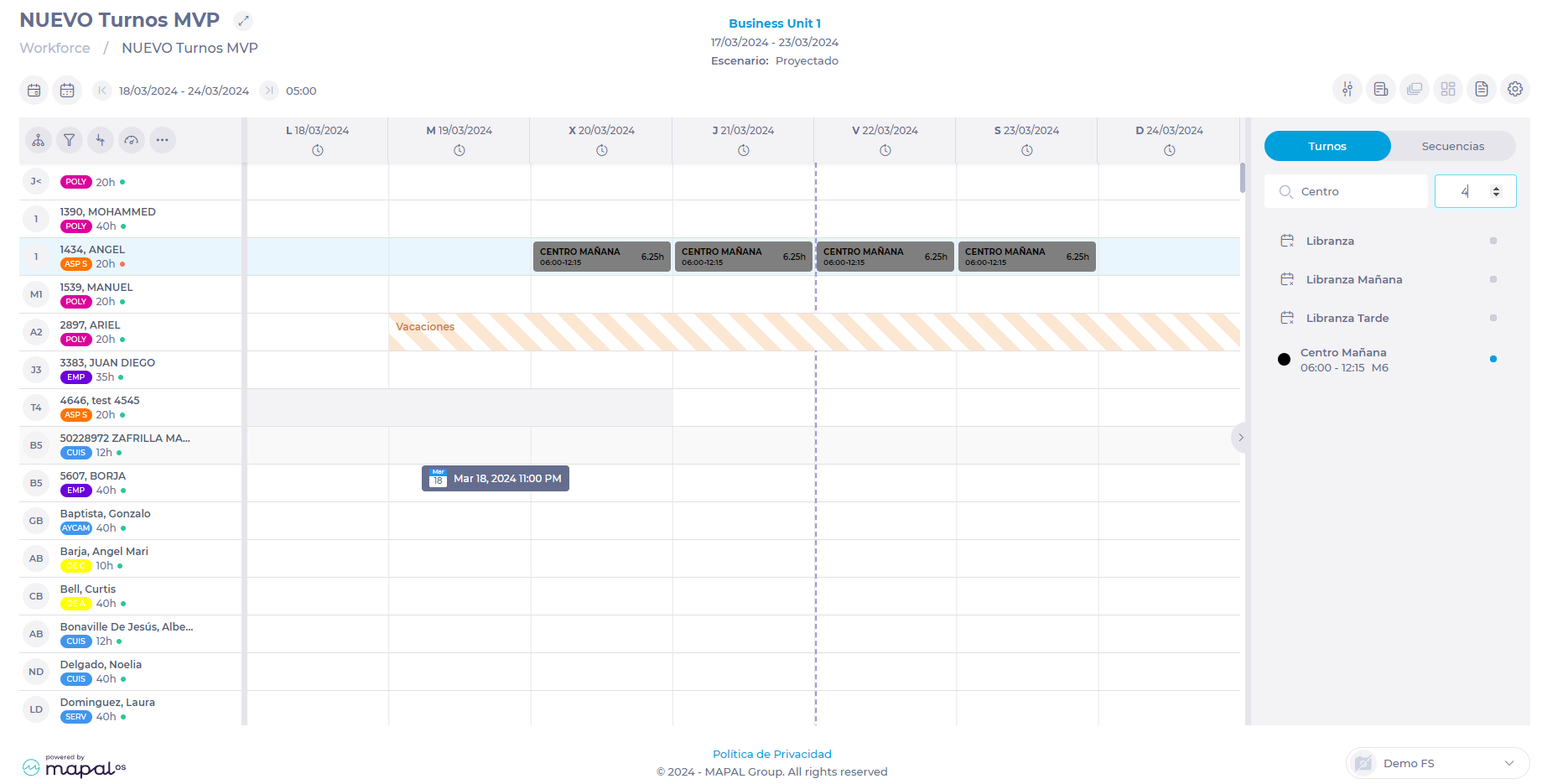 Notes: As long as the catalog panel remains open, the shift or sequence will be assigned the indicated number of times starting from the day and for the employee you have selected in the grid. To create new favourite shifts and sequences, see Set up favourite shifts and sequences. To change or delete existing favourite shifts and sequences, see Manage favourite shifts and sequences.
- Select Scheduling > Scheduler 2.0 from the main menu.
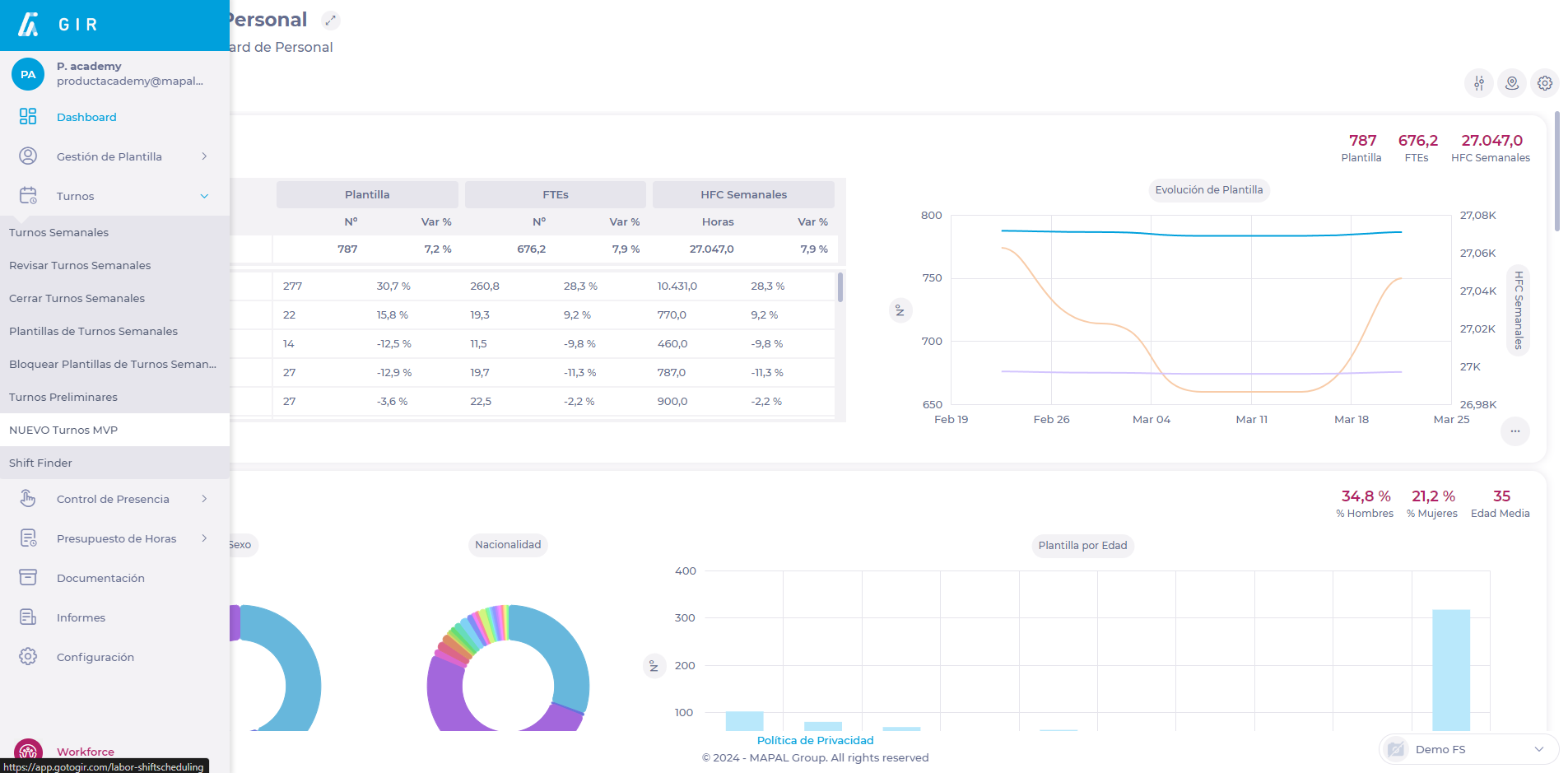
- Once in the scheduler screen, select the < button to open the favourite shifts catalog and sequences in the side panel.
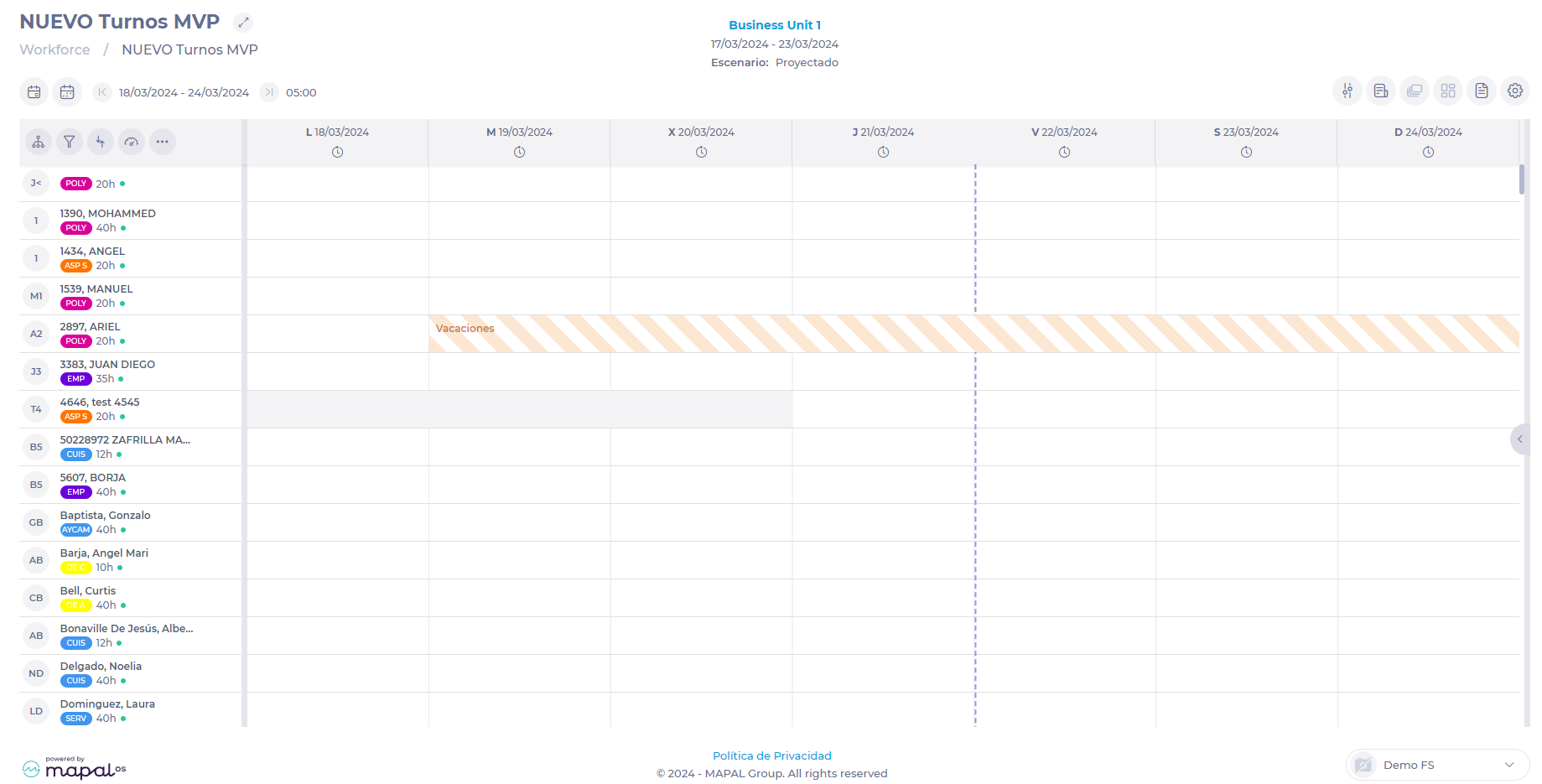
- The catalog is divided into two tabs: one for favourite shifts and the other for sequences. Both tabs work in the same way.
- Select the appropriate tab.
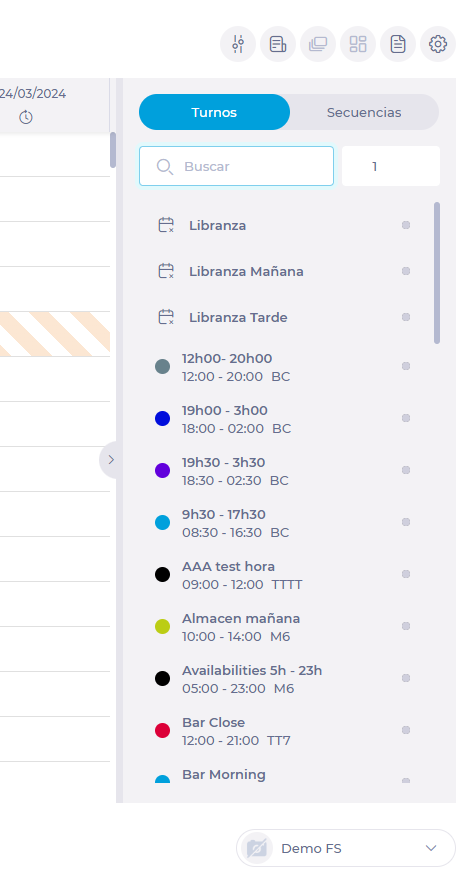
- Enter the name of the shift or sequence in the Search field.
- Indicate how many times the assignment of the selected shift or sequence is to be repeated.
Notes: This functionality is very useful when you must make the same assignment for an employee repeatedly on consecutive days.
- Select the shift or sequence from the list (the selection is marked with a blue ball).
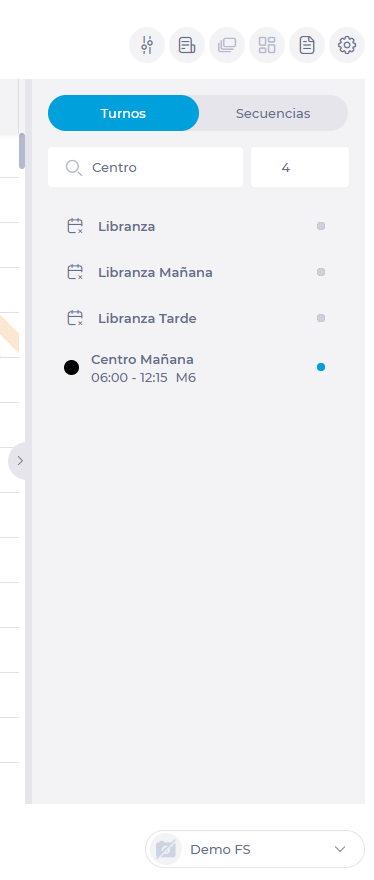
- Select in the grid the day and employee to whom you will assign the shift or sequence.
Notes: As long as the catalog panel remains open, the shift or sequence will be assigned the indicated number of times starting from the day and for the employee you have selected in the grid. To create new favourite shifts and sequences, see Set up favourite shifts and sequences. To change or delete existing favourite shifts and sequences, see Manage favourite shifts and sequences.
FAQs
I am planning for a week, and I have selected a shift to be assigned for 10 days in a row. When I go to look at the following week the days over the last week are not with the favourite shift assigned, why?
The favourite shifts, when we apply a repetition, are only assigned until it reaches the indicated number of repetitions or the last day of the selected period in parameters, whichever conditions that is met first.
To assign a shift 10 times we must have the 10 days we want to assign loaded in the planning.
I've assigned a sequence with time off and it gives me an error, why?
This is because we don't know the timetable of the time off to apply until we assign it to an employee and it can happen that the employee's time off's center timetable, overlaps with other shifts of the same sequence or other shifts already assigned to the employee for the same day where the time off corresponds.
I have assigned a shift or a sequence, but it gives me an error indicating that it cannot be assigned because the day for that center is not in process, why?
This is because the center that has the associated favourite shift or sequence for the day where we want to assign this favourite shift is in a different status to "On Going" and therefore cannot be edited.
