


Start from: The Workforce module.
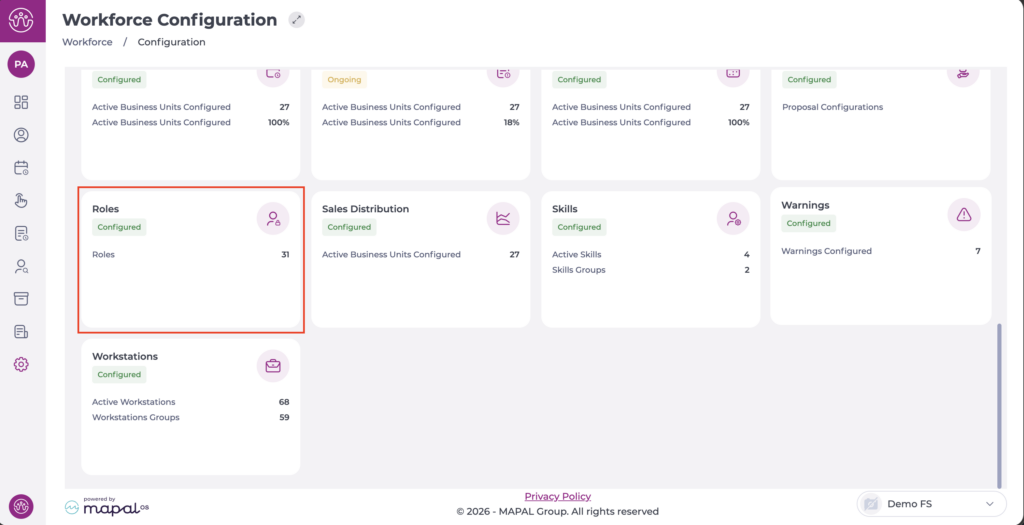
- Navigate to Settings > Roles.
The Holidays screen has only one available permission: Access.
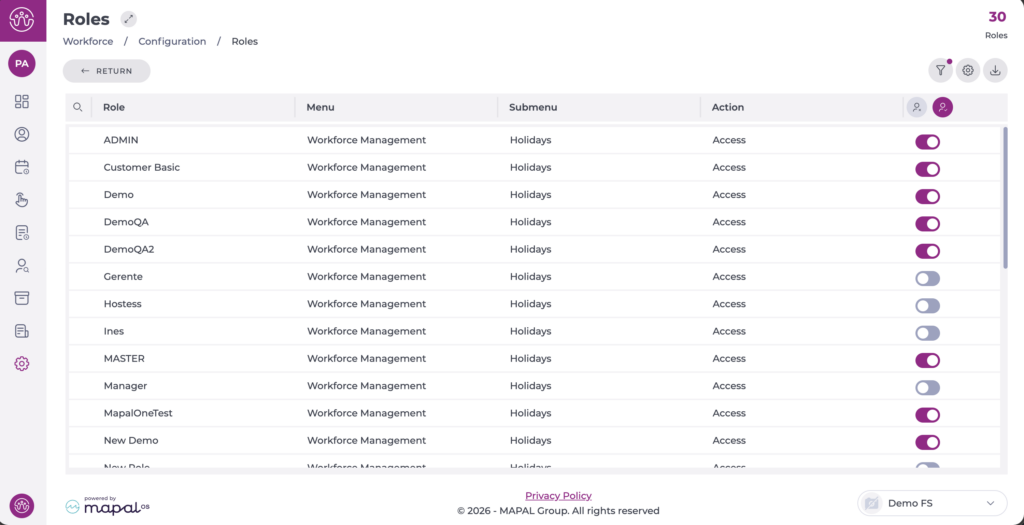
This means that if the role has this permission enabled, users will be able to perform all available actions on the screen:
- View holiday balances for the selected period and business unit.
- Add future holidays.
- Edit or delete holidays that have not yet been reviewed.
- Filter and sort employees for holiday review or assignment.
- Print the holiday plan.
