


Start from: SmartHub app
Logging into SmartHub
To access SmartHub, employees must enter their credentials using one of the available methods:
- Employee DNI (only numbers) + PIN Code (4 digits code Time & Attendance): Enter your Employee DNI and Access Code in the single entry field.
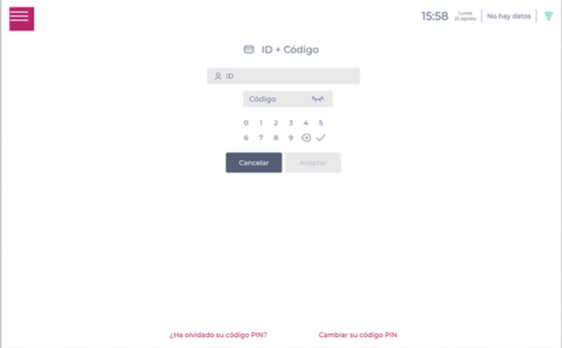
- Fingerprint: Place your finger on the fingerprint reader.
- Magnetic card: Place your card on the reader.
- One-time device code: Enter the one-time code shown on the SmartHub/POS screen into the Mapal OS login prompt. This allows you to authenticate quickly on shared devices without typing a full password.
Note: If this is your first time using SmartHub, your manager may need to set up your time & attendance sign-in codes.
Clocking in (starting your shift) with SmartHub
- Select the Start Shift option.
- If the employee is eligible for more than one workstation, choose which one you will perform during the shift.
The tool records the employee's entry time and closes, allowing another employee to log in next.
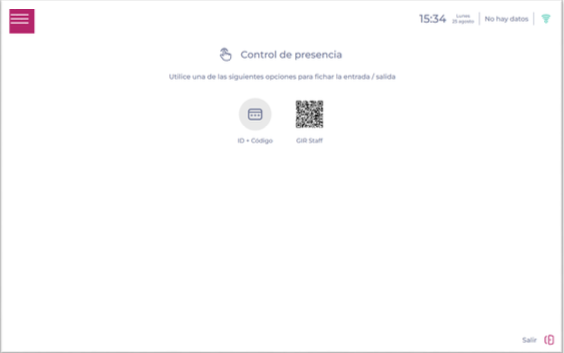
Clocking out (ending your shift) with SmartHub
- Select the End Shift option.
The system does not request a specific position; it simply records that your shift has ended.
