


Start from: The Workforce module.
-
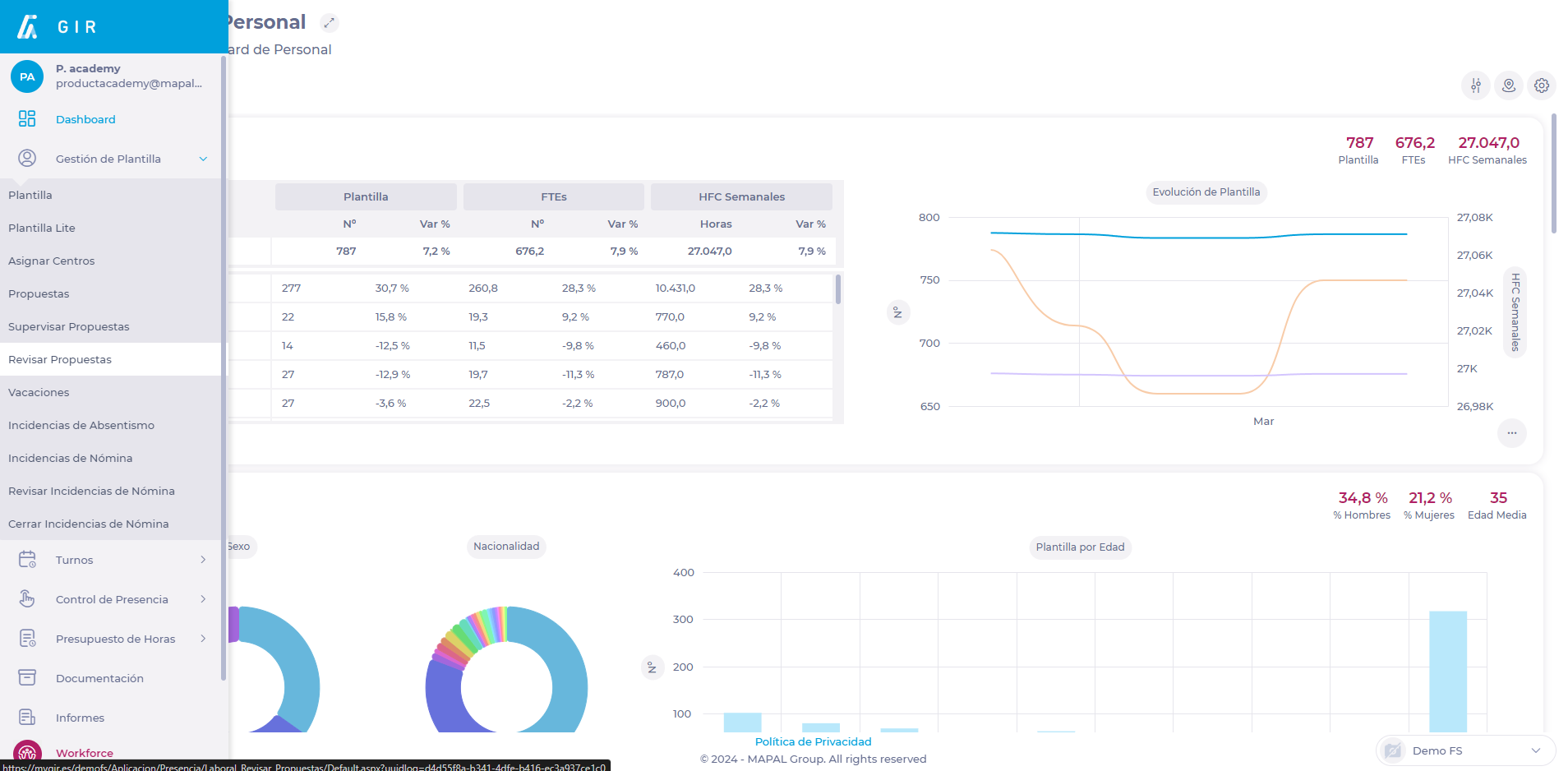
Select Workforce Management > Review Proposals from the main menu.
-
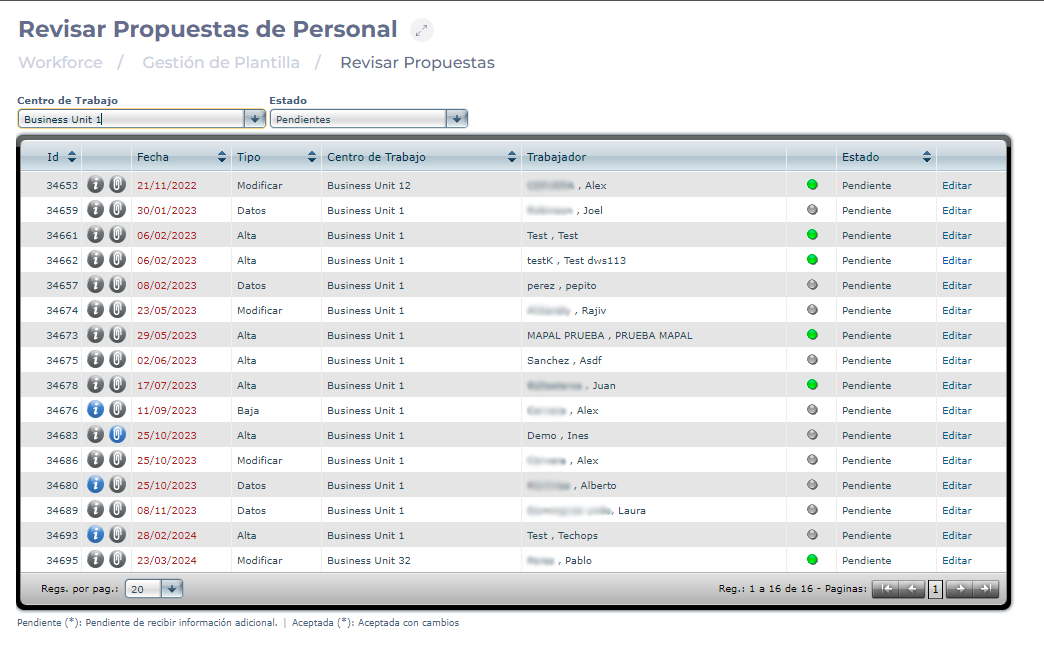
Select the Work Center where you wish to review the discharge proposal.
-
Select the Status of the proposal to be reviewed, choosing between Pending, Accepted, or Rejected proposals.
-
Select Edit to review the selected proposal.
-
Edit the information on the modification proposal information if necessary.
-
Select Accept to review the proposal as accepted OR Reject to review it as rejected. You can also select Cancel to not review the proposal, OR Information Required to request more information before reviewing the proposal.

